One-click video enhancement
Improve video quality with one click and review the results in seconds.
 VidOne AI
Transform low-resolution videos into stunning high-quality content. AI-powered upscaling, noise reduction, and detail enhancement for professional results.
Free to Try · No Credit Card Required
Simple process for enhancing your video quality
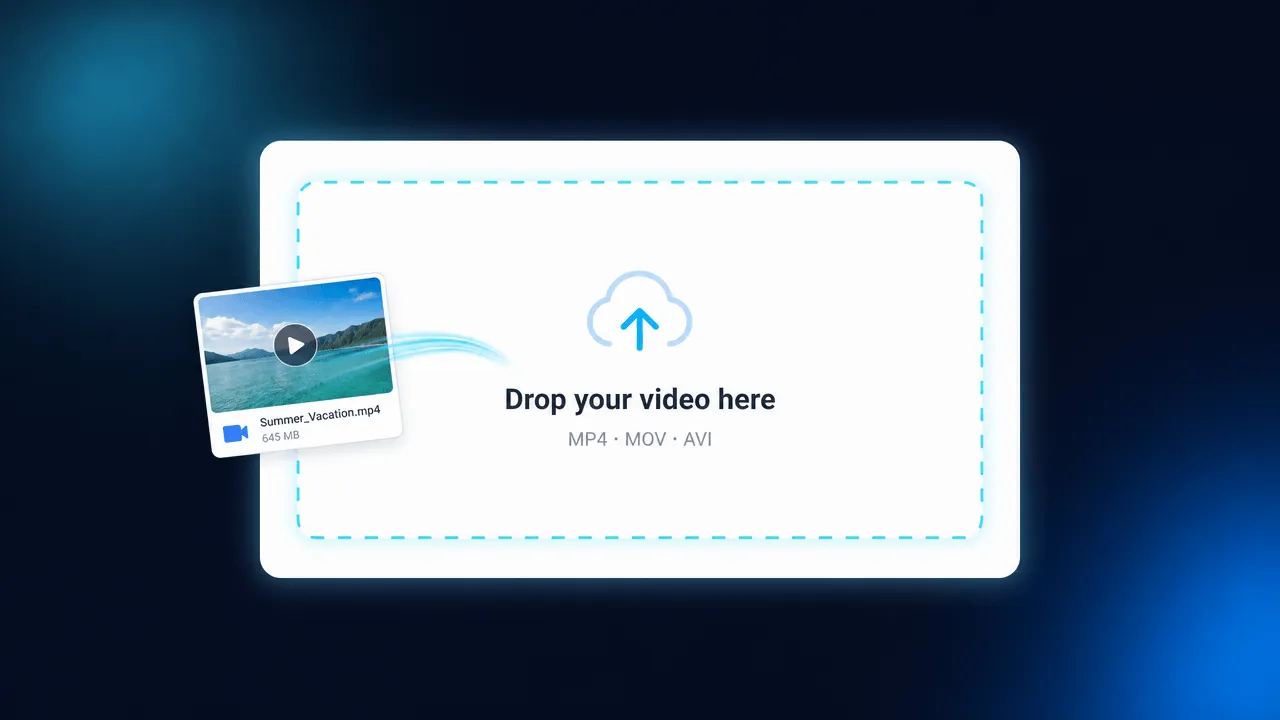
Upload the video you want to enhance. We support all common formats including MP4, MOV, AVI, and more.
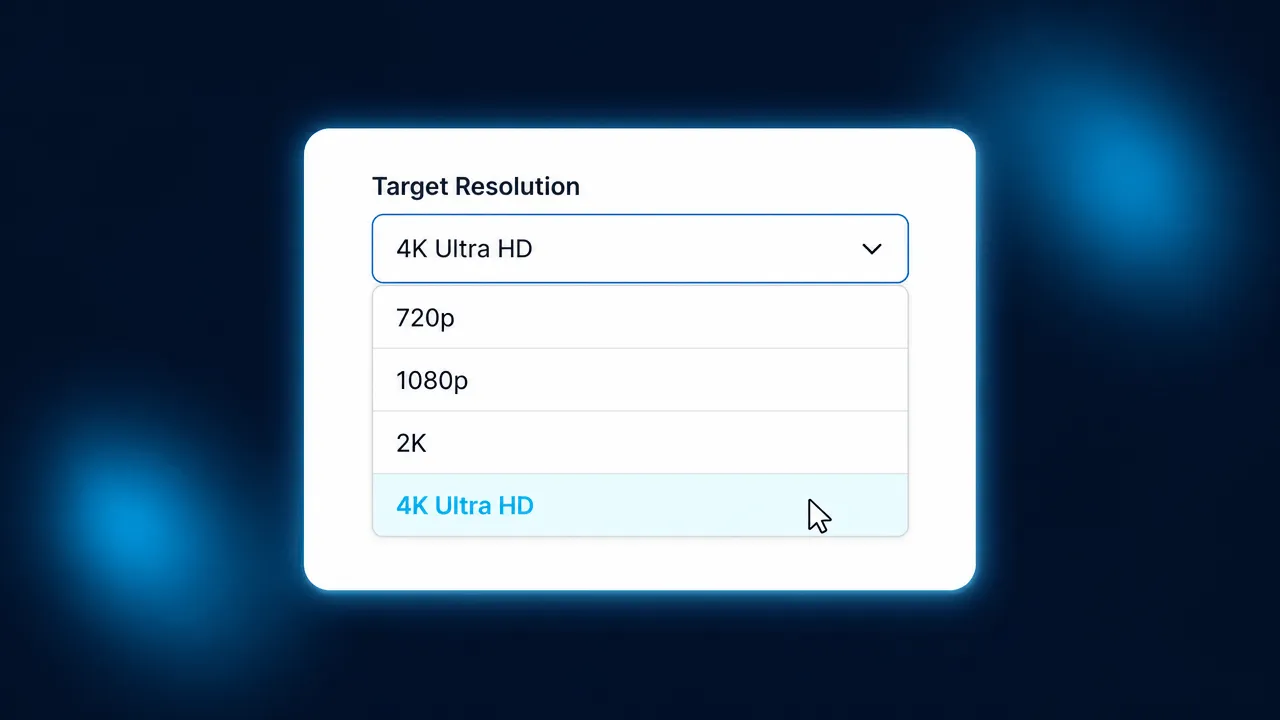
Select target resolution, enable noise reduction, and configure enhancement options for your needs.
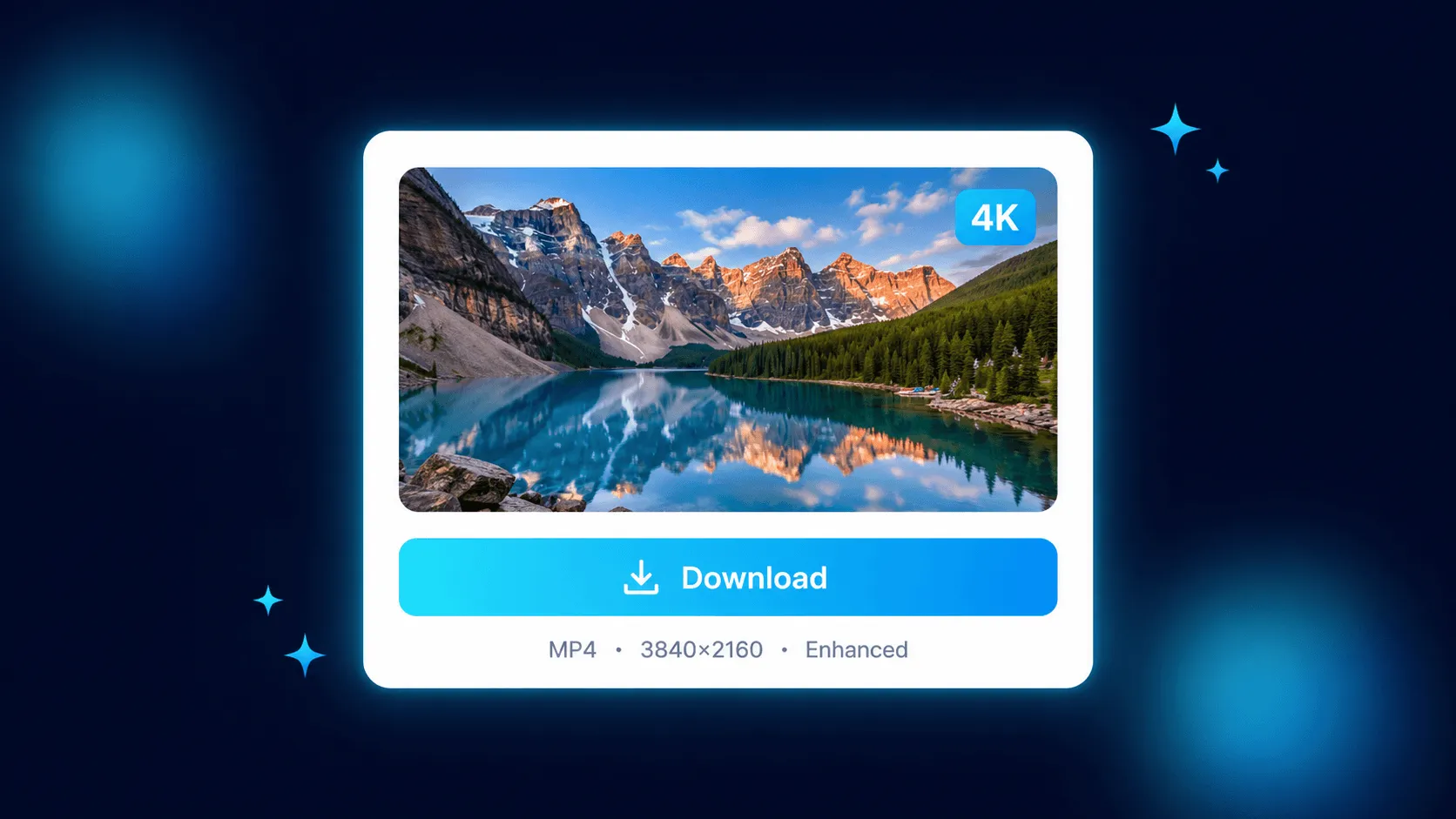
AI processes your video with advanced upscaling. Download the enhanced version in stunning quality.
VidOne combines cutting-edge AI with a creator-first experience. Here is why people pick VidOne to lift their video quality.
Improve video quality with one click and review the results in seconds.
Upscale videos to 2× or 4×, or keep the original resolution — restoring blurry clips to sharp HD or 4K quality.
Remove grain, compression artifacts, and visual noise from footage.
Automatically detect and enhance facial details for portrait videos.
Increase frame rate for smoother playback with AI-generated frames.
No software installation. Enhance videos directly in the browser across desktop, tablet, and mobile.
Most tools require separate apps for upscaling, denoising, sharpening, and color correction. VidOne's video quality enhancer combines all four into a single AI pass — saving you hours of editing.
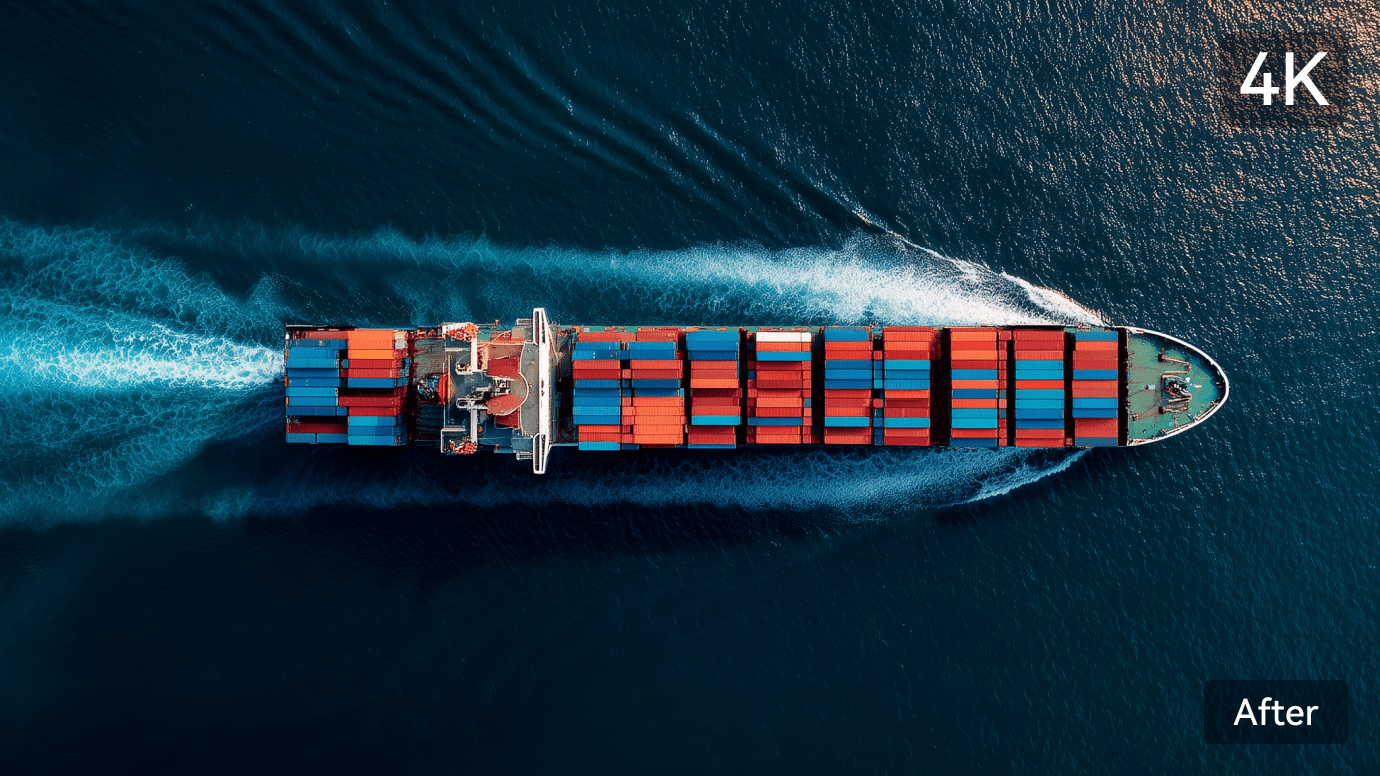
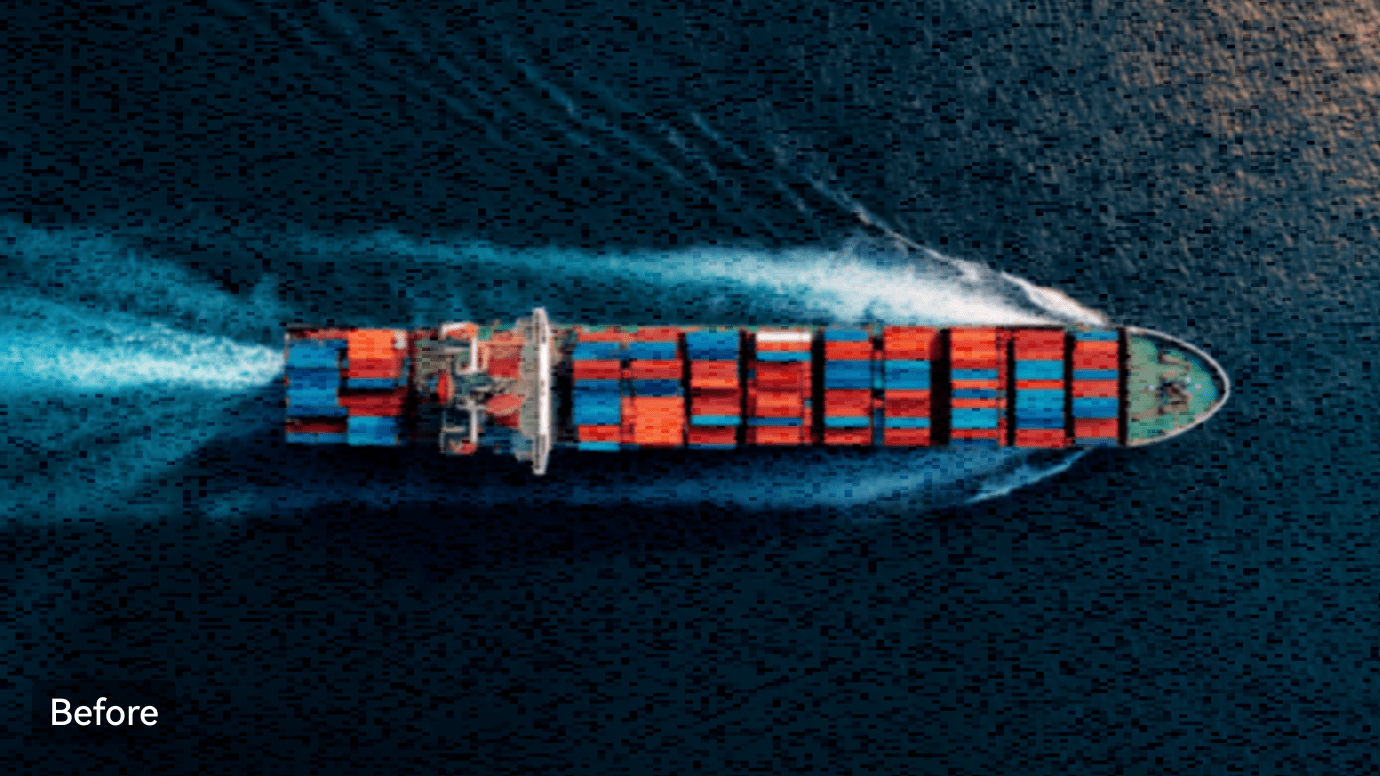
Transform 240p, 360p, 480p, or 720p footage into stunning 4K with the proprietary VidOne video enhancer. Unlike traditional upscaling that just stretches pixels, our AI reconstructs genuine new detail frame-by-frame — delivering footage that looks like it was shot in 4K.
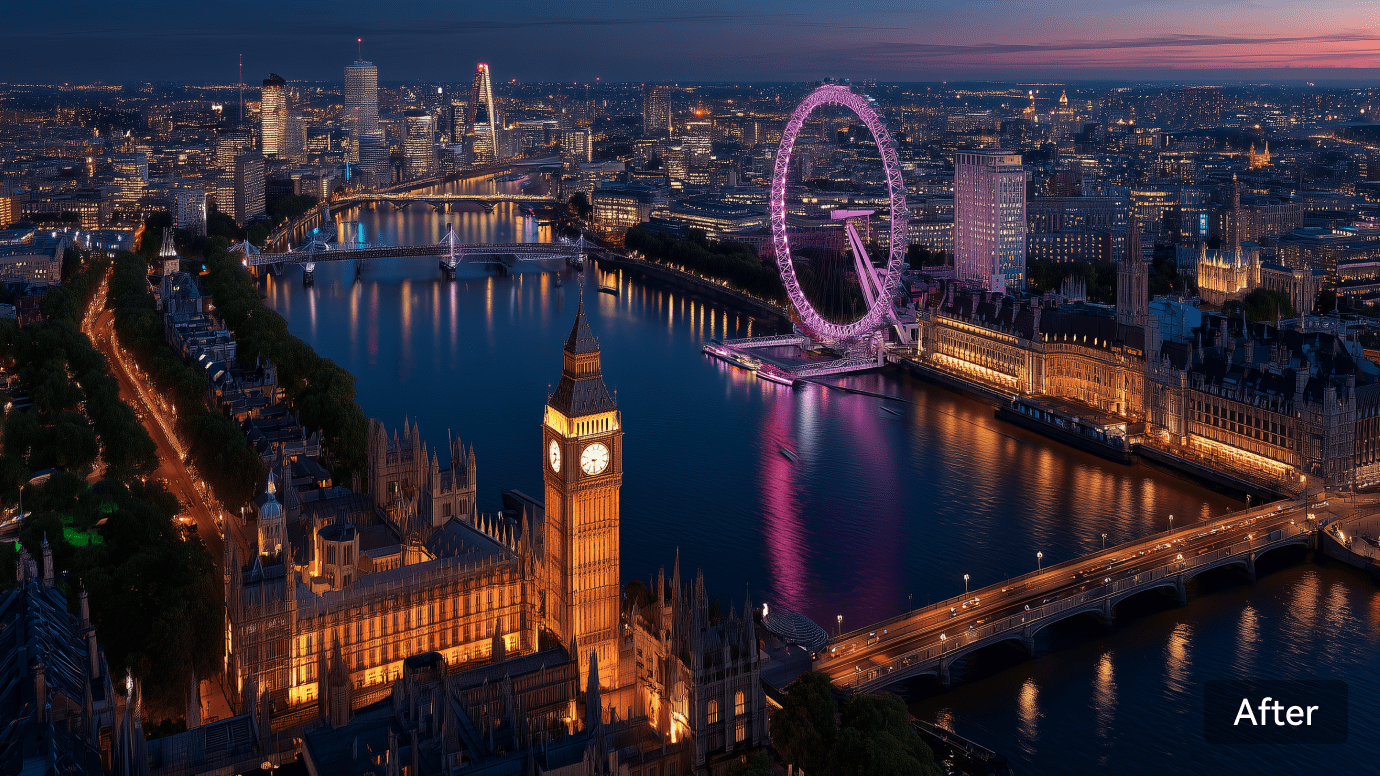
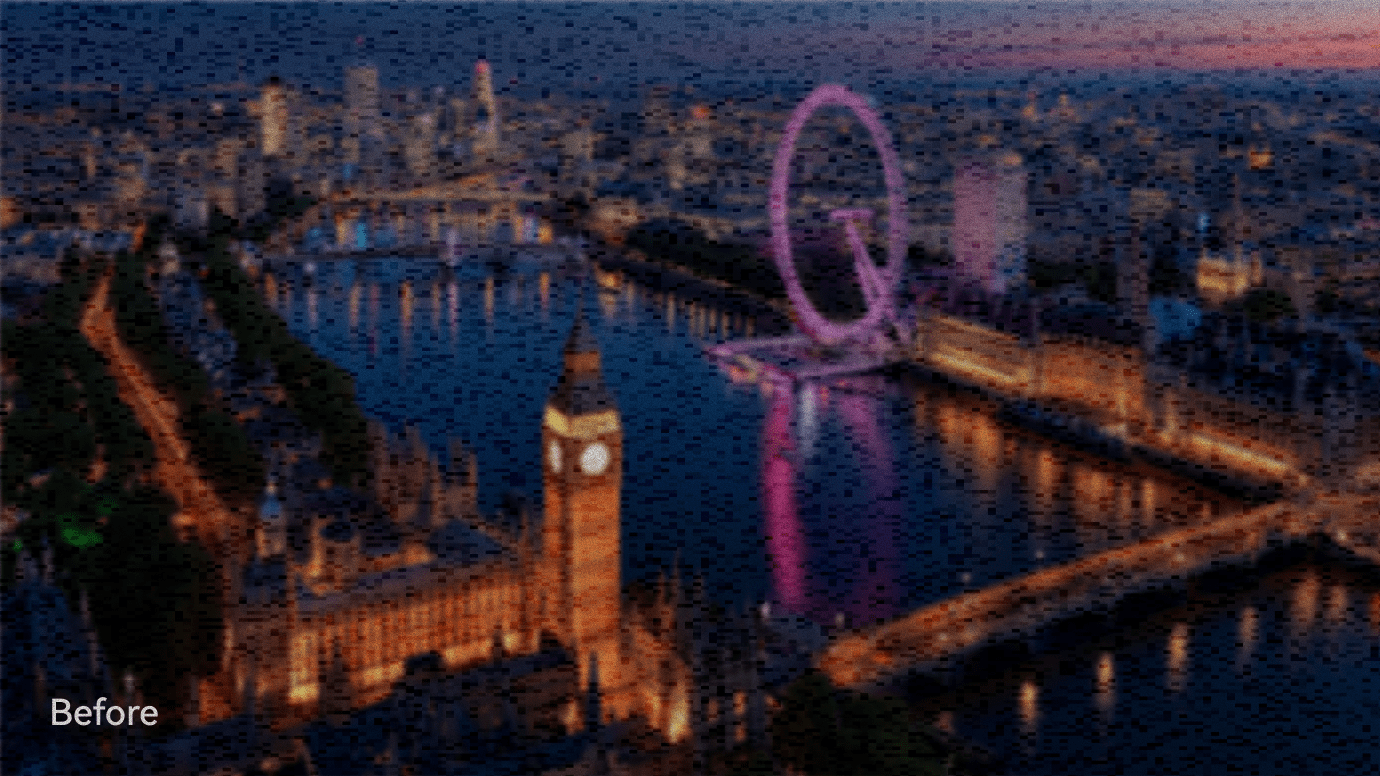
With the VidOne video quality enhancer you can fix compressed YouTube footage, grainy mobile recordings, and blurry handheld shots in one go. Unwanted noise, motion blur, and JPEG-style compression distortions are wiped away seamlessly — all original natural textures are retained.
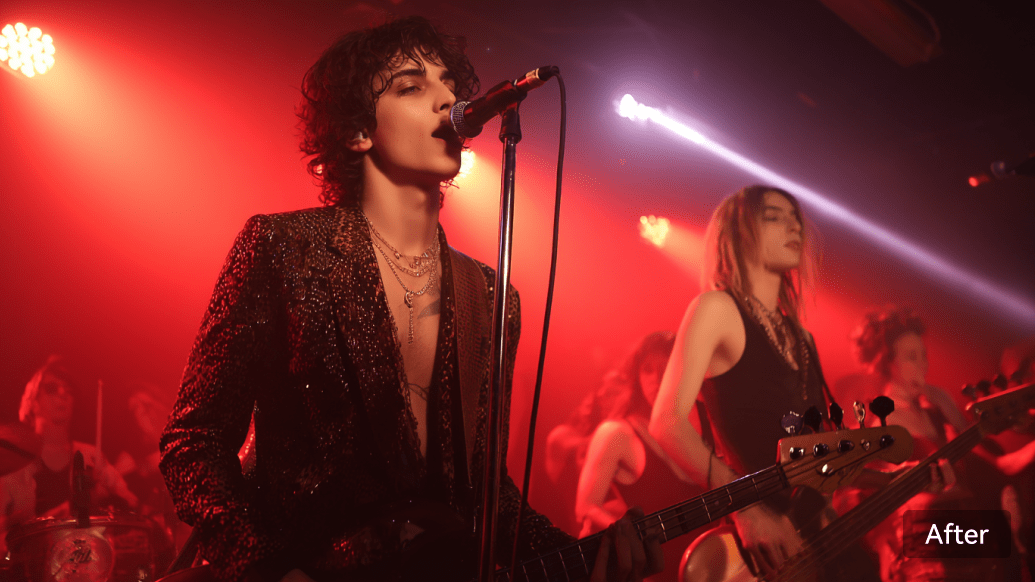
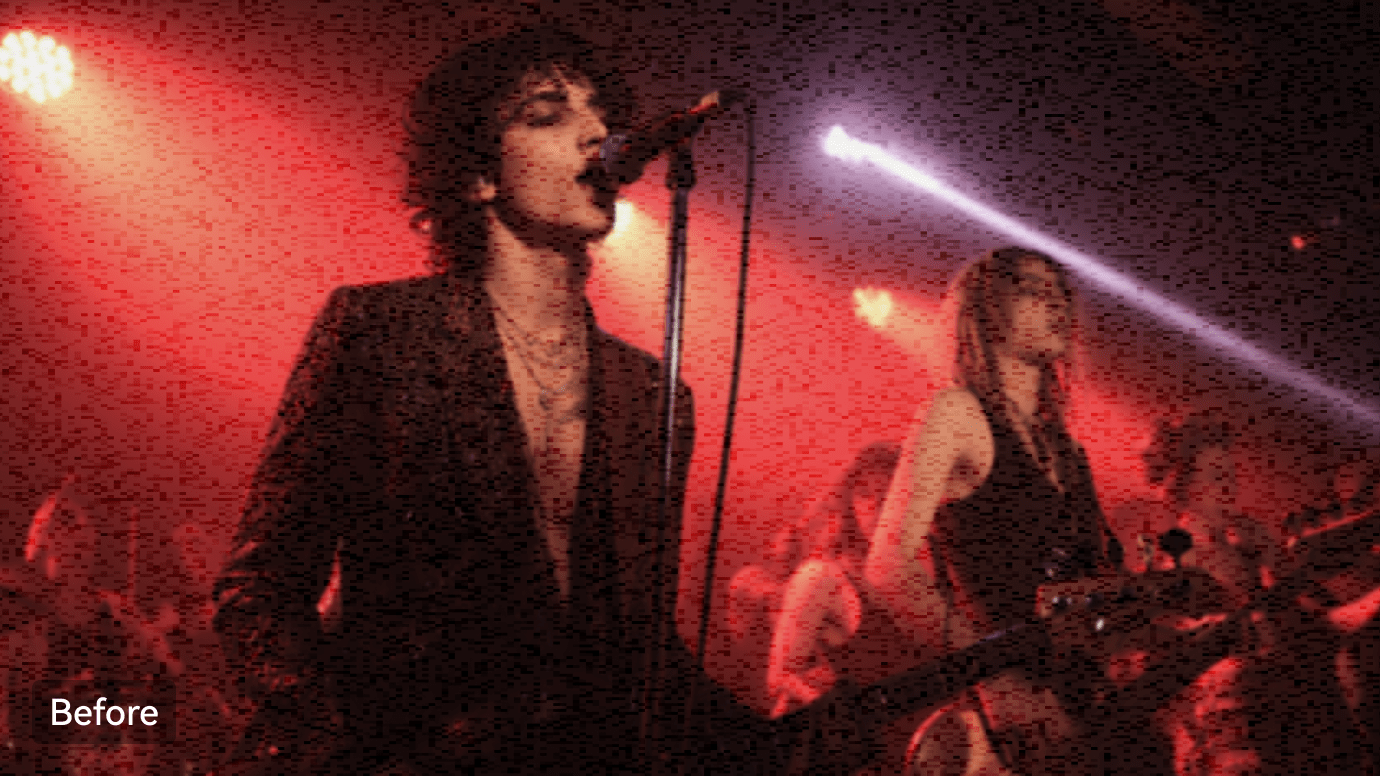
Easily brighten dim concert clips, nighttime vlogs, and shadow-prone indoor footage online with VidOne. Lost shadow detail is recovered while low-light grain is cleaned up, locking in natural highlights and preventing the over-edited, artificial look.
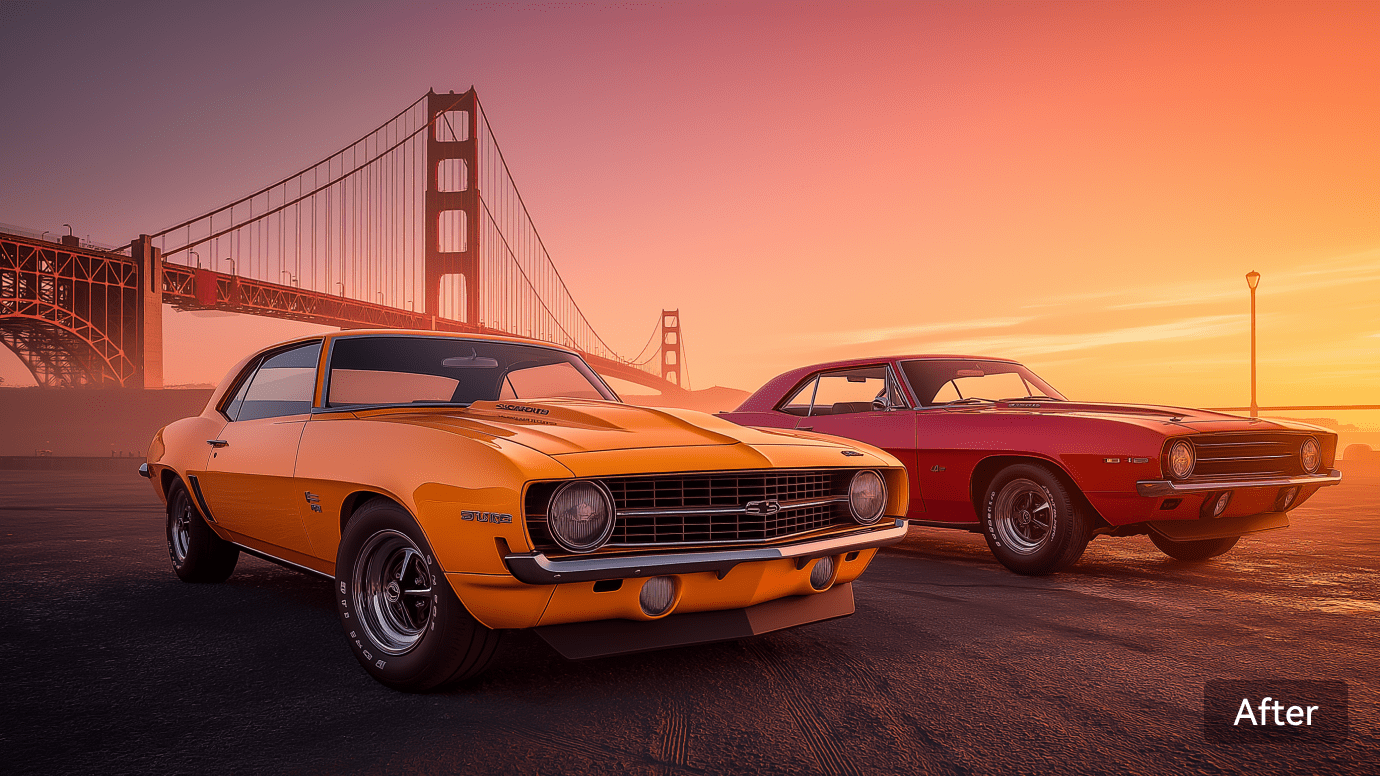
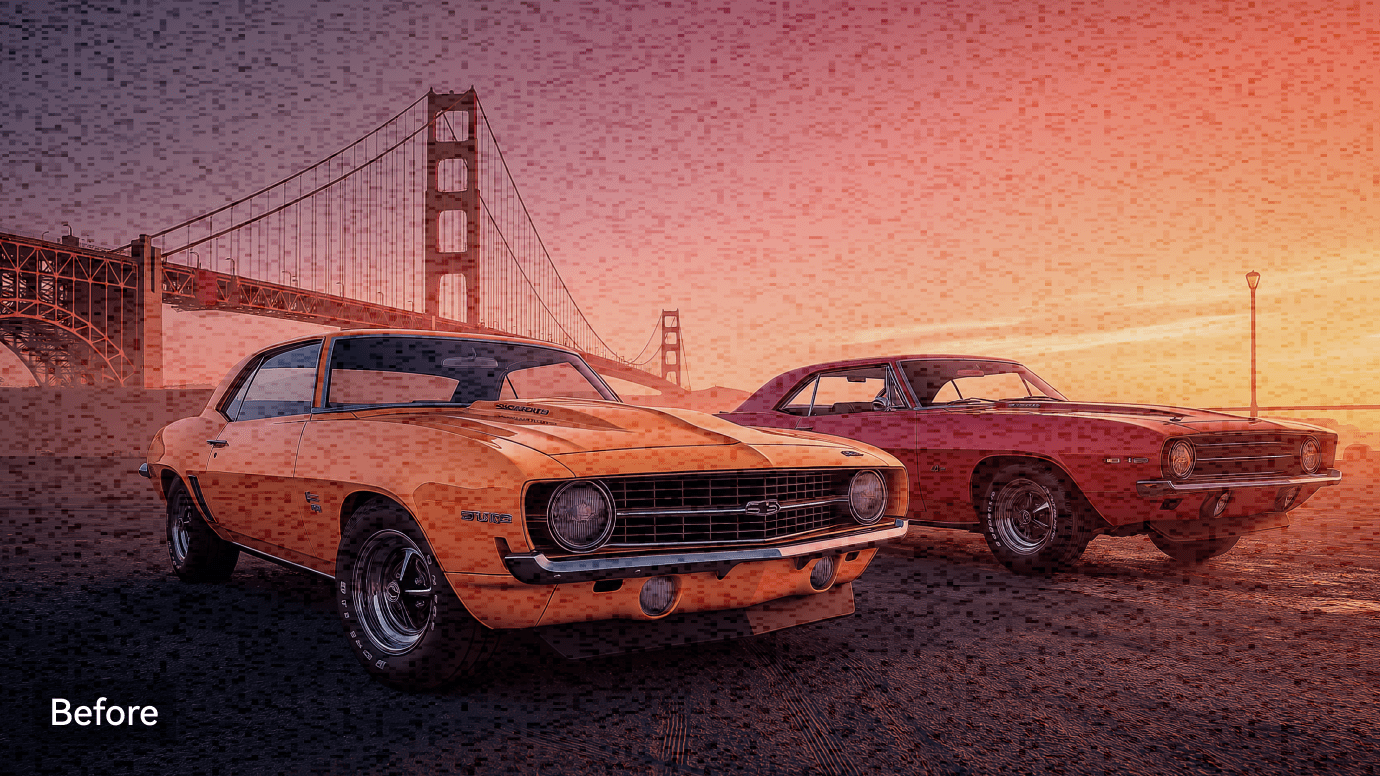
Faded old videos? Flat colors from phone cameras? VidOne analyzes scene context and automatically balances contrast, saturation, and white balance — bringing back true-to-life colors without the over-processed look.
Create content that grabs attention. Boost clarity, fix shaky shots, correct colors, and brighten dark scenes. Use the VidOne video enhancer to polish every frame and make your feed stand out in a few clicks.
Enhance Video Now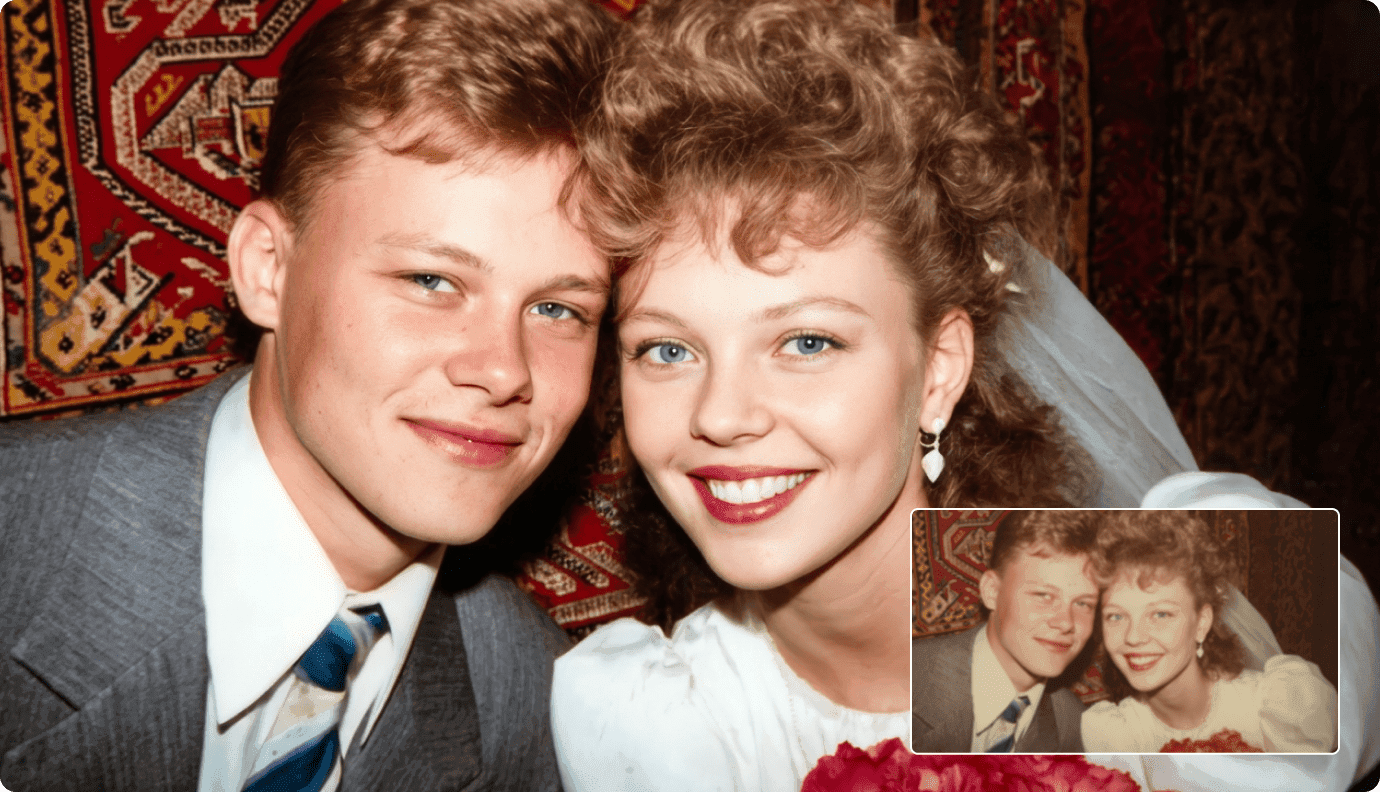
See how creators are enhancing their videos
I restored 20-year-old footage that looked unwatchable. The upscaler brought it back to life with incredible detail. It's like the footage was shot yesterday.
Tom Williams
Documentary Filmmaker
My old videos from 720p days now look amazing in 4K. The quality improvement helped me republish content that was getting overlooked due to low resolution.
Michael Scott
YouTube Creator
Upscaling my old gameplay recordings to 4K has given my channel a huge boost. The frame interpolation makes everything look buttery smooth.
James Park
Gaming Content Creator
I restored 20-year-old footage that looked unwatchable. The upscaler brought it back to life with incredible detail. It's like the footage was shot yesterday.
Tom Williams
Documentary Filmmaker
My old videos from 720p days now look amazing in 4K. The quality improvement helped me republish content that was getting overlooked due to low resolution.
Michael Scott
YouTube Creator
Upscaling my old gameplay recordings to 4K has given my channel a huge boost. The frame interpolation makes everything look buttery smooth.
James Park
Gaming Content Creator
I restored 20-year-old footage that looked unwatchable. The upscaler brought it back to life with incredible detail. It's like the footage was shot yesterday.
Tom Williams
Documentary Filmmaker
My old videos from 720p days now look amazing in 4K. The quality improvement helped me republish content that was getting overlooked due to low resolution.
Michael Scott
YouTube Creator
Upscaling my old gameplay recordings to 4K has given my channel a huge boost. The frame interpolation makes everything look buttery smooth.
James Park
Gaming Content Creator
I restored 20-year-old footage that looked unwatchable. The upscaler brought it back to life with incredible detail. It's like the footage was shot yesterday.
Tom Williams
Documentary Filmmaker
My old videos from 720p days now look amazing in 4K. The quality improvement helped me republish content that was getting overlooked due to low resolution.
Michael Scott
YouTube Creator
Upscaling my old gameplay recordings to 4K has given my channel a huge boost. The frame interpolation makes everything look buttery smooth.
James Park
Gaming Content Creator
We've used this to restore thousands of hours of historical footage. The AI enhancement is remarkable - details we thought were lost forever are now visible.
Linda Chen
Video Archivist
Had to rescue a wedding video shot in poor conditions. The noise reduction and upscaling saved the day. The clients were thrilled with the results.
Anna Kowalski
Wedding Videographer
We needed to repurpose old training videos for 4K displays. This tool delivered professional results that exceeded our expectations.
Catherine Brown
Corporate Video Producer
We've used this to restore thousands of hours of historical footage. The AI enhancement is remarkable - details we thought were lost forever are now visible.
Linda Chen
Video Archivist
Had to rescue a wedding video shot in poor conditions. The noise reduction and upscaling saved the day. The clients were thrilled with the results.
Anna Kowalski
Wedding Videographer
We needed to repurpose old training videos for 4K displays. This tool delivered professional results that exceeded our expectations.
Catherine Brown
Corporate Video Producer
We've used this to restore thousands of hours of historical footage. The AI enhancement is remarkable - details we thought were lost forever are now visible.
Linda Chen
Video Archivist
Had to rescue a wedding video shot in poor conditions. The noise reduction and upscaling saved the day. The clients were thrilled with the results.
Anna Kowalski
Wedding Videographer
We needed to repurpose old training videos for 4K displays. This tool delivered professional results that exceeded our expectations.
Catherine Brown
Corporate Video Producer
We've used this to restore thousands of hours of historical footage. The AI enhancement is remarkable - details we thought were lost forever are now visible.
Linda Chen
Video Archivist
Had to rescue a wedding video shot in poor conditions. The noise reduction and upscaling saved the day. The clients were thrilled with the results.
Anna Kowalski
Wedding Videographer
We needed to repurpose old training videos for 4K displays. This tool delivered professional results that exceeded our expectations.
Catherine Brown
Corporate Video Producer
Enhance your workflow — face swap, subtitles, effects, sound, reference-to-video, and product showcases.
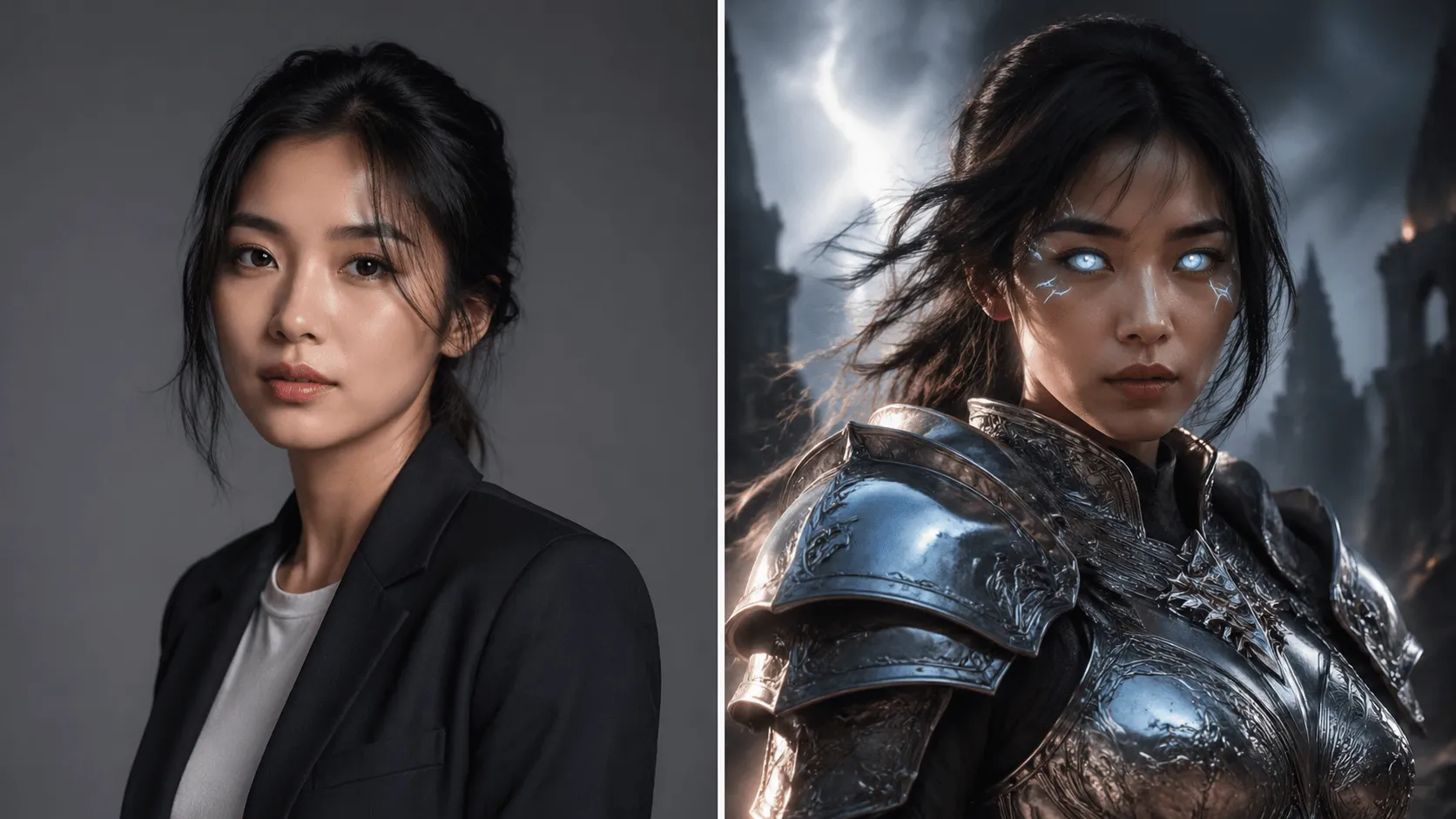 BeforeAfter
Swap faces in videos with AI precision in 60 seconds.
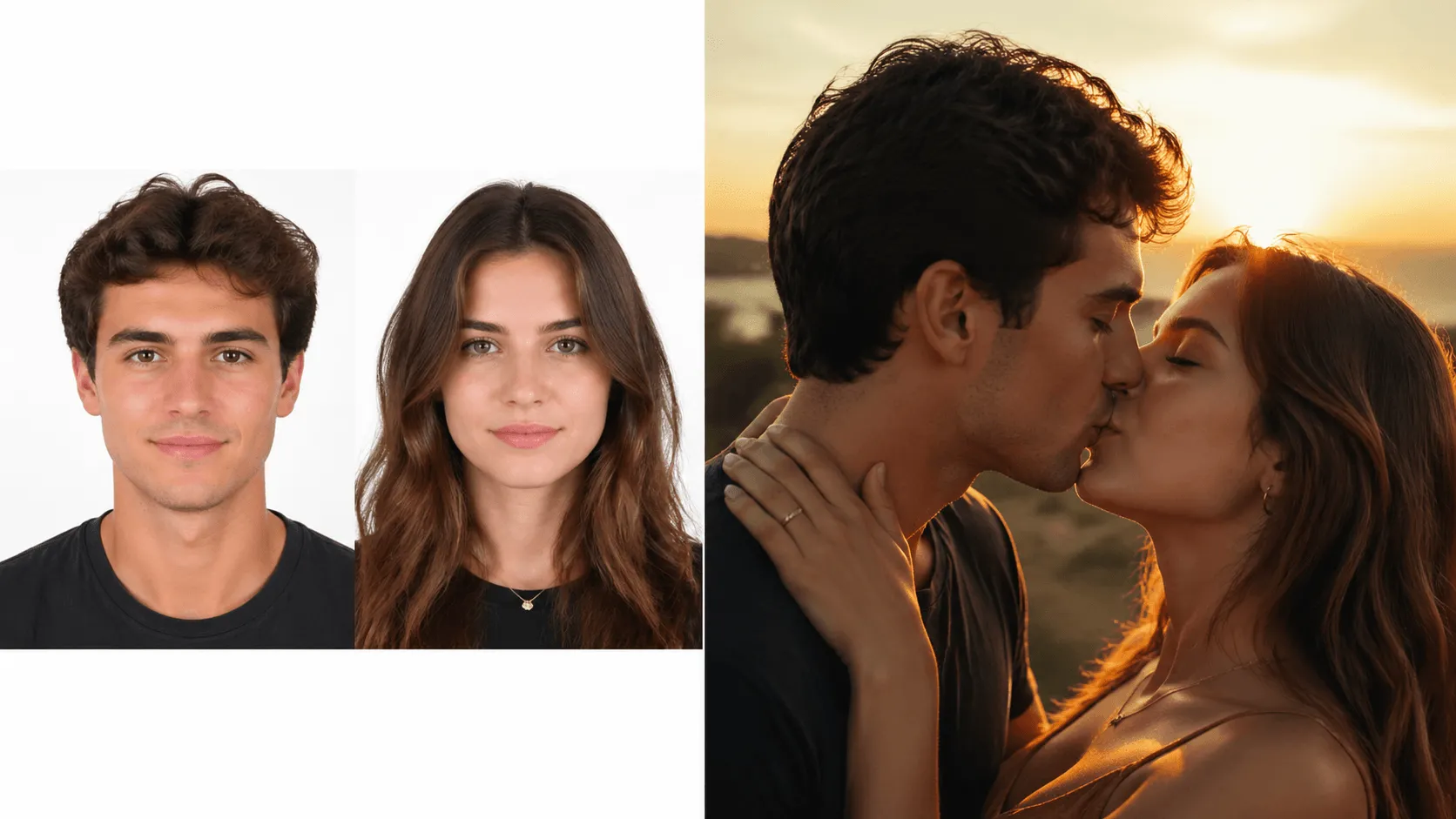 BeforeAfter
Animate two people kissing with AI.
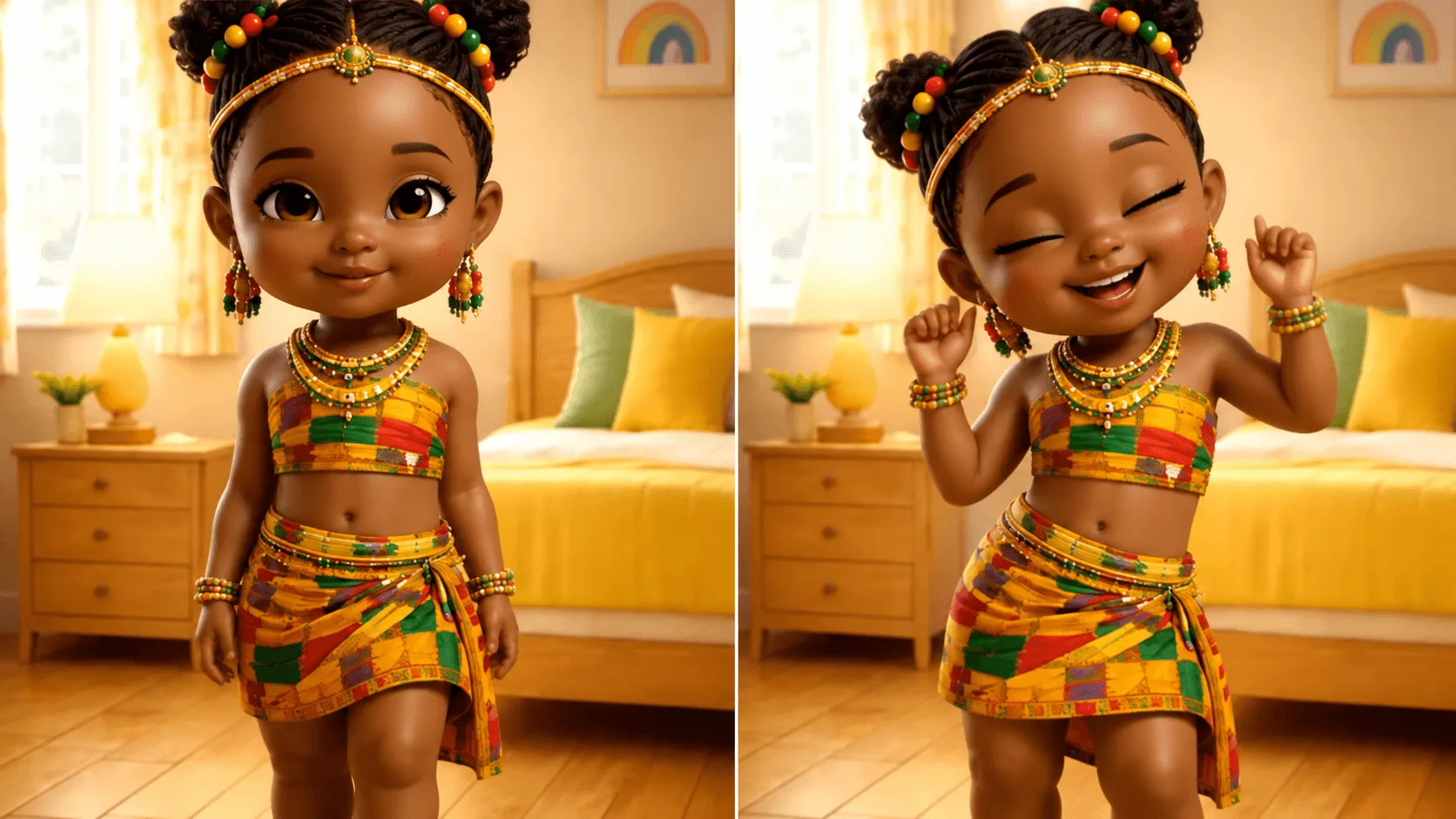 BeforeAfter
Make anyone dance to any music.
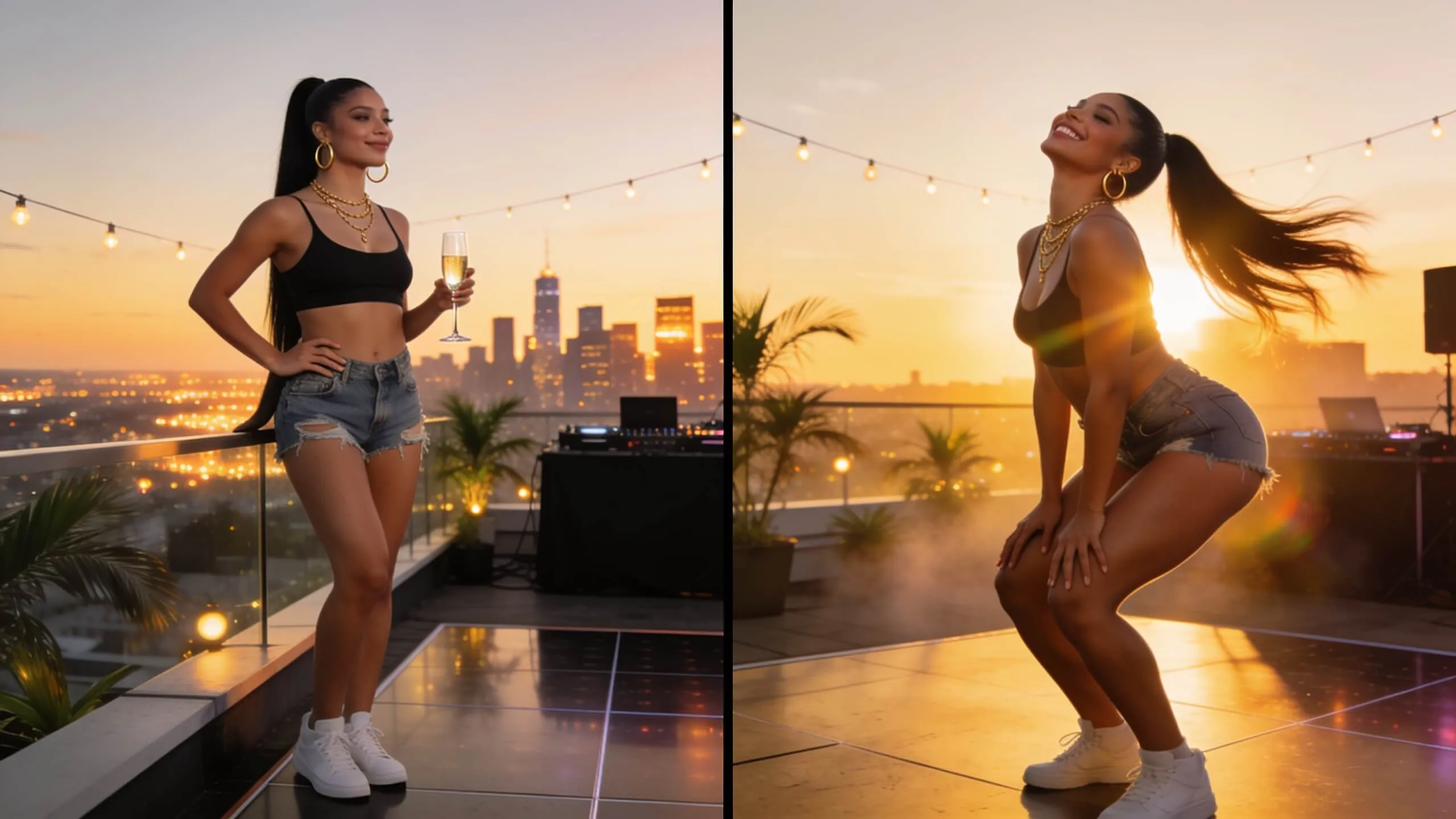 BeforeAfter
Generate fun twerking dance videos.
 BeforeAfter
Swap faces in any photo instantly with AI-powered precision.
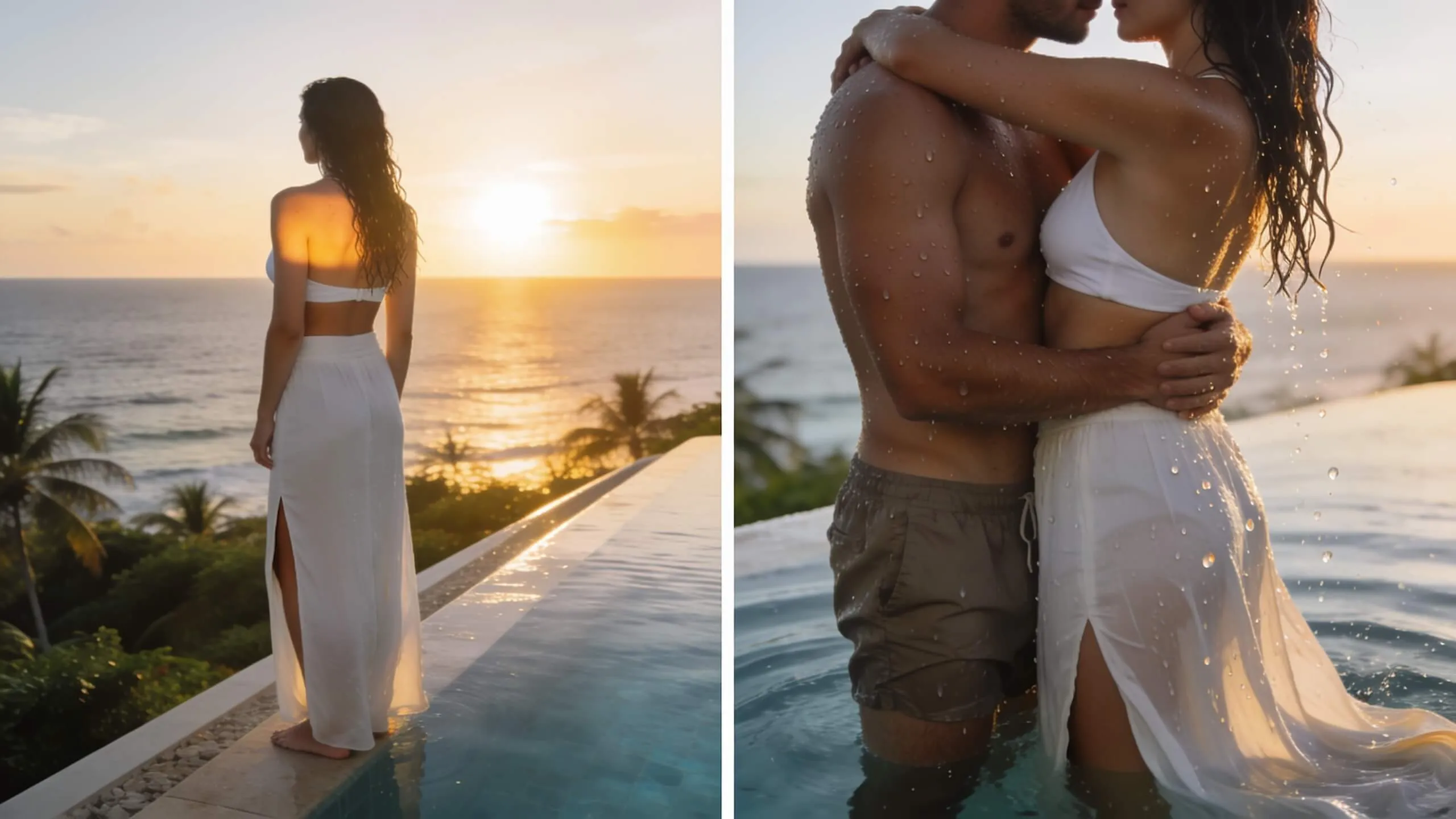 BeforeAfter
Turn a single photo into a warm hug video — bring loved ones close in one AI pass.
You can upscale videos up to 4K (3840x2160) resolution. The maximum output depends on your original video quality and the upscaling factor chosen.
Yes! Our AI doesn't just stretch pixels - it intelligently analyzes and enhances your video. It adds realistic details, reduces noise, and sharpens edges for genuinely improved quality.
Processing time depends on video length, original resolution, and target resolution. A typical 1-minute video upscaled to 4K takes about a few minutes with our GPU-accelerated processing.
Our AI can significantly improve even very old or low-quality footage. While results vary based on source quality, you'll see noticeable improvements in sharpness, clarity, and overall appearance.
Yes! You can combine upscaling with noise reduction, color correction, and detail enhancement in a single process. This provides the best overall results.
We support all popular formats including MP4, MOV, AVI, MKV, WMV, and more. Output is delivered in MP4 for maximum compatibility.
Still have questions? Contact our support team

Transform low-resolution footage into stunning high-quality content. AI-powered upscaling delivers professional results.