Best-in-Class Quality
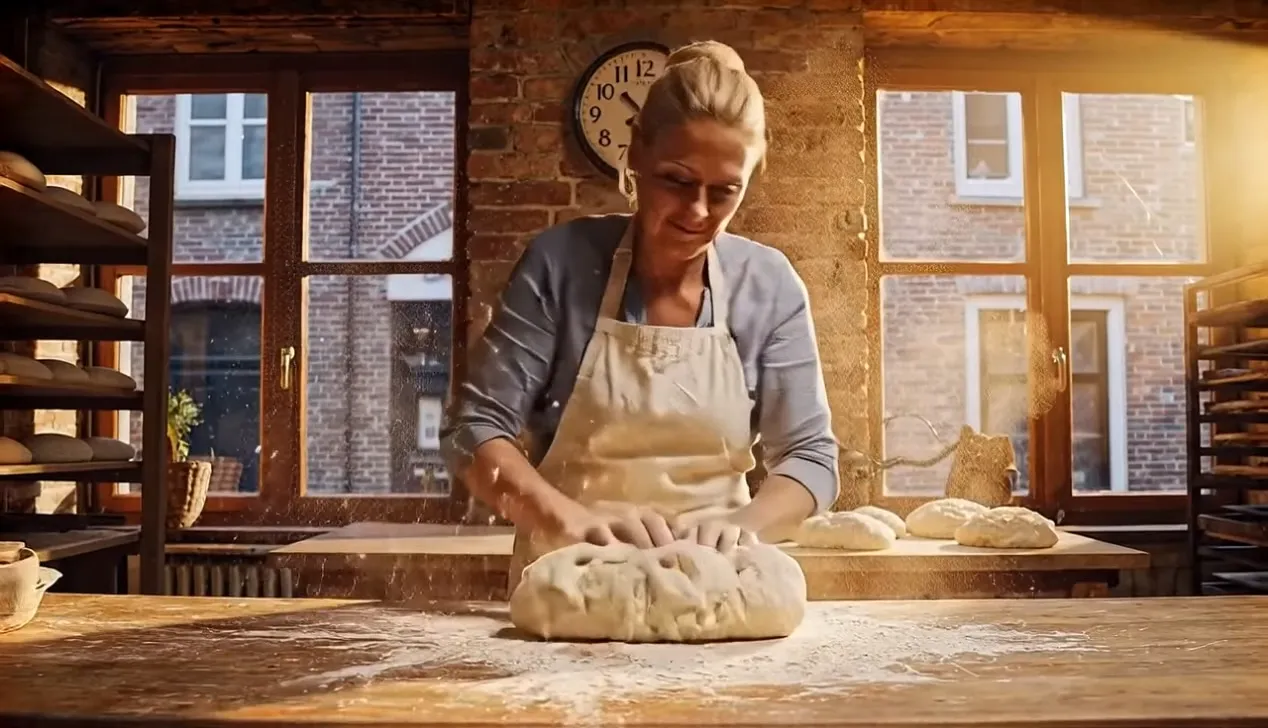
Refined rendering produces frames with sharper edges, truer skin tones, and richer environmental textures — visible improvements over its predecessor.
 VidOne AI
The enhanced version of Veo 3 with improved visual quality and extended duration support. Features refined motion understanding and superior prompt interpretation for professional-grade results.
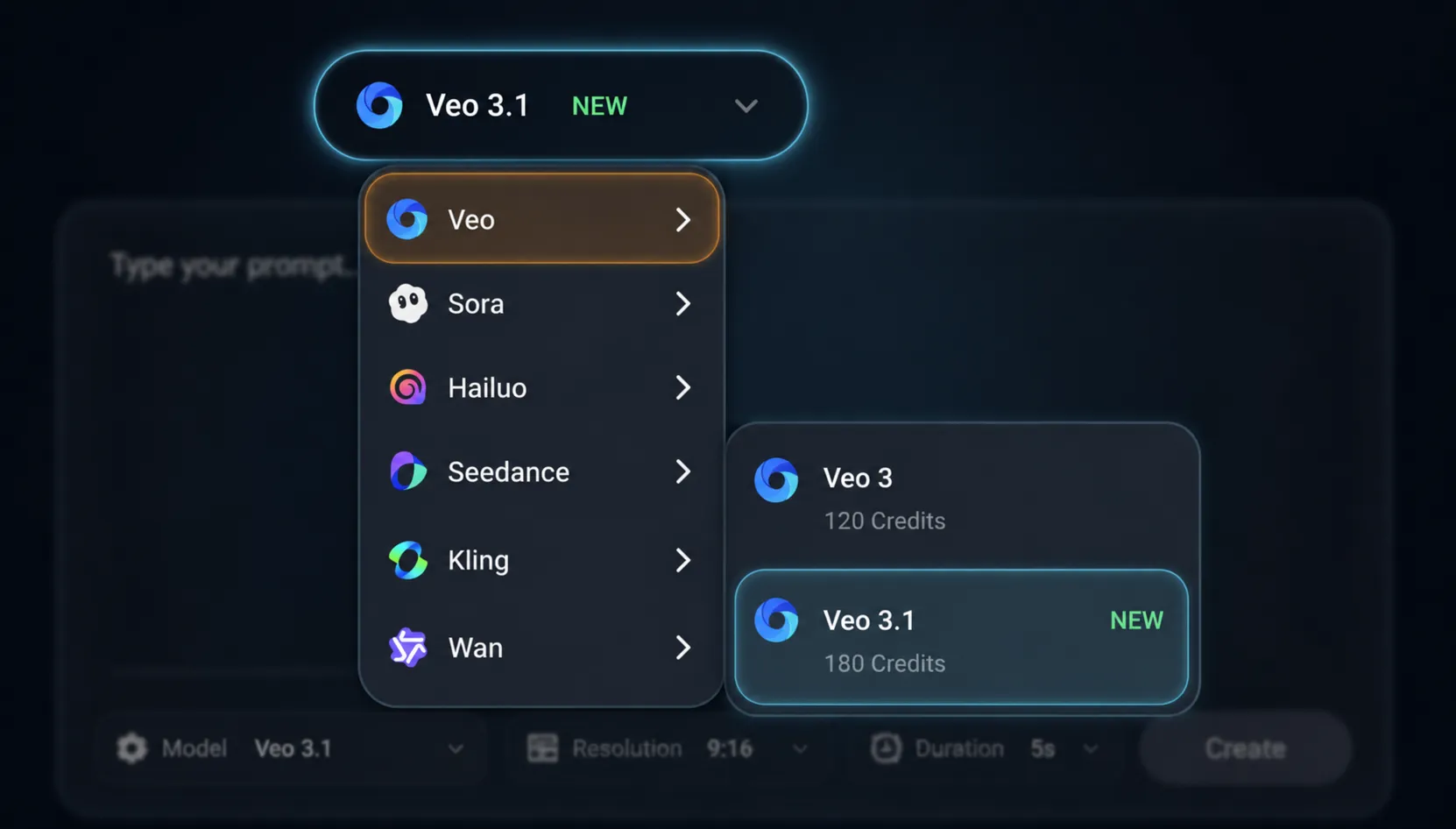
Switch to Veo 3.1 in the AI video model menu — Google's latest cinematic video generator with photoreal lighting, lifelike motion, and synchronized native audio. Compare against Sora 2, Seedance 2.0, Kling, Wan, and Hailuo in the same picker.
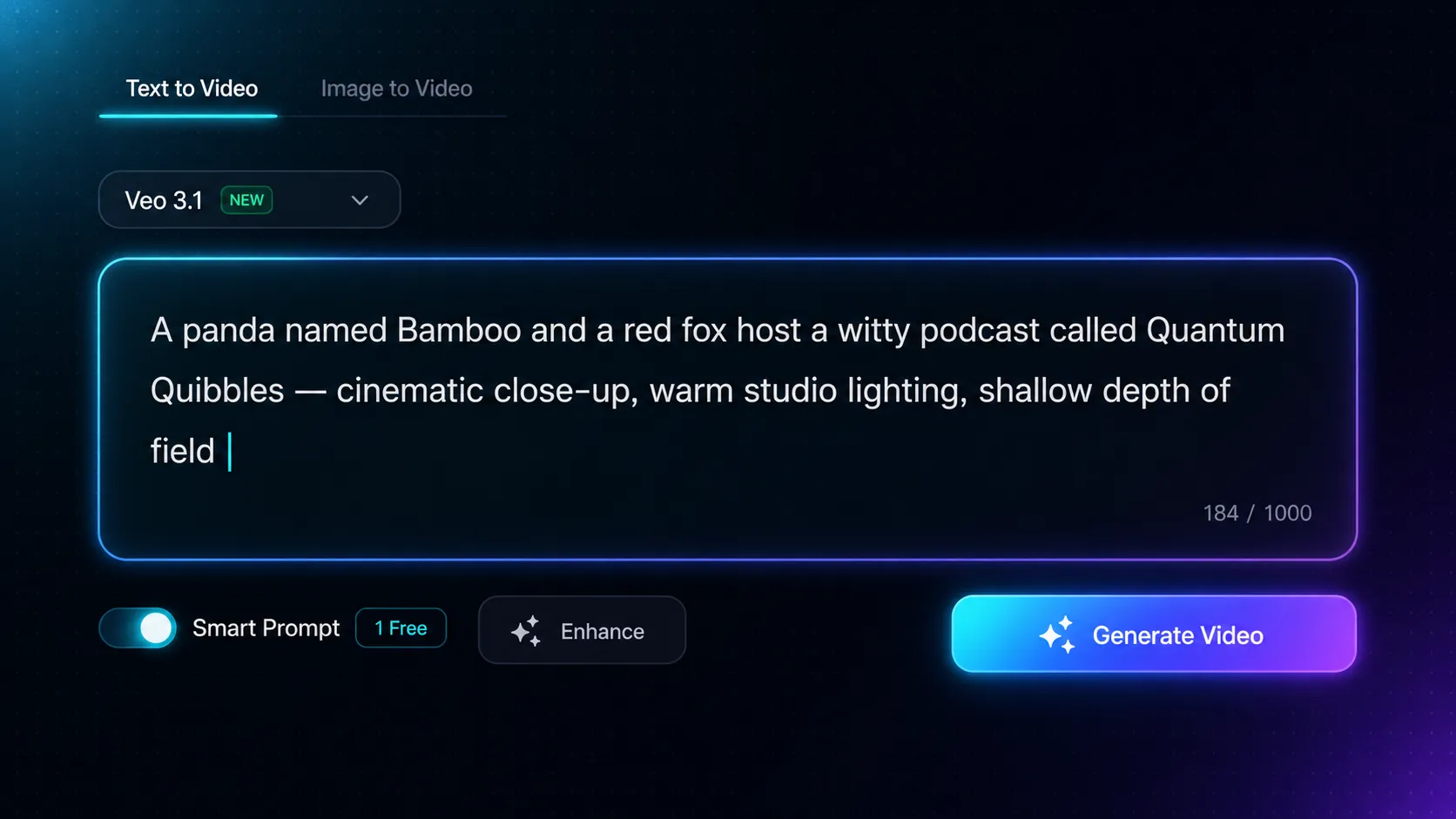
Type a prompt that describes characters, motion, lighting, camera angles, and dialogue. Veo 3.1 understands film terminology and renders coherent multi-shot stories with synchronized native audio. Enable Smart Prompt for AI-assisted enhancement, then click Generate Video.
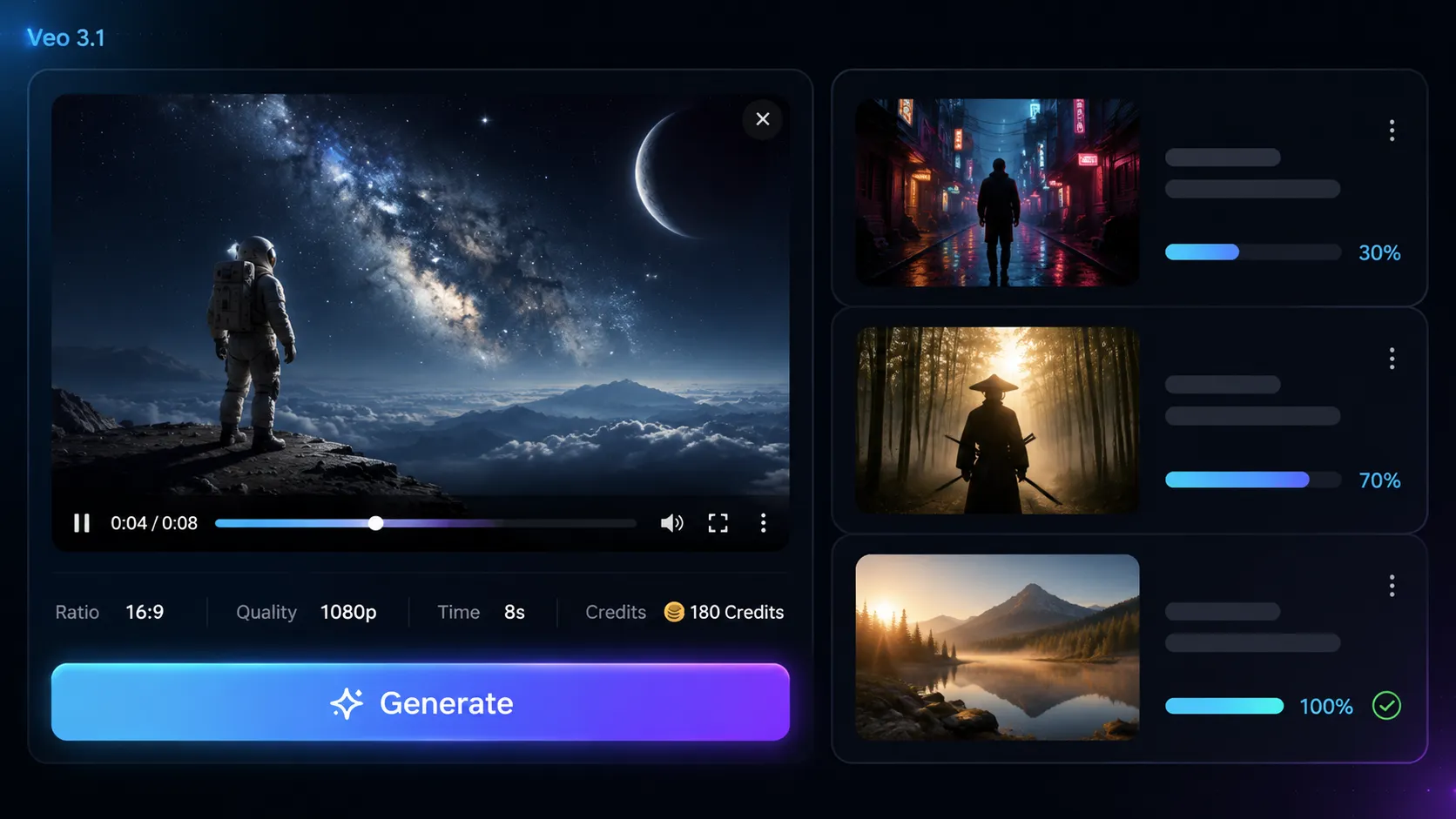
Run multiple Veo 3.1 generations in parallel and follow each render's progress in your queue. When a clip finishes, download the 1080p MP4 — ready to publish to YouTube, Instagram Reels, TikTok, and Shorts without further editing.
Combine the intelligence of Google's Gemini and Flow with lifelike motion, photoreal lighting, and synchronized native audio — all from a single prompt.
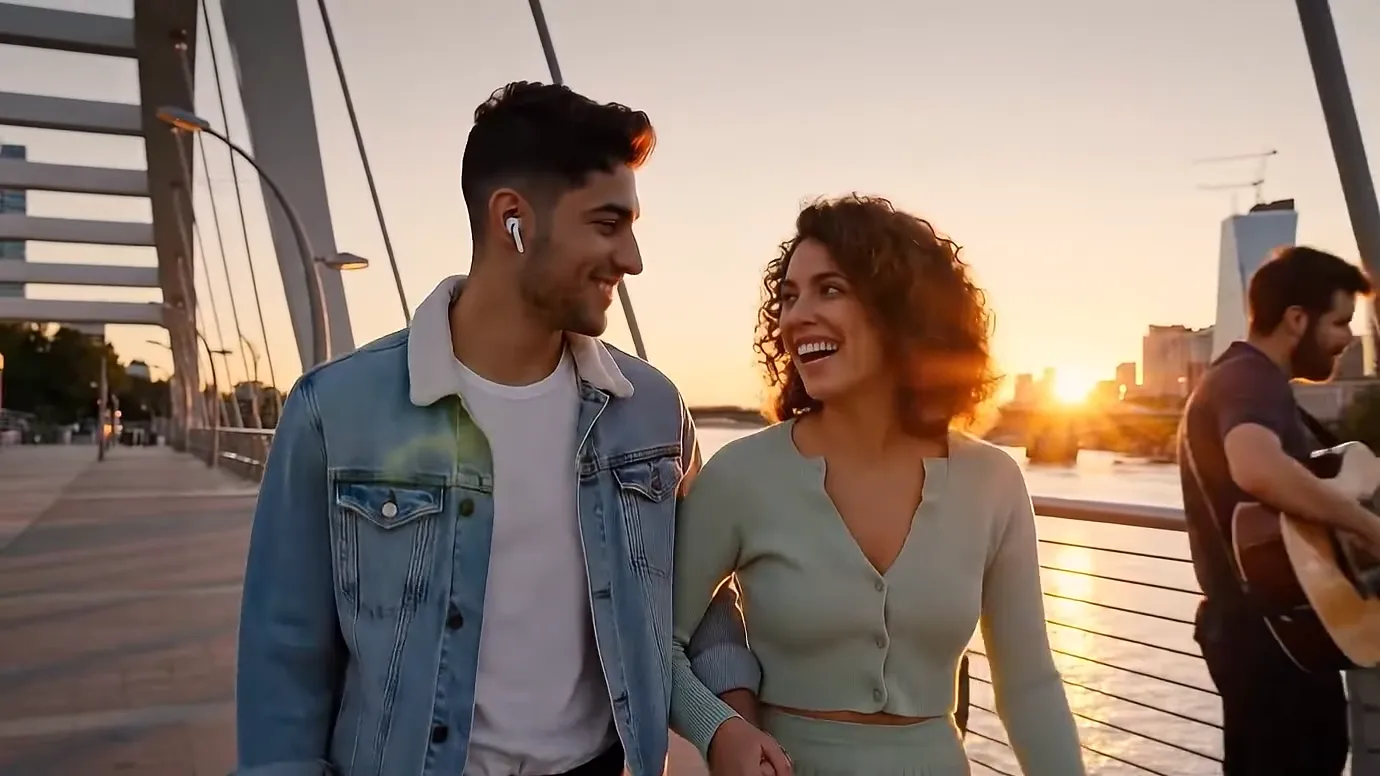
When consistency and spatial accuracy are non-negotiable, this is the model that delivers.
Refined rendering produces frames with sharper edges, truer skin tones, and richer environmental textures — visible improvements over its predecessor.
Objects, wardrobe, and scenery persist accurately from the first frame to the last, eliminating the jarring inconsistencies that undermine lesser models.
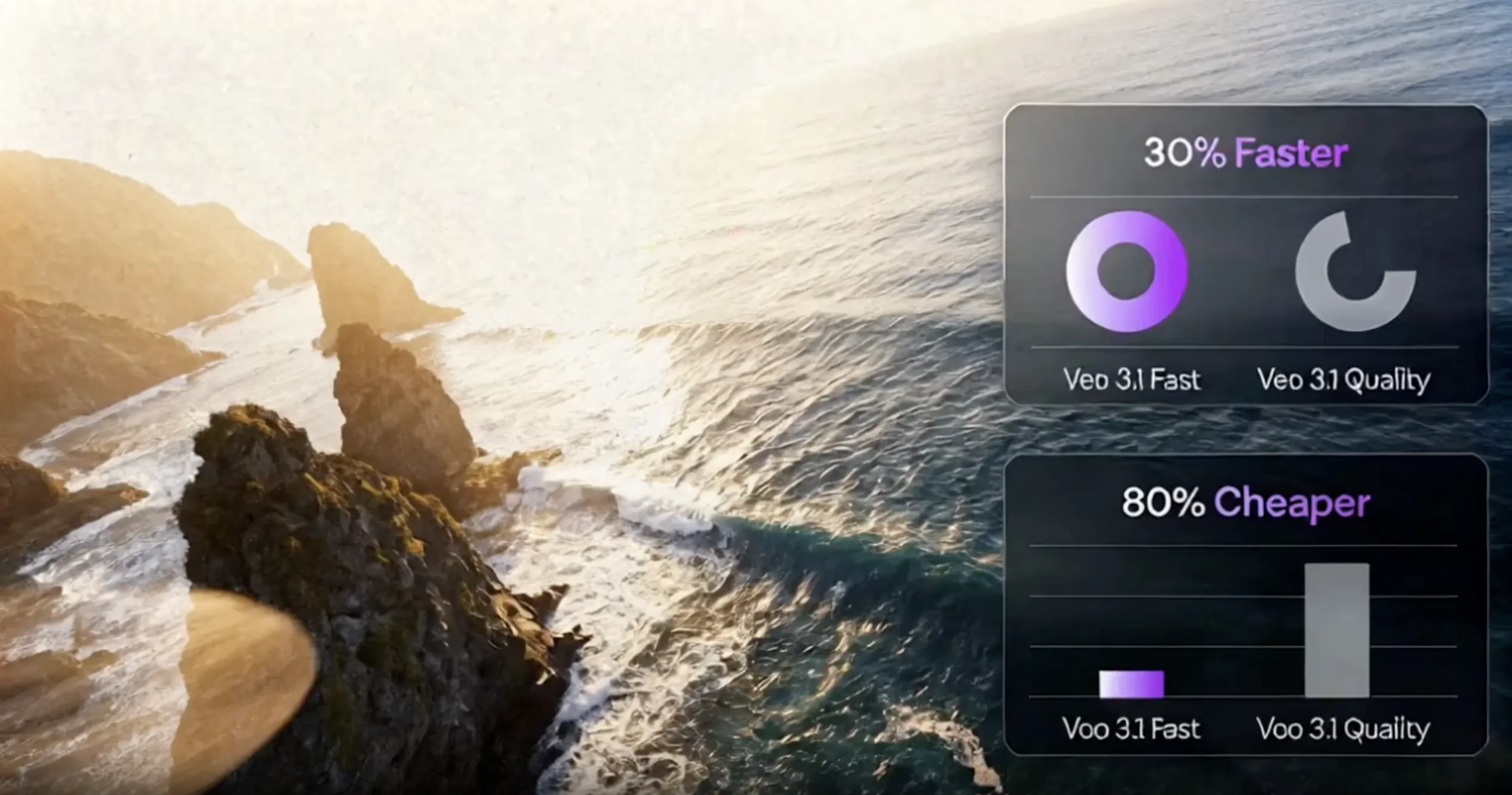
Draft with Fast mode to test ideas, then render with Quality mode for 4K deliverables. Two speeds for one model keeps production agile.
It parses dense prompts involving several characters, spatial depth, and sequential actions — translating each detail into the correct visual arrangement.
Landscape for YouTube, portrait for Reels and Shorts, plus additional formats — your content fits the channel without manual cropping.
High-availability infrastructure processes jobs around the clock, so render queues clear quickly even during peak traffic windows.
| Features | CurrentVeo 3.1 | Veo3 | Sora 2 |
|---|---|---|---|
| Audio Quality | Enhanced | Native | None |
| Character Consistency | Excellent | Very Good | Excellent |
| Processing Speed | 20% Faster | Standard | Standard |
| Narrative Control | Advanced | Basic | Basic |
* Model availability and supported settings can change by provider. Review the live generator before submitting.
Video and image generation in one platform — Veo, Sora, Kling, Seedance, Wan, Grok and more.
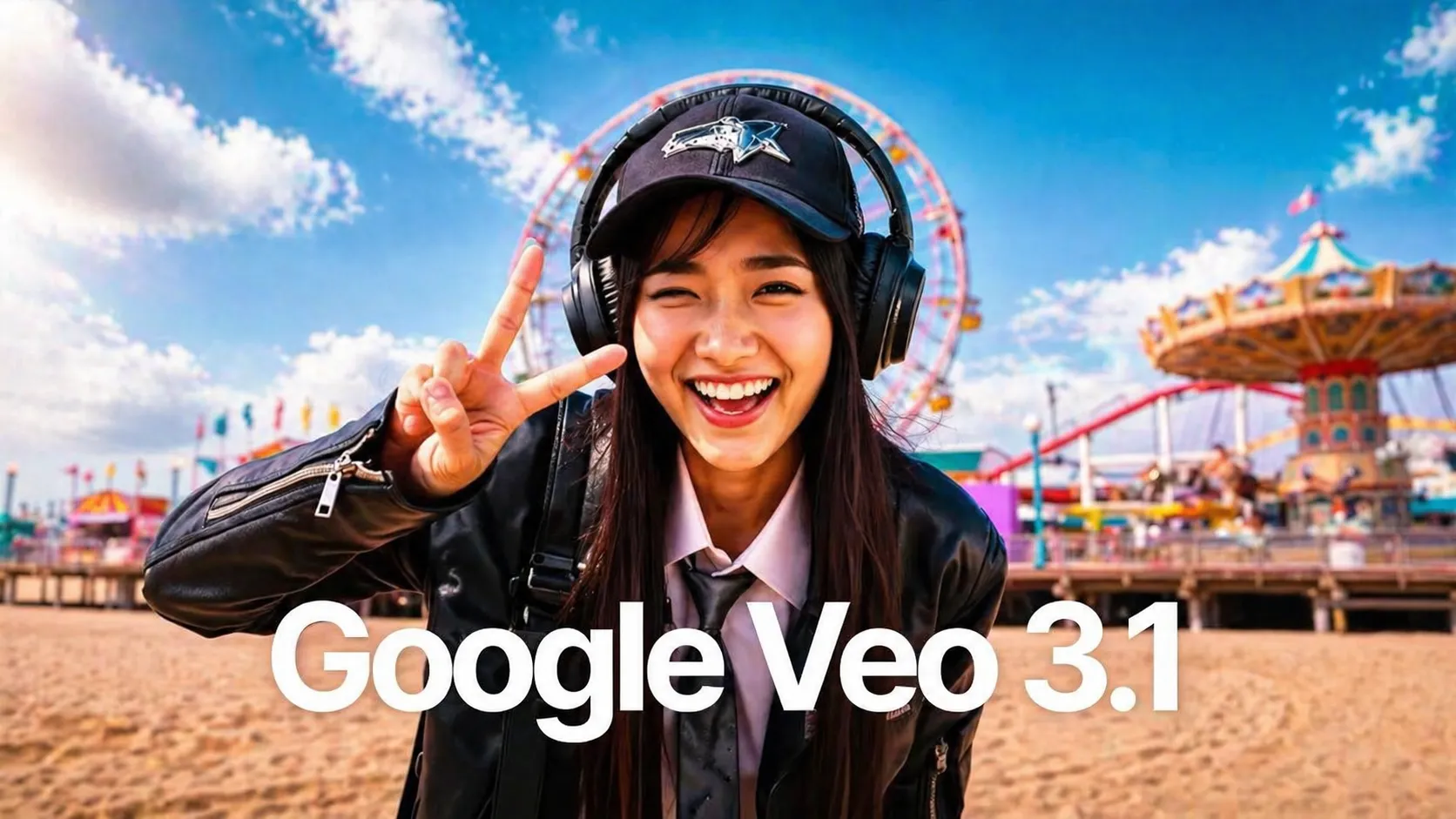

Latest Google release — sharper prompts, smoother motion.
Google

Looking for stronger character-driven shots? Try Kling 2.6.
Kuaishou

Open Alibaba ecosystem with multi-shot storytelling.
Alibaba
Need 20s clips and cinematic physics? Switch to OpenAI Sora 2.
OpenAI

Want multimodal reference (9 images + 3 videos + 3 audio)? See Seedance 2.0.
BytePlus
Google's next-gen text-to-image — photorealistic and fast.
Google
BytePlus advanced image model — stunning 4K quality with natural detail.
BytePlus

OpenAI's most capable image model — precise instructions, stunning results.
OpenAIVEO 3.1 brings richer, more natural audio quality, improved audio-video synchronization, better prompt adherence for cinematic styles, enhanced character consistency across shots, and formalized extension workflows through API and Flow integration. While VEO 3 introduced native audio generation, VEO 3.1 refines this capability with noticeable quality improvements in speech clarity, narrative control, and temporal coherence.
No. Like VEO 3, VEO 3.1 supports 720p and 1080p Full HD resolution, and single clips are limited to 4, 6, or 8 seconds. However, VEO 3.1 offers improved extension workflows through API (7-second steps up to 20 times) and Flow integration, allowing you to create longer sequences up to approximately 148 seconds with better cross-shot coherence and narrative consistency.
Choose VEO 3.1 for dialogue-driven videos where audio clarity matters, multi-shot stories requiring character consistency, long sequences needing extension workflows, or brand content demanding precise visual style control. Use VEO 3 for single-shot atmospheric videos, quick prototyping where refinements aren't critical, or when budget is a primary concern. VEO 3.1 excels in scenarios requiring narrative precision and temporal consistency.
VEO 3.1's extension workflow allows you to extend previously generated videos by 7-second steps through the API, up to 20 times, creating sequences up to approximately 148 seconds (8s initial + 7s × 20 extensions). This is integrated with Flow and Gemini for more precise editing and scene transitions, producing coherent unified outputs rather than disjointed clips. The formalized API endpoints enable automated content pipelines and advanced editing capabilities.
Google's documentation does not indicate that VEO 3.1 is faster than VEO 3. Generation times remain similar, with variations based on complexity and server load. VEO 3.1 may actually consume more credits due to its enhanced algorithms for audio quality refinement and cross-shot consistency processing. Choose VEO 3.1 for quality improvements in specific use cases requiring dialogue precision and narrative control, not for speed or cost savings.
VEO 3.1 features improved reference following and cross-shot consistency mechanisms. When you provide reference images or generate multiple related shots, VEO 3.1 better maintains character appearance, clothing details, facial features, and environmental characteristics across scenes. This is particularly valuable for multi-shot storytelling and brand content where visual consistency is critical to narrative coherence and professional polish.
VEO 3.1, like VEO 3, generates audio and video natively as a unified output. The audio is automatically generated to match the visual content based on your prompt. While you cannot separately control audio generation parameters, VEO 3.1's improved audio quality and A/V synchronization ensure more natural-sounding results with better temporal alignment, reducing the need for post-production audio adjustments.
Yes. VEO 3.1 features improved reference image adherence compared to VEO 3. You can provide reference images to guide character appearance, and VEO 3.1 will better maintain these visual characteristics across multiple shots. This capability is essential for brand mascots, recurring characters in narratives, and maintaining visual identity across multi-shot sequences. The improved reference following reduces visual drift in extended narratives.
Still have questions? Contact our support team

Experience richer audio quality, improved character consistency, and better narrative control for your dialogue-driven and multi-shot video projects. VEO 3.1 delivers the refinements that matter for professional content creation.