Unlimited Creative Canvas
Describe impossible worlds, mythical creatures, or surreal dreamscapes. AI brings any vision to life instantly.
 VidOne AI
Transform your text prompts into stunning videos with AI Text to Video. Create professional-quality videos from simple descriptions using the latest AI models. AI Text to Video is now available on VidOne. Start creating with it now!
Free to Try · No Credit Card Required
Type a prompt, watch AI turn it into a professional video in seconds. No editing skills or cameras required.
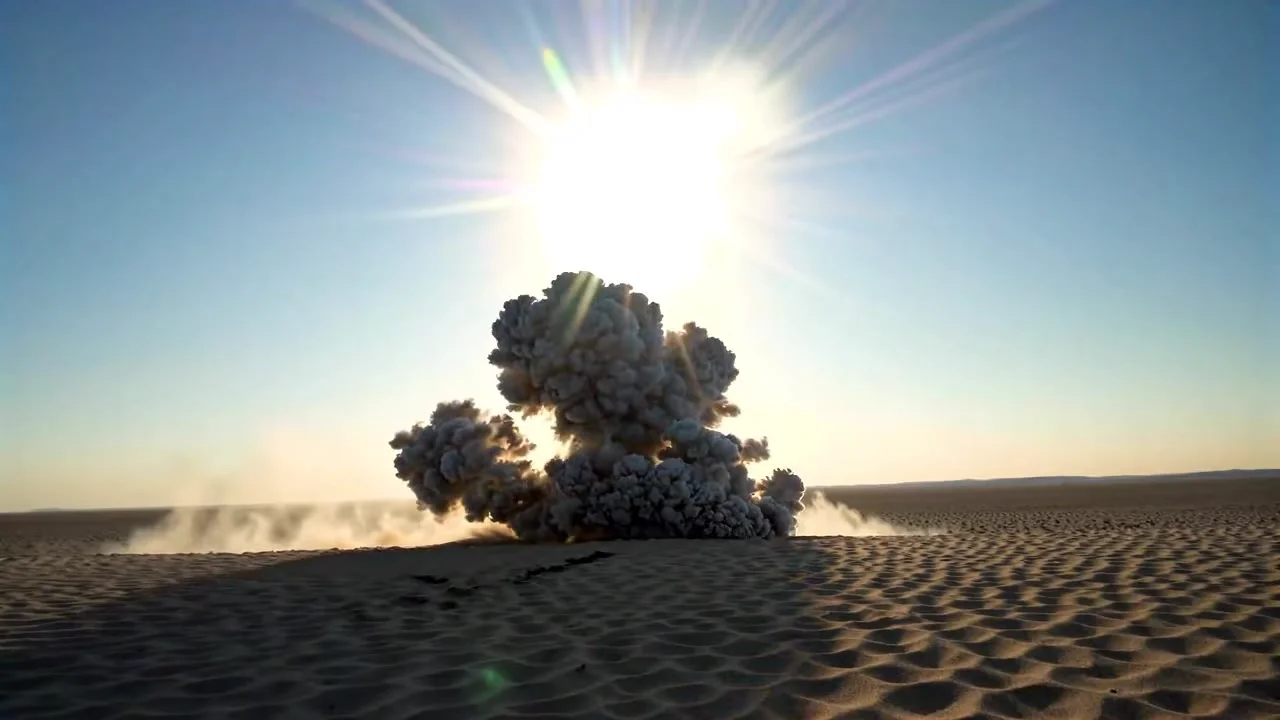
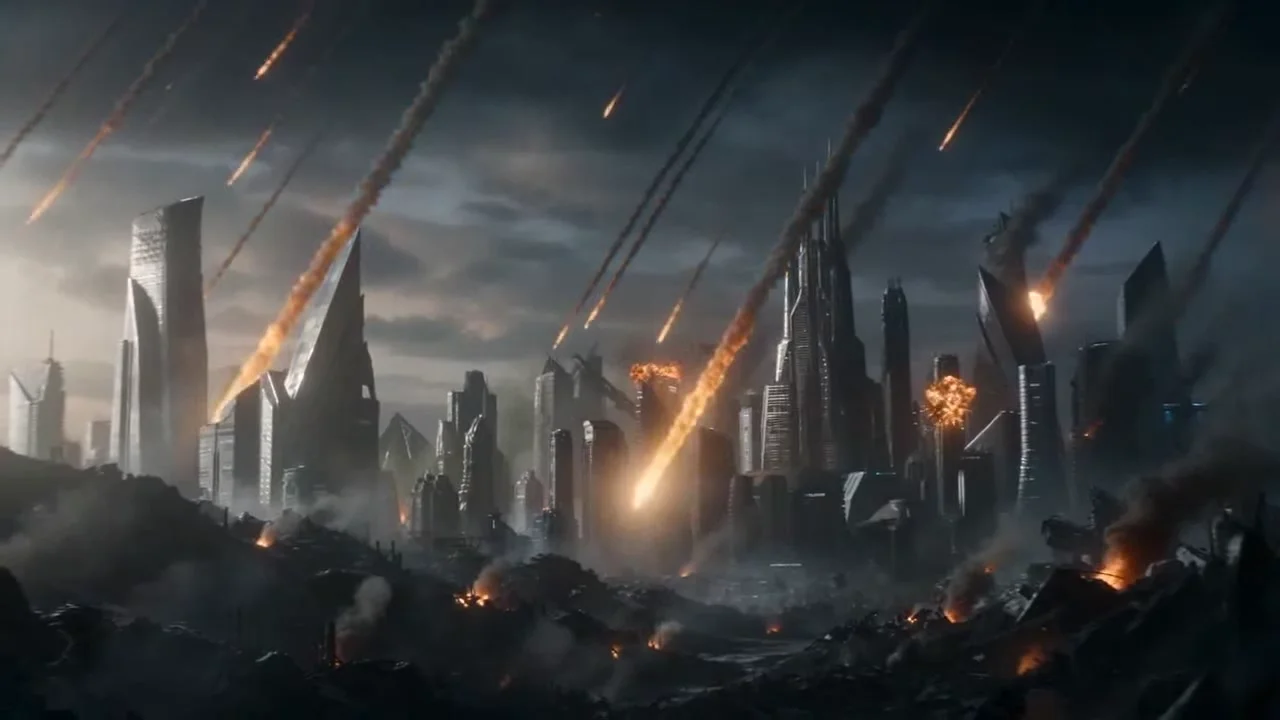
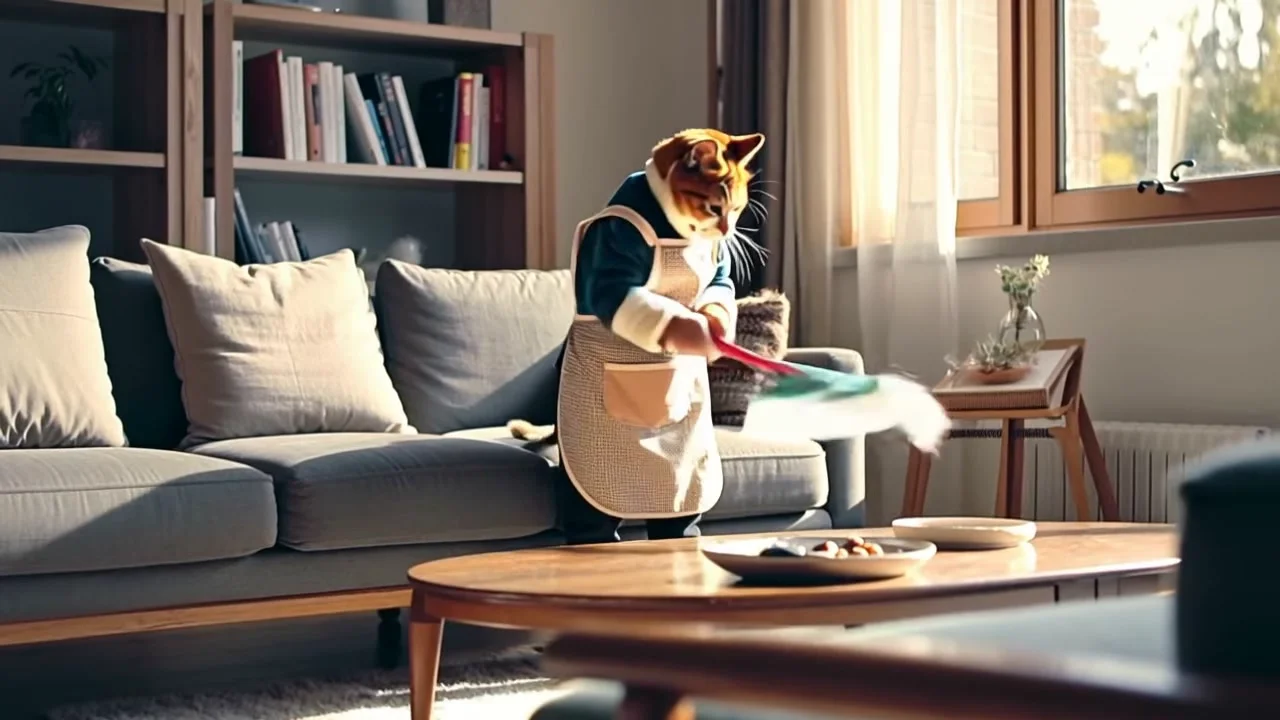
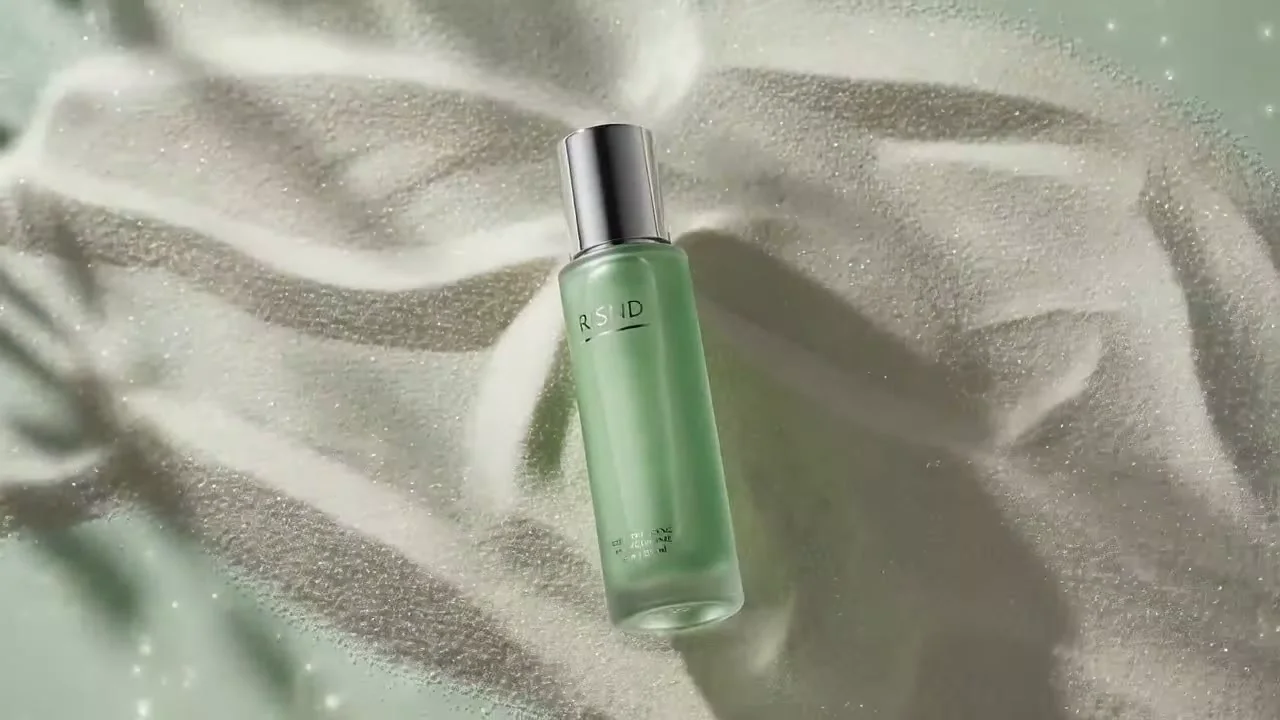
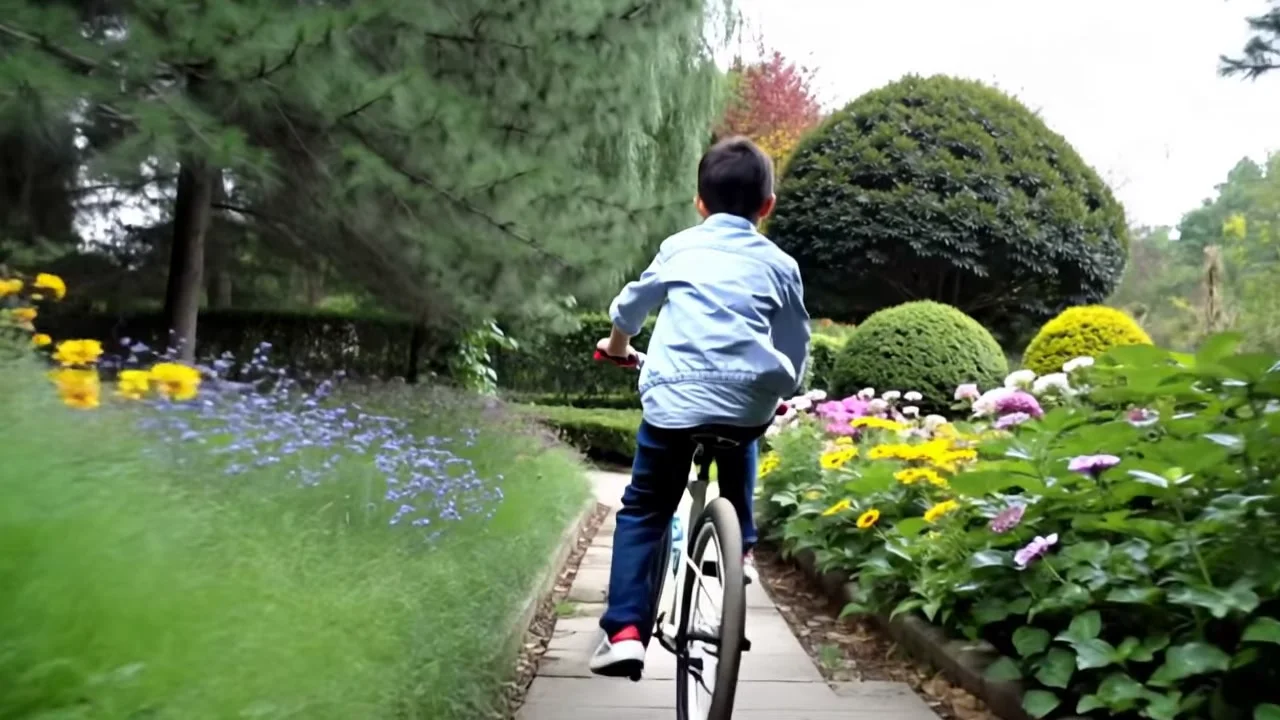
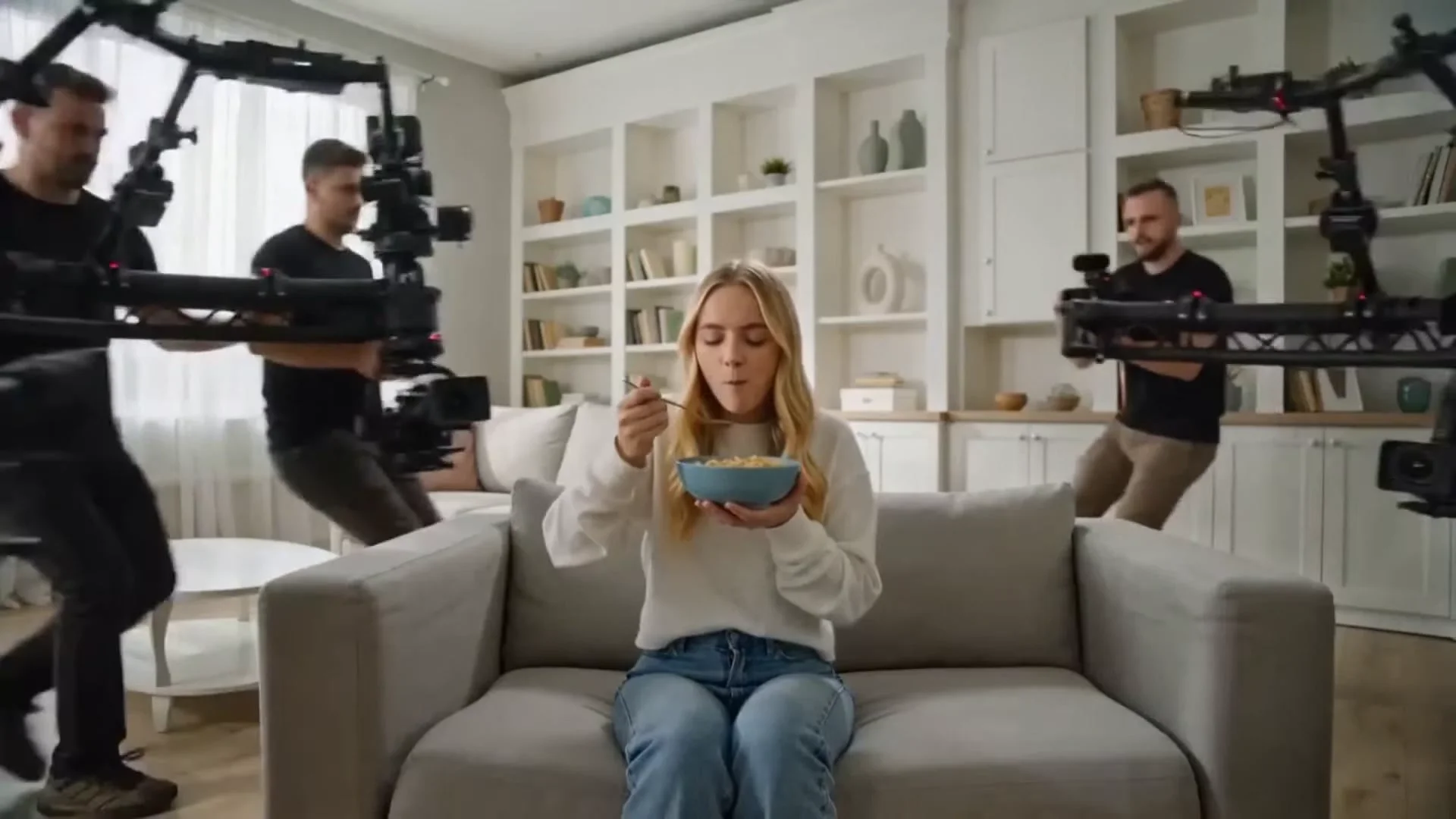
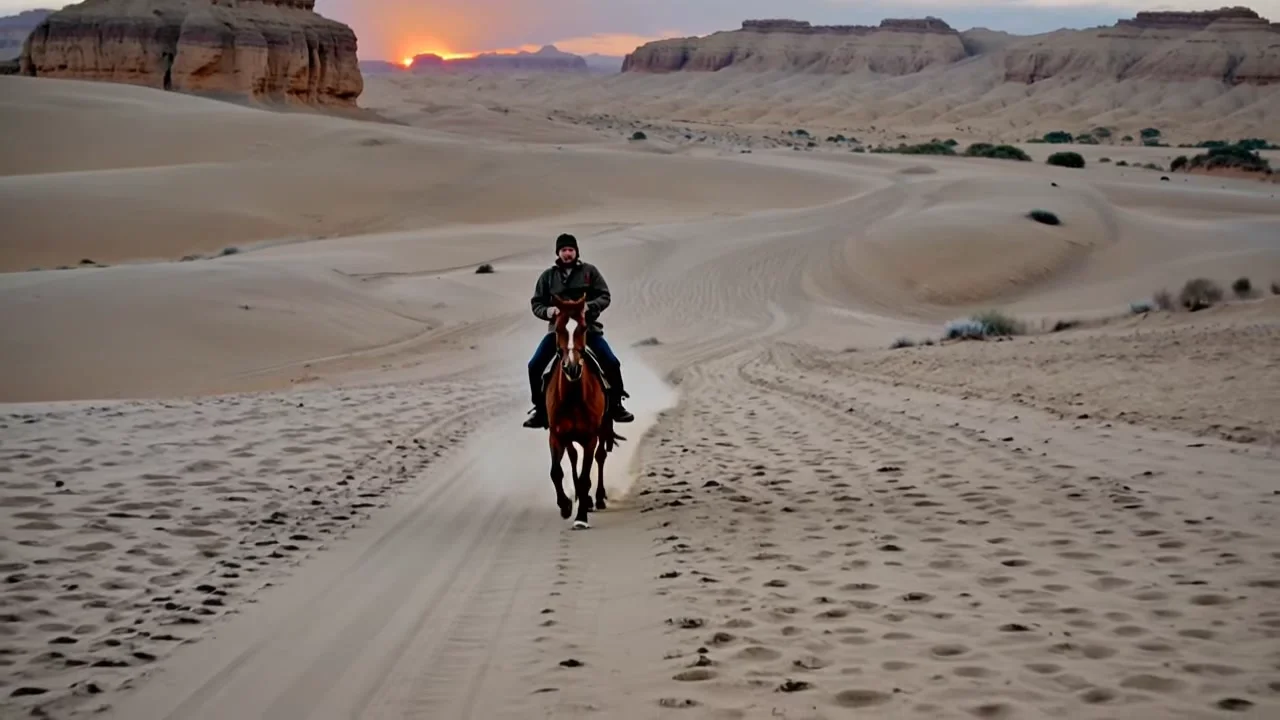
Transform your ideas into stunning videos with our AI-powered text-to-video generator
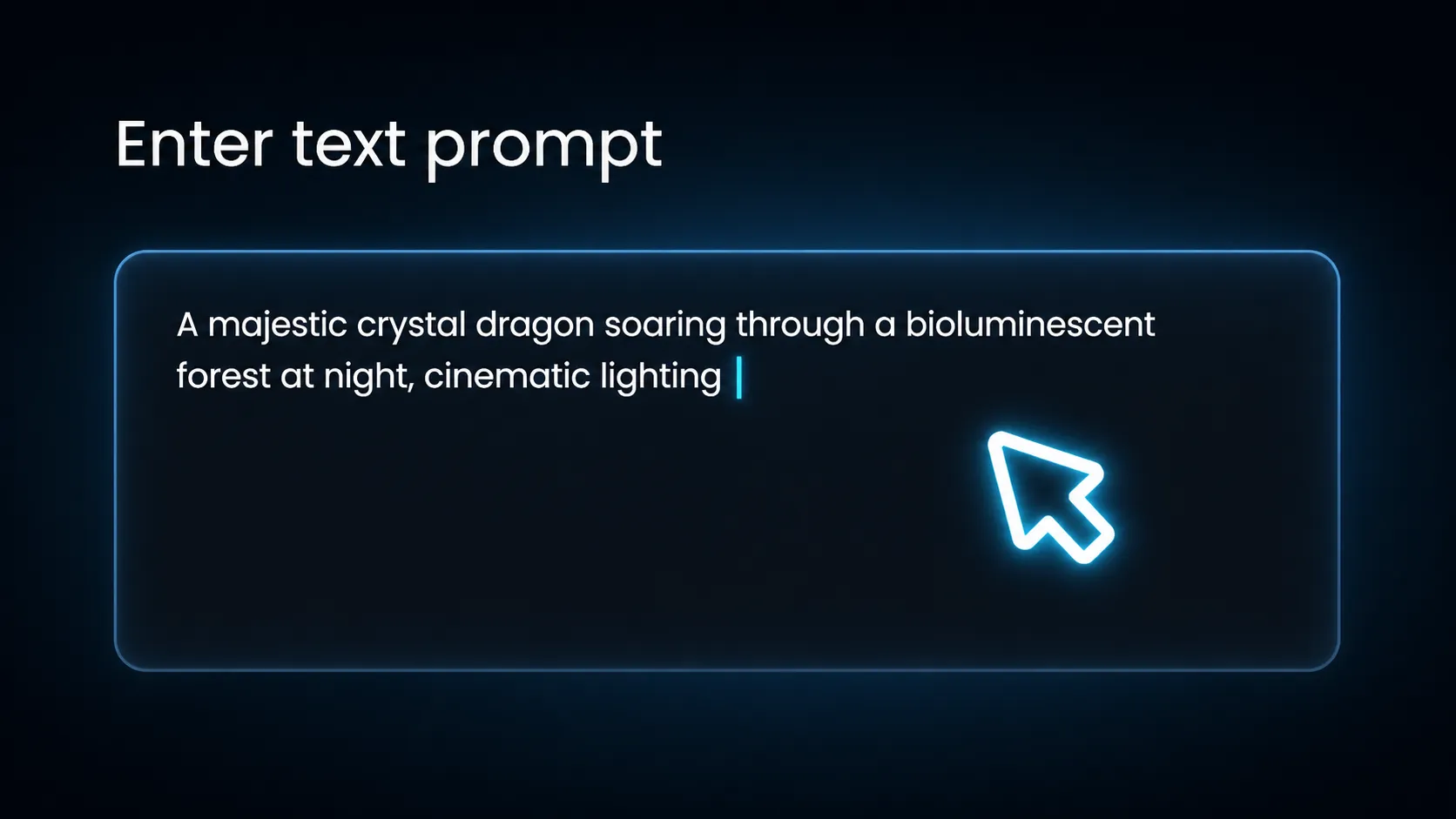
Describe the video you want to create. Be specific about scenes, actions, and visual style. The more detailed your description, the better the results.
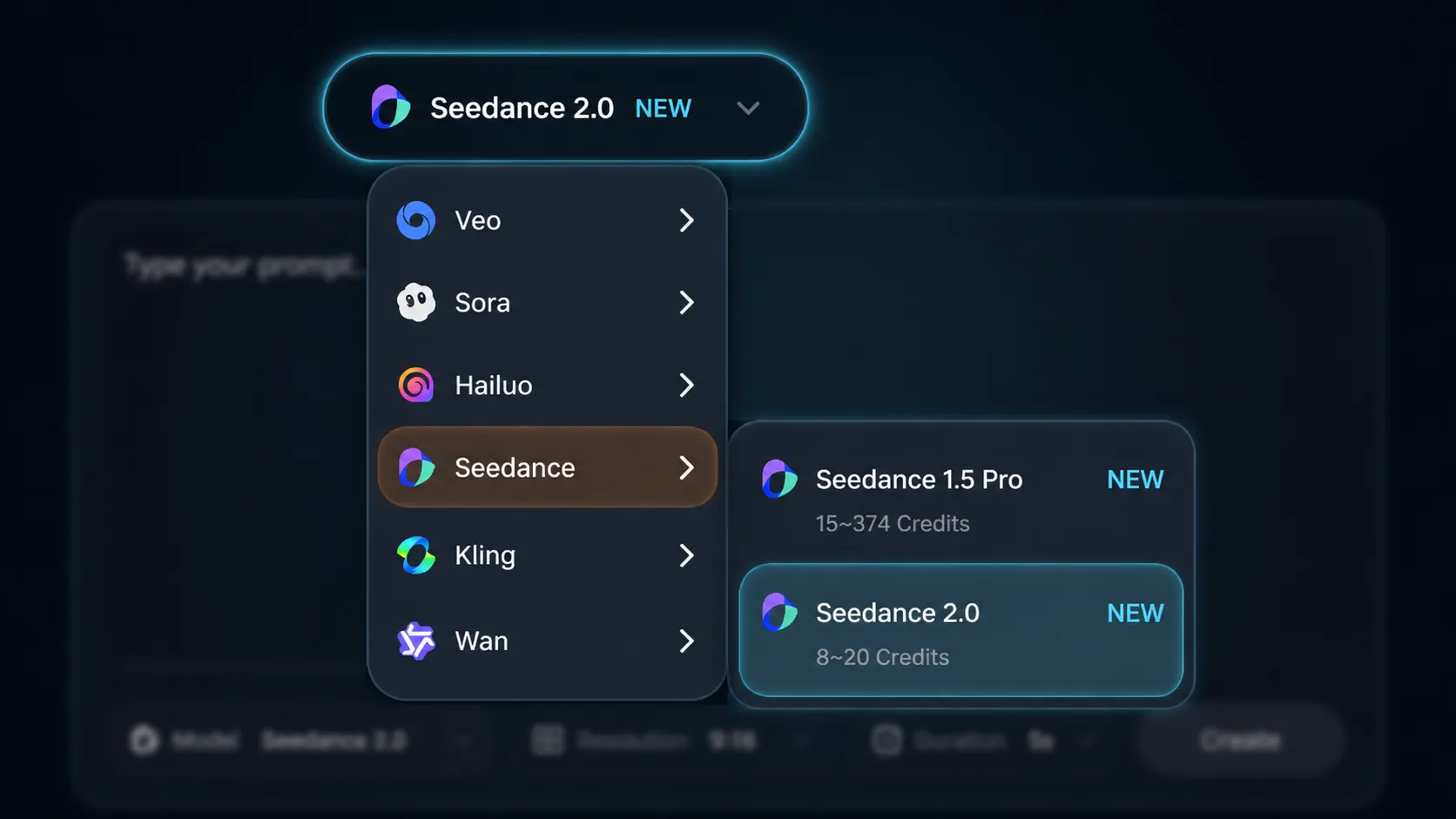
Select from Veo3, Sora 2, Kling, or other models. Adjust duration, resolution, aspect ratio, and style presets to match your vision.
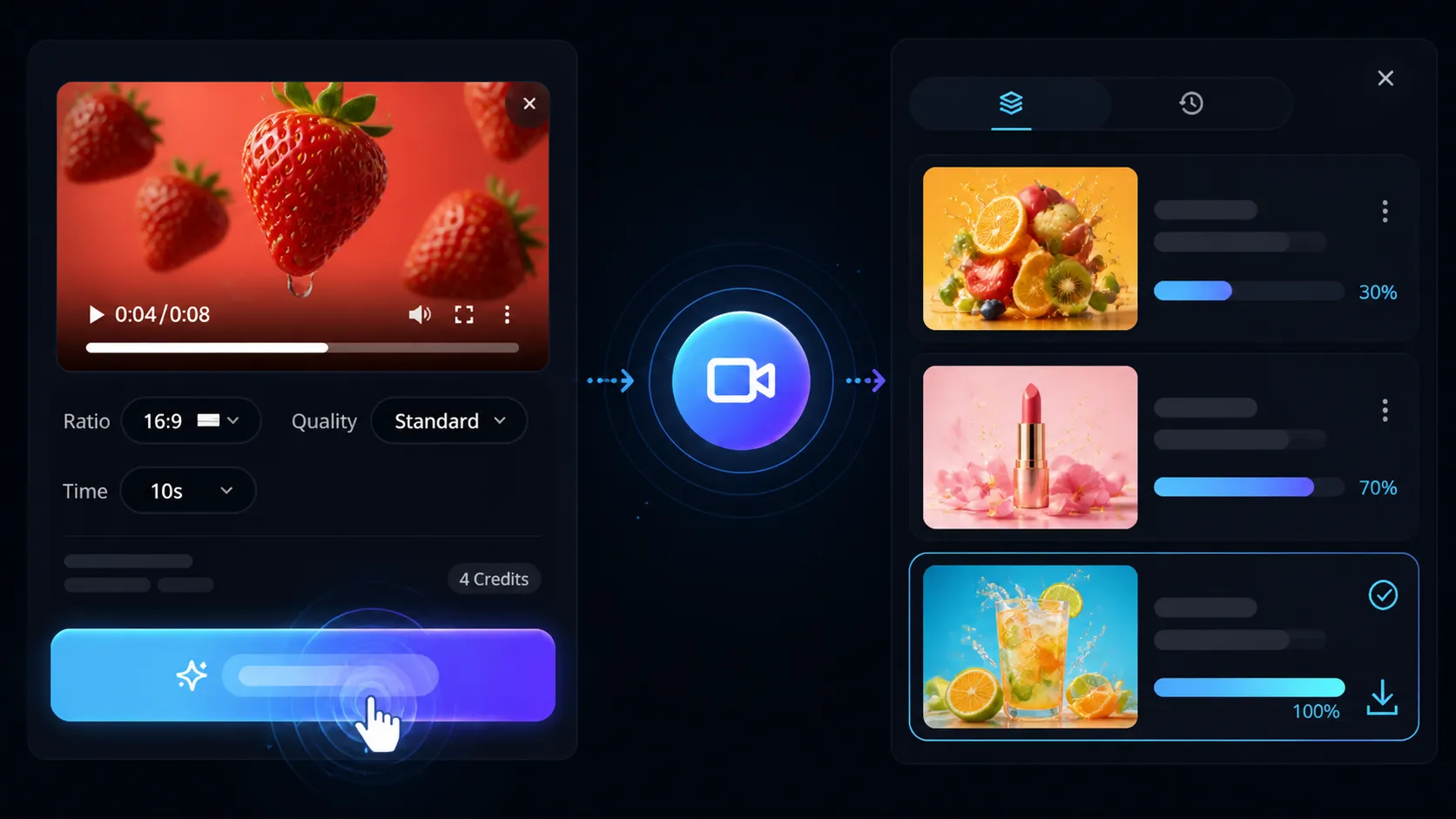
Click generate and watch the AI create your video. Preview the result and download in MP4 format for use anywhere.
Join 10,000+ creators transforming text into captivating videos. From concept to cinematic output in seconds.
Describe impossible worlds, mythical creatures, or surreal dreamscapes. AI brings any vision to life instantly.
Direct camera movements, lighting, and compositions through natural language. AI executes with Hollywood-grade precision.
AI understands emotions, art styles, and cinematic references. Detailed prompts generate more precise results.
Veo3 for photorealism, Sora 2 for creativity, Seedance for speed, Runway for characters. Each model optimized for specific use cases.
Fine-tune resolution, duration, motion intensity, and color grading. Preview before final HD renders.
Generate square for Instagram, vertical for TikTok, widescreen for YouTube. Auto-optimized for maximum engagement.
The world's most advanced text to video generator. Describe any scene in plain text — our 10+ AI models turn your prompt into a cinematic video in seconds. No camera, no editing skills, no production budget required.
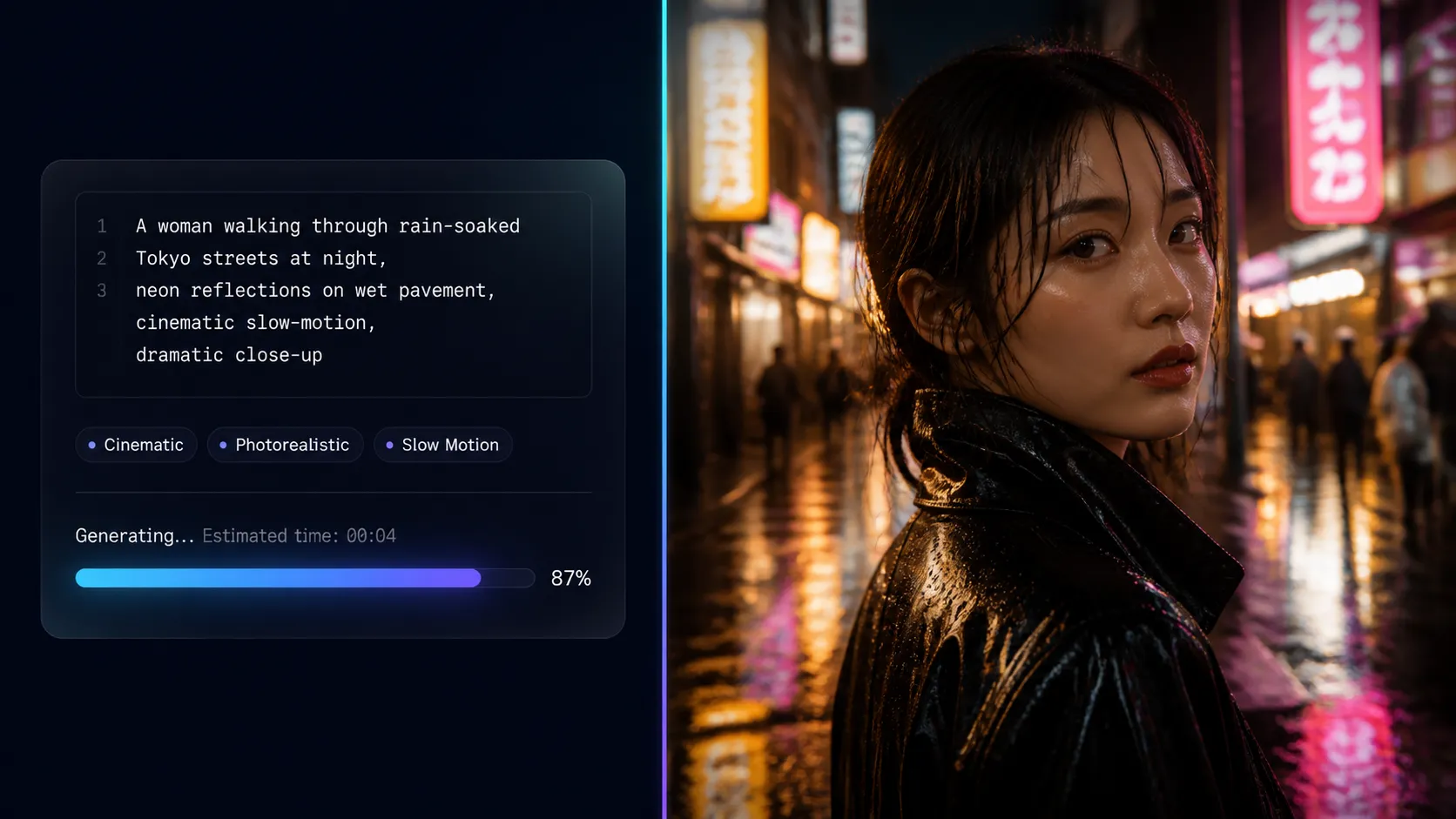
Simply describe what you want to see in plain English — a product launch, a dramatic landscape, a character in motion — and our text to video AI renders it with cinematic lighting, natural motion, and studio-grade resolution. No filming equipment, no editing experience, no production budget needed. From concept to finished video in under 3 minutes.
Try Text to Video AI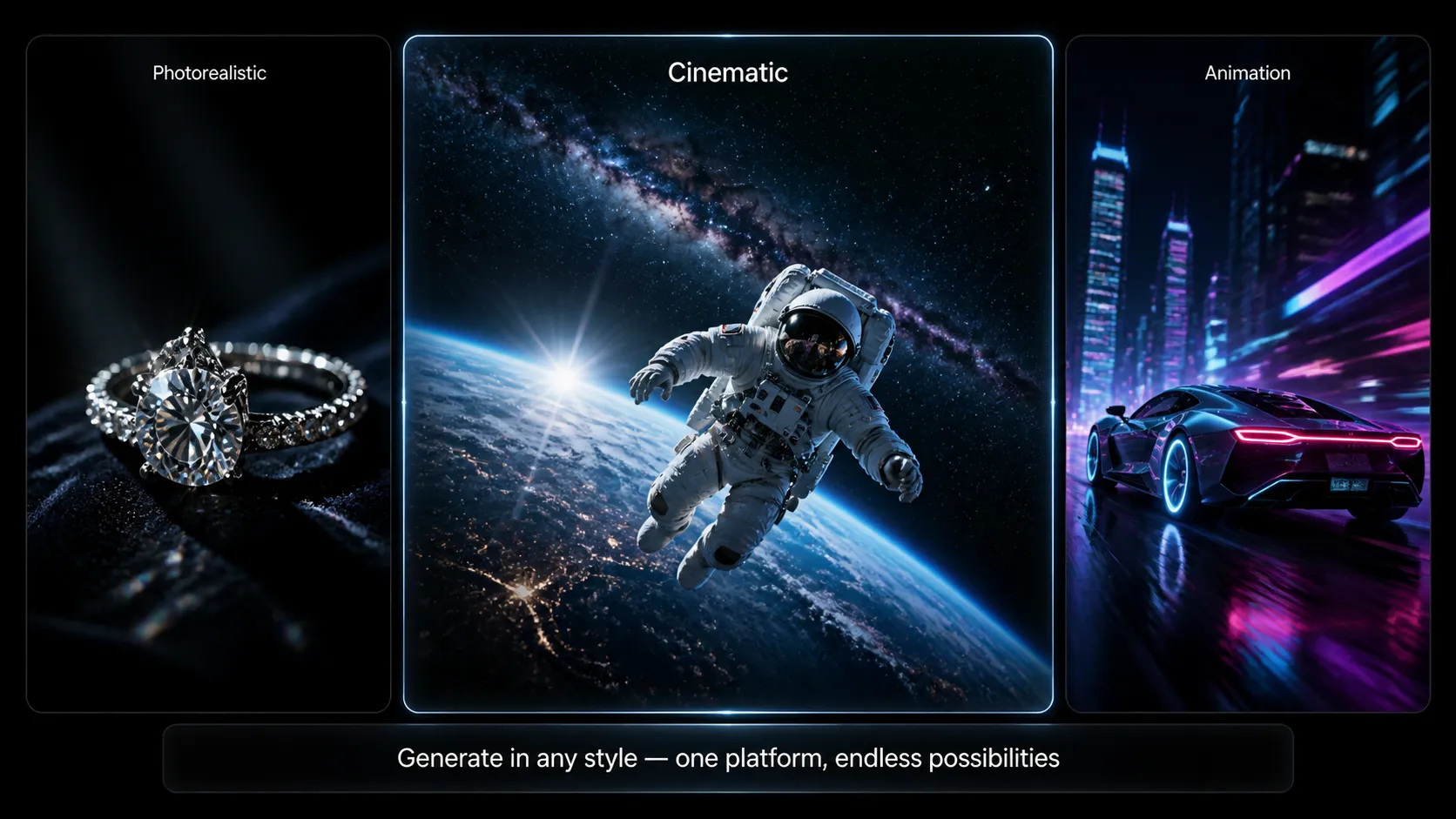
Stop switching between platforms. Access Sora 2, Veo 3.1, Kling 2.6, Seedance, Runway, PixVerse, and more — all in one text to video generator. Each model has distinct strengths: Veo 3.1 for photorealism with built-in audio, Kling 2.6 for extended 2-minute videos, Seedance for the fastest 60-second generation. Pick the right AI model for your project and produce commercial-grade output at a fraction of the studio cost.
Try Text to Video AI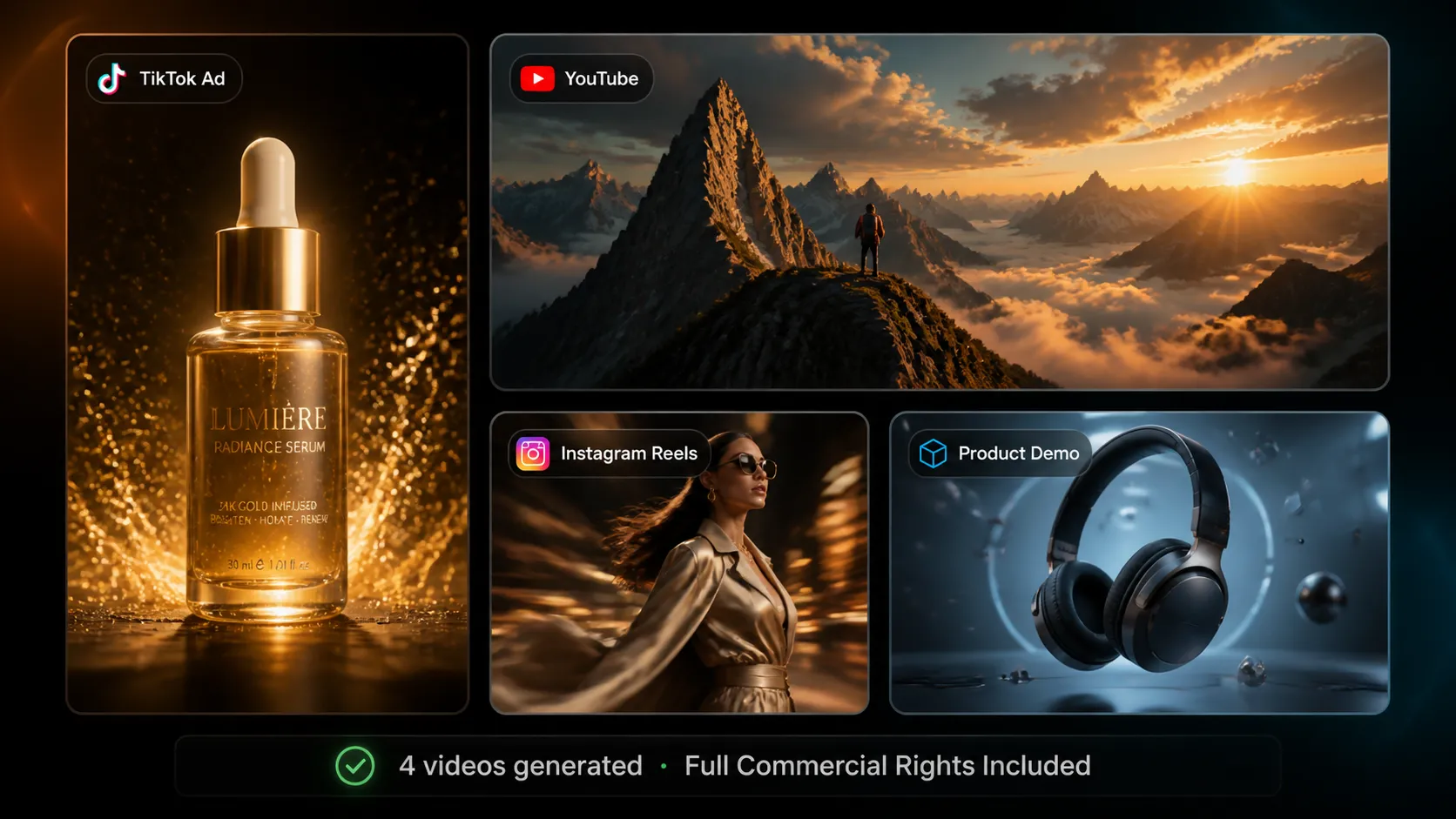
Turn your marketing briefs, product descriptions, and campaign ideas directly into scroll-stopping videos. Generate TikTok ads, YouTube intros, Instagram Reels, product demos, and brand stories — all from a single text prompt. Full commercial rights included on every video. From solo creators to enterprise teams, our text to video AI scales with any content production workflow.
Try Text to Video AIGenerate scroll-stopping video ads and brand stories from a single text prompt. Create product demos, testimonials, and campaign videos in minutes — no studio, no crew, no budget blowout.
Try Text to Video AI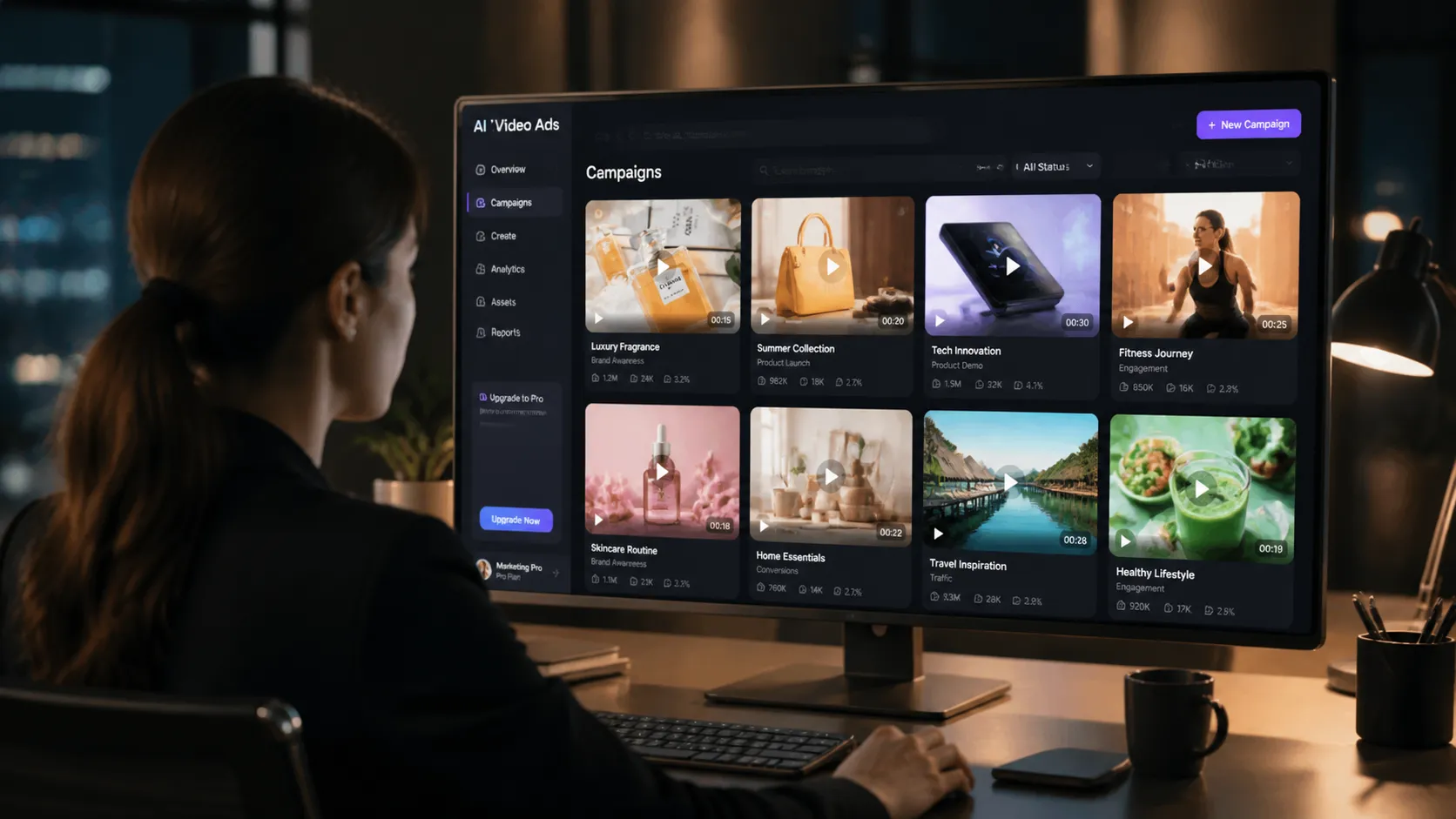
Enhance your workflow — face swap, subtitles, effects, sound, reference-to-video, and product showcases.
 BeforeAfter
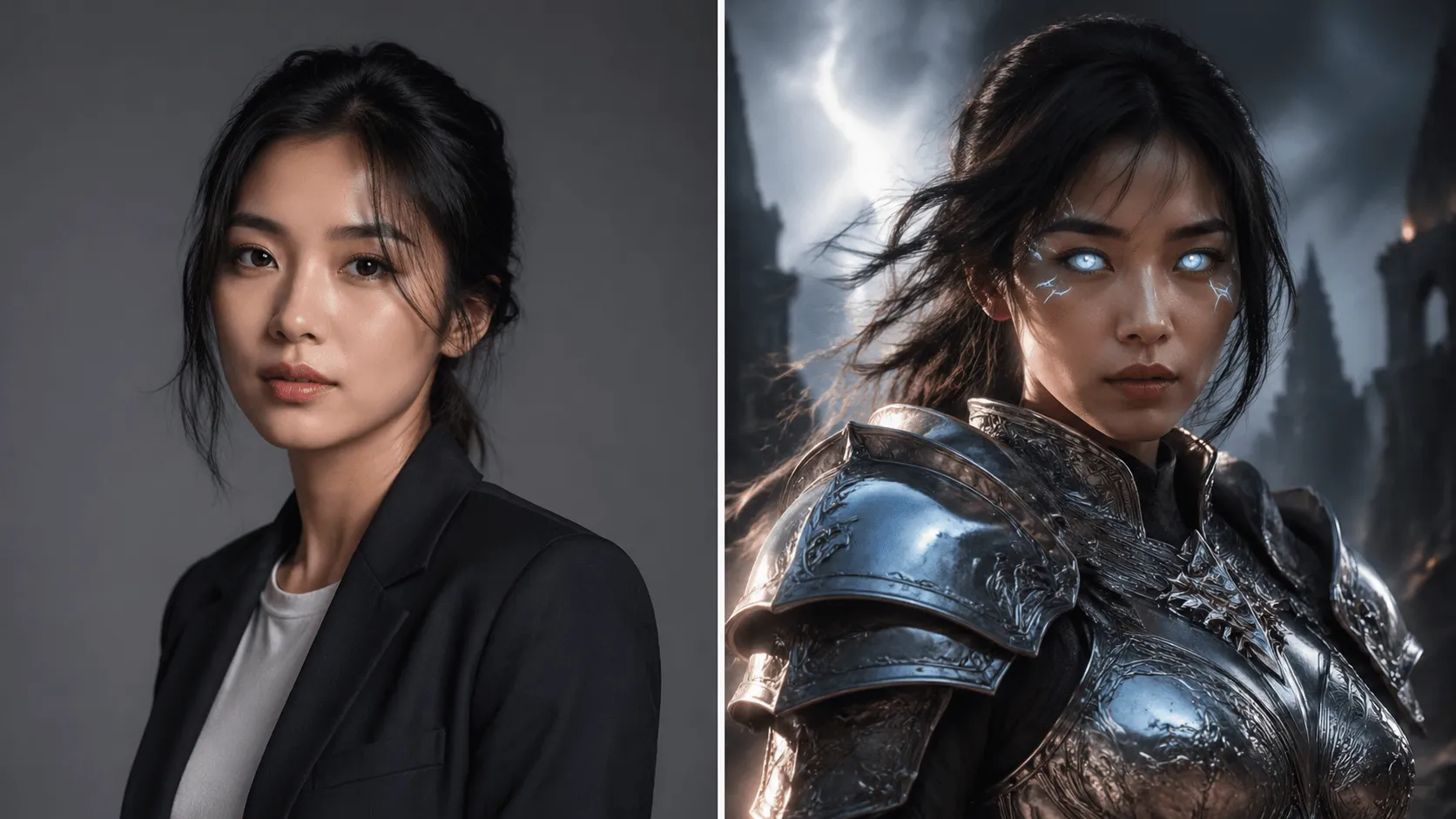
Swap faces in videos with AI precision in 60 seconds.
 BeforeAfter
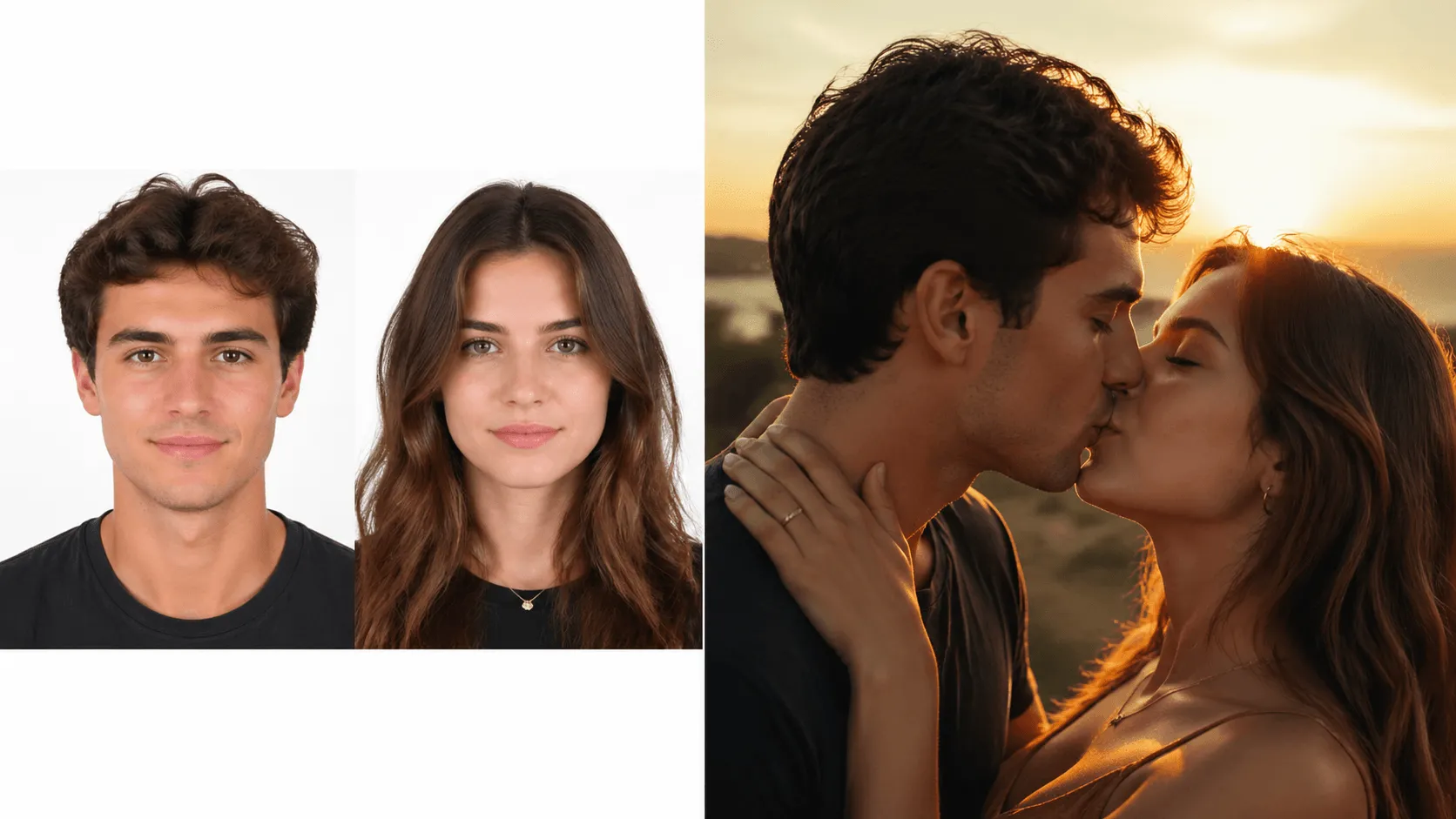
Animate two people kissing with AI.
 BeforeAfter
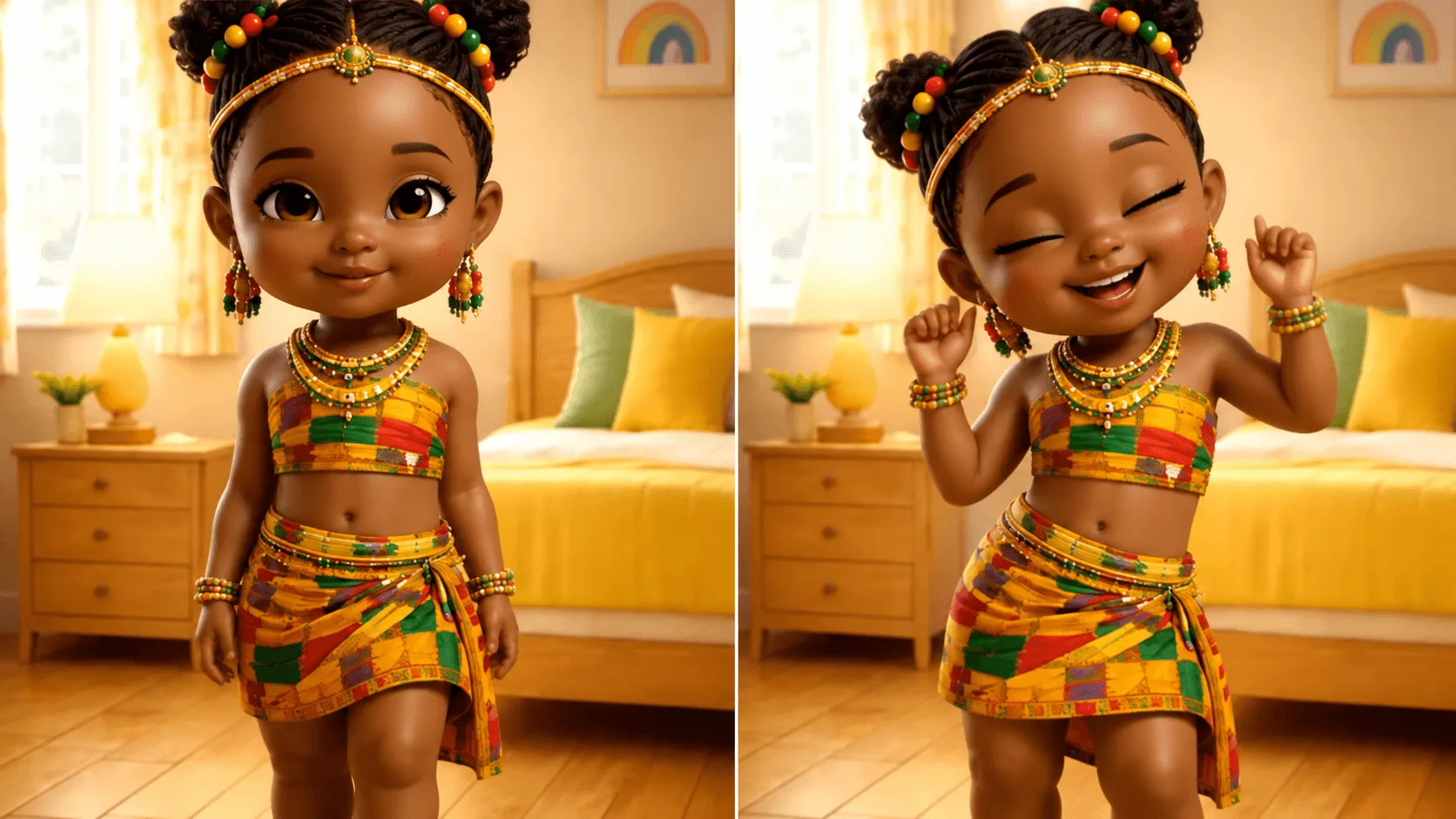
Make anyone dance to any music.
 BeforeAfter
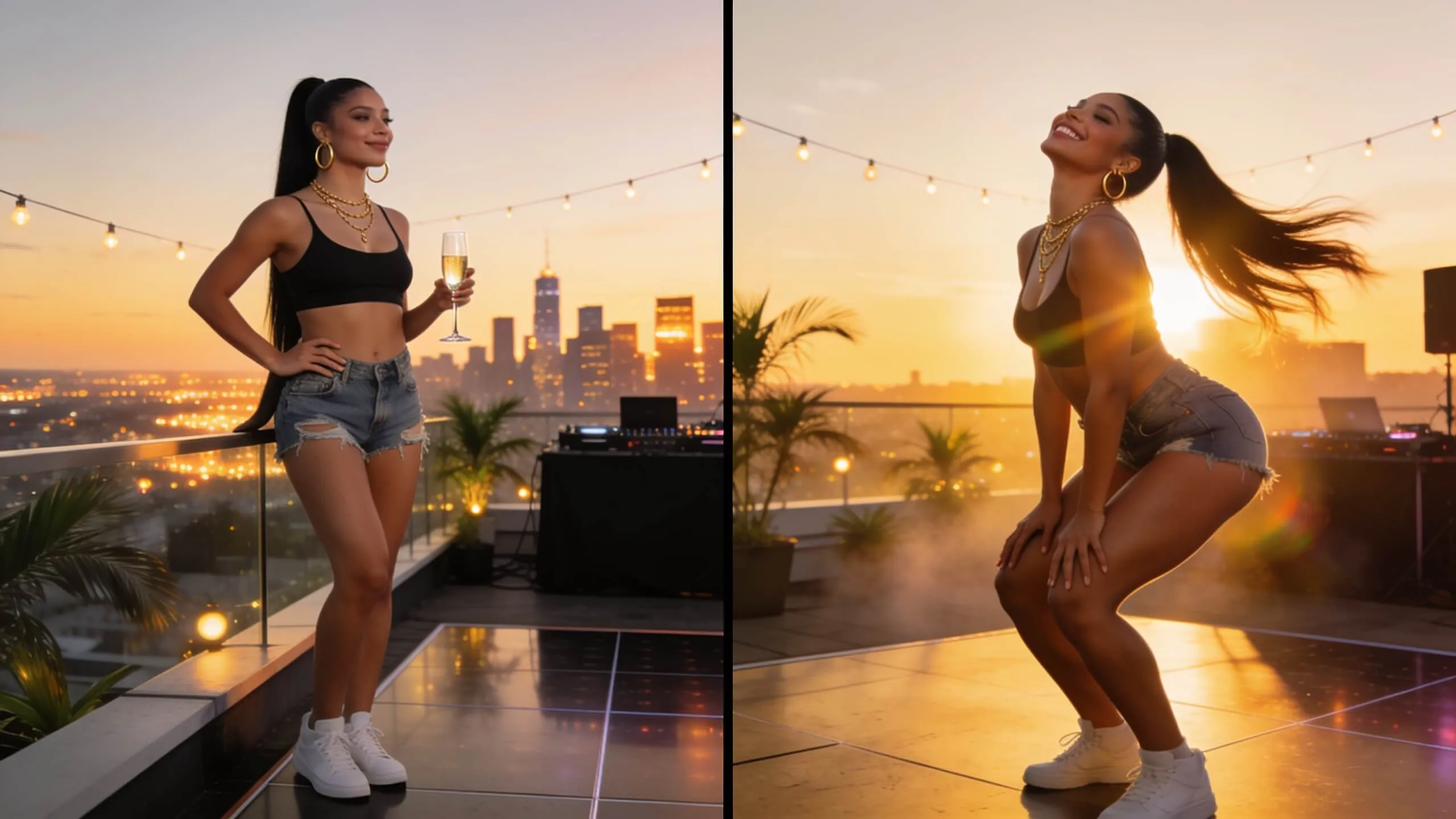
Generate fun twerking dance videos.
 BeforeAfter
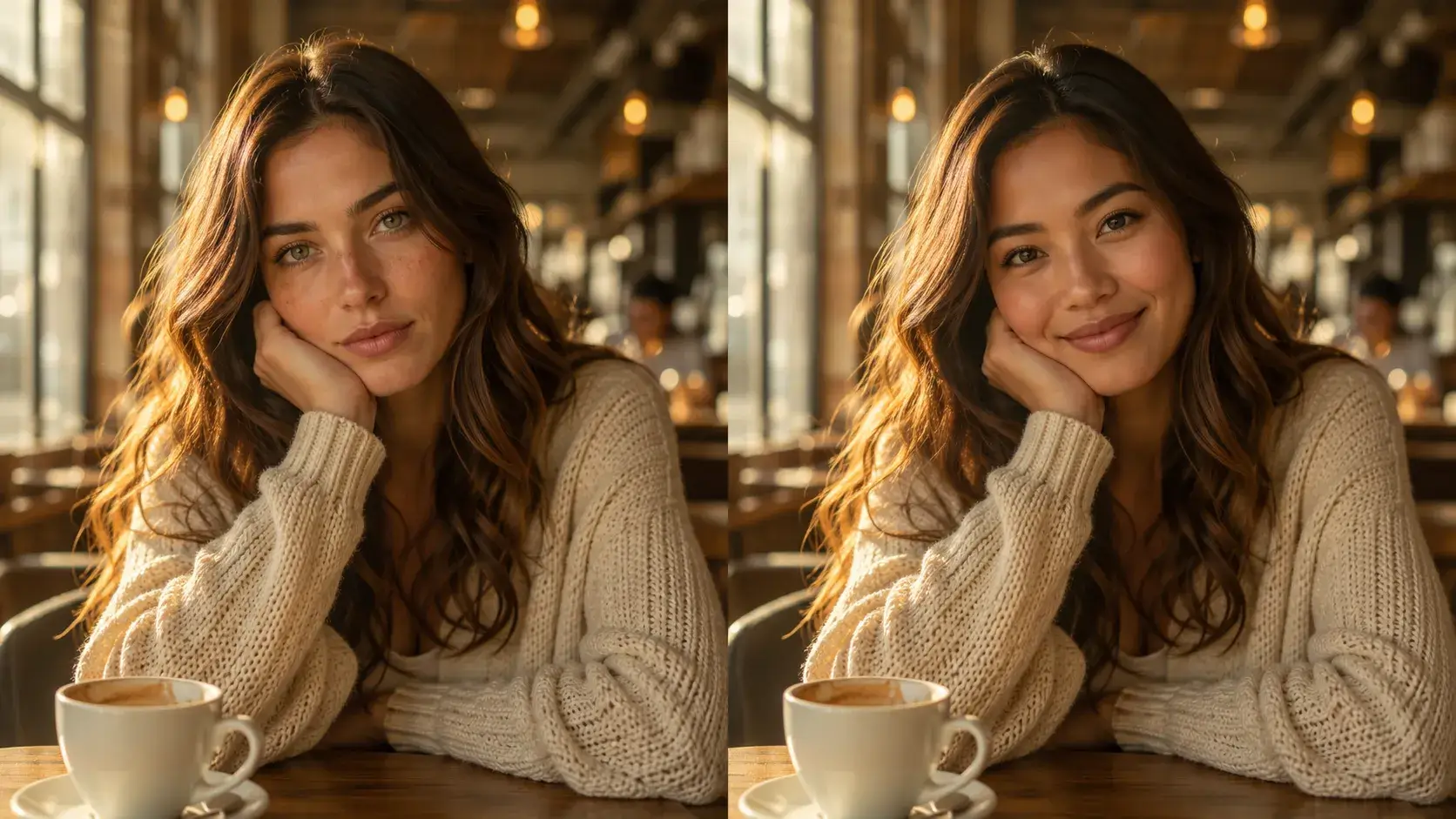
Swap faces in any photo instantly with AI-powered precision.
 BeforeAfter
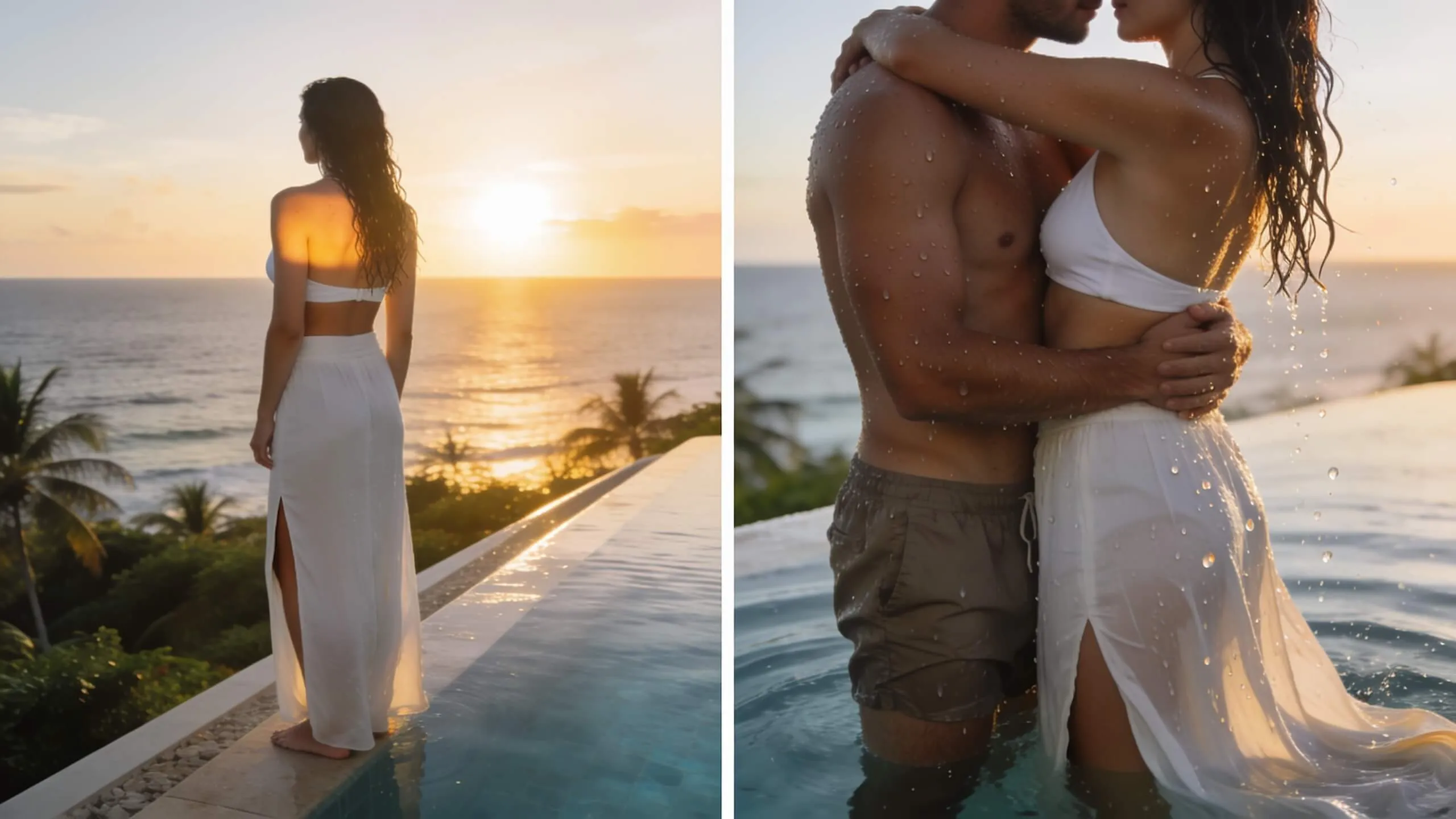
Turn a single photo into a warm hug video — bring loved ones close in one AI pass.
Text to video AI is advanced technology that converts written descriptions into fully-rendered video content. You simply type what you want to see—characters, settings, actions, camera angles, lighting, mood—and our AI models (Veo3, Seedance, Runway, Kling, PixVerse, Wan, Sora) generate professional videos automatically. The AI understands natural language, interprets visual concepts, and creates scenes frame-by-frame with realistic motion, cinematography, and effects. No filming equipment, actors, or video editing skills required.
Great prompts include: (1) Subject description ('a crystal dragon', 'anime schoolgirl'), (2) Action/movement ('soaring through', 'running across'), (3) Setting/environment ('bioluminescent forest at night', 'sunlit crossing'), (4) Visual style ('fantasy art', 'pixel art', 'ukiyo-e style'), (5) Camera movement ('tracking shot', 'slow zoom', 'crane up'), (6) Mood/lighting ('cinematic lighting', 'vibrant colors', 'dramatic'). Example: 'A majestic crystal dragon soaring through a bioluminescent forest at night, rainbow shimmering scales, deep blues and purples, fantasy art style, cinematic lighting.' More specific prompts yield better, more controlled results.
Each model excels in different areas: Veo3 (Google DeepMind) for photorealistic scenes with built-in audio, Seedance 1.0 Pro (ByteDance) for fastest generation (60-90s) and narrative storytelling, Runway Gen-3 for Hollywood-grade cinematography and human expressions, PixVerse 5 for 30+ creative effects and magic brush controls, Kling 2.1 for extended videos (up to 2 minutes) and multi-shot sequences, Wan 2.2 for bilingual support and open-source flexibility, Sora 2 (OpenAI) for cutting-edge experimental results. Try our smart model recommendation feature for personalized suggestions based on your prompt.
You control multiple parameters: (1) Resolution: 480p/720p/1080p HD, (2) Aspect ratio: 1:1 square/9:16 portrait/16:9 landscape, (3) Duration: 5-10s standard, up to 2 minutes with Kling 2.1, (4) Style: photorealistic, anime, cartoon, pixel art, fantasy, documentary, (5) Camera movement: static, zoom, pan, tracking, crane, FPV, (6) Motion intensity: subtle/moderate/dynamic, (7) Negative prompts: exclude unwanted elements. Advanced users can leverage model-specific features like PixVerse's magic brush, Veo3's audio generation, or Seedance's multi-shot director mode.
Generation time varies by model, settings, duration, resolution, and media complexity. Our intelligent queue system keeps progress visible during peak hours and continues checking until processing finishes.
Yes, you retain full commercial rights to all videos created from your text prompts on our platform. Use them freely for marketing campaigns, client projects, YouTube content, social media ads, presentations, product demos, or any commercial purpose without additional licensing fees. We recommend adding an AI disclosure for transparency (e.g., 'Created with AI' or 'AI-Generated Content'). Ensure your prompts don't infringe on copyrighted characters or trademarks. Our Terms of Service apply to all generated content.
Credit pricing varies by model, resolution, and duration: Seedance/PixVerse/Kling/Runway/Wan (480p/5s: 4 credits, 720p/5s: 6 credits, 1080p/5s: 14 credits; 10s videos cost double). Veo3 premium pricing (720p/8s with audio: 8 credits, 1080p/8s: 12 credits). Sora 2 (480p/5s: 6 credits, 720p/5s: 10 credits, 1080p/5s: 18 credits). Extended videos (Kling 2-minute mode) cost 40-80 credits depending on resolution. Credits never expire. Real-time cost calculator shows exact pricing before generation. Flexible plans: one-time credit packs (100-10,000 credits) or unlimited monthly subscriptions.
Yes! Use Kling 2.1 for extended videos up to 2 minutes, or Seedance 1.0 Pro's multi-shot director mode to create narrative sequences with scene transitions. For longer content, generate multiple clips with consistent style prompts and stitch them together. Pro tip: Use character/setting descriptions consistently across prompts for visual continuity. Example workflow: Generate Scene 1 'A detective enters a dark office, noir style', Scene 2 'Same detective examines files on desk, close-up', Scene 3 'Detective looks out window at rainy city, wide shot'. Then combine clips in your video editor.
Still have questions? Contact our support team

Join 10,000+ creators using premium AI models. No filming or editing skills required—just type and watch your vision come alive.