All-in-One Text to Image
Generate stunning images from simple text prompts — no design skills, no complex tools, just describe what you want and create.
 VidOne AI
Generate stunning images from text with AI Text to Image. Create photorealistic or artistic images using 6 AI models. AI Text to Image is now available on VidOne. Start creating with it now!
Free to Try · No Credit Card Required
Go from a plain-language idea to a polished image in minutes — pick a model, describe what you want, and download the result in just 3 steps.
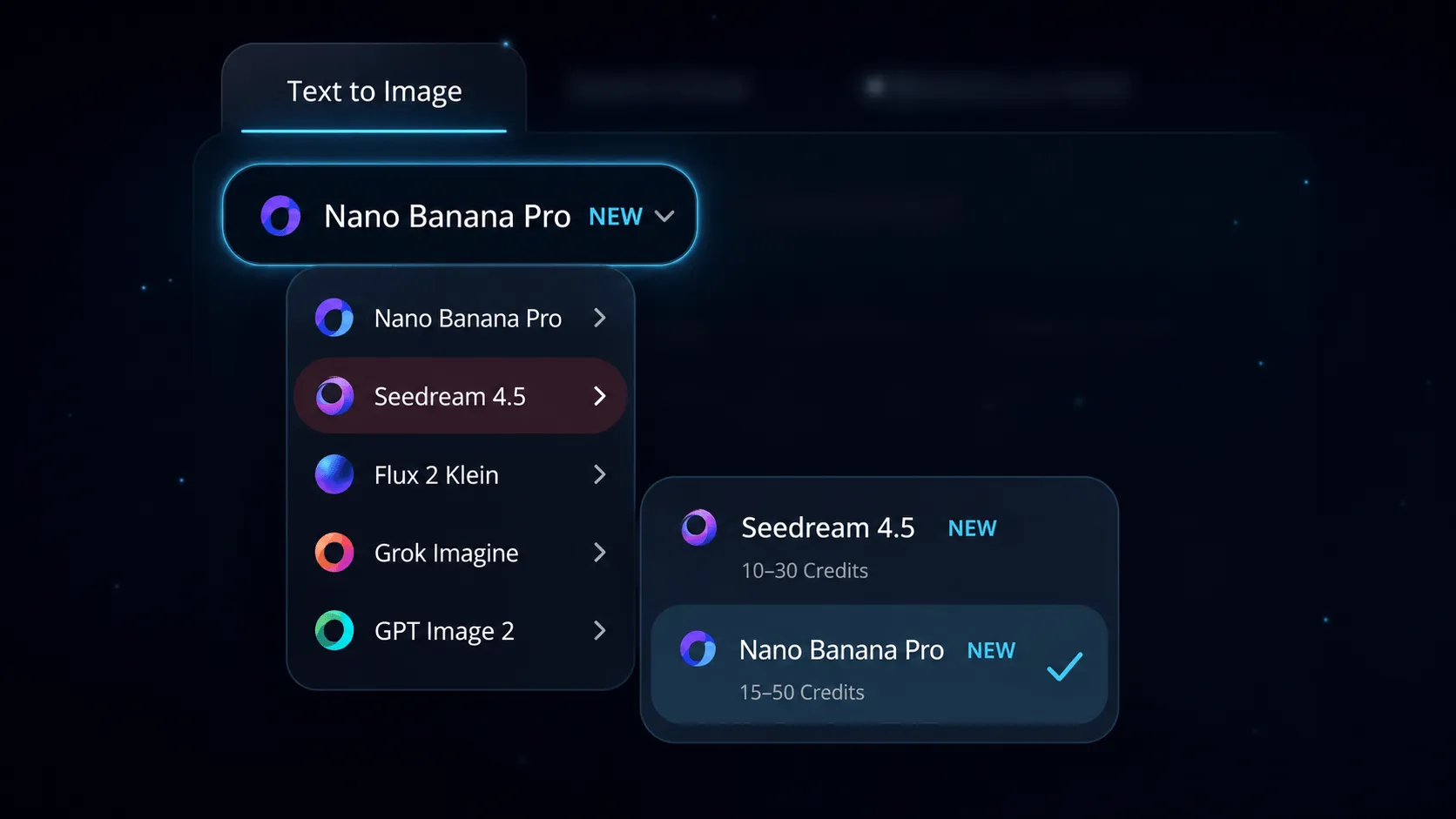
Open the Text to Image tab and pick from Nano Banana Pro, Seedream 4.5, Flux 2 Klein, Grok Imagine, GPT Image 2, and more. Each model has its own strengths — photorealistic shots, anime illustration, painterly art — pick the one that matches the look you have in mind.
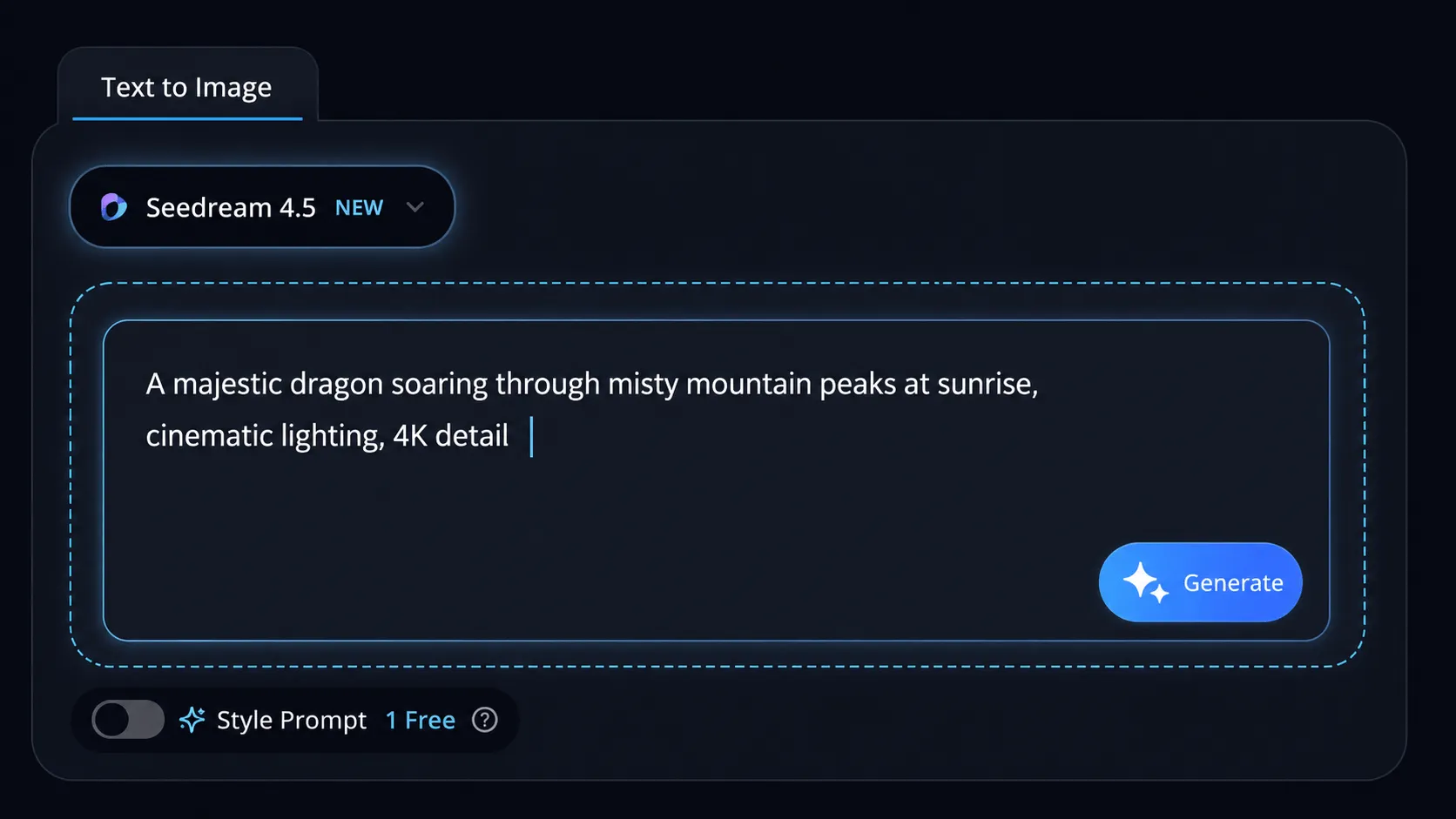
Type a descriptive prompt with subject, style, lighting, and mood. Then adjust the resolution, aspect ratio, and number of images so the output is ready for the format you actually need — social posts, thumbnails, product visuals, or campaign creative.
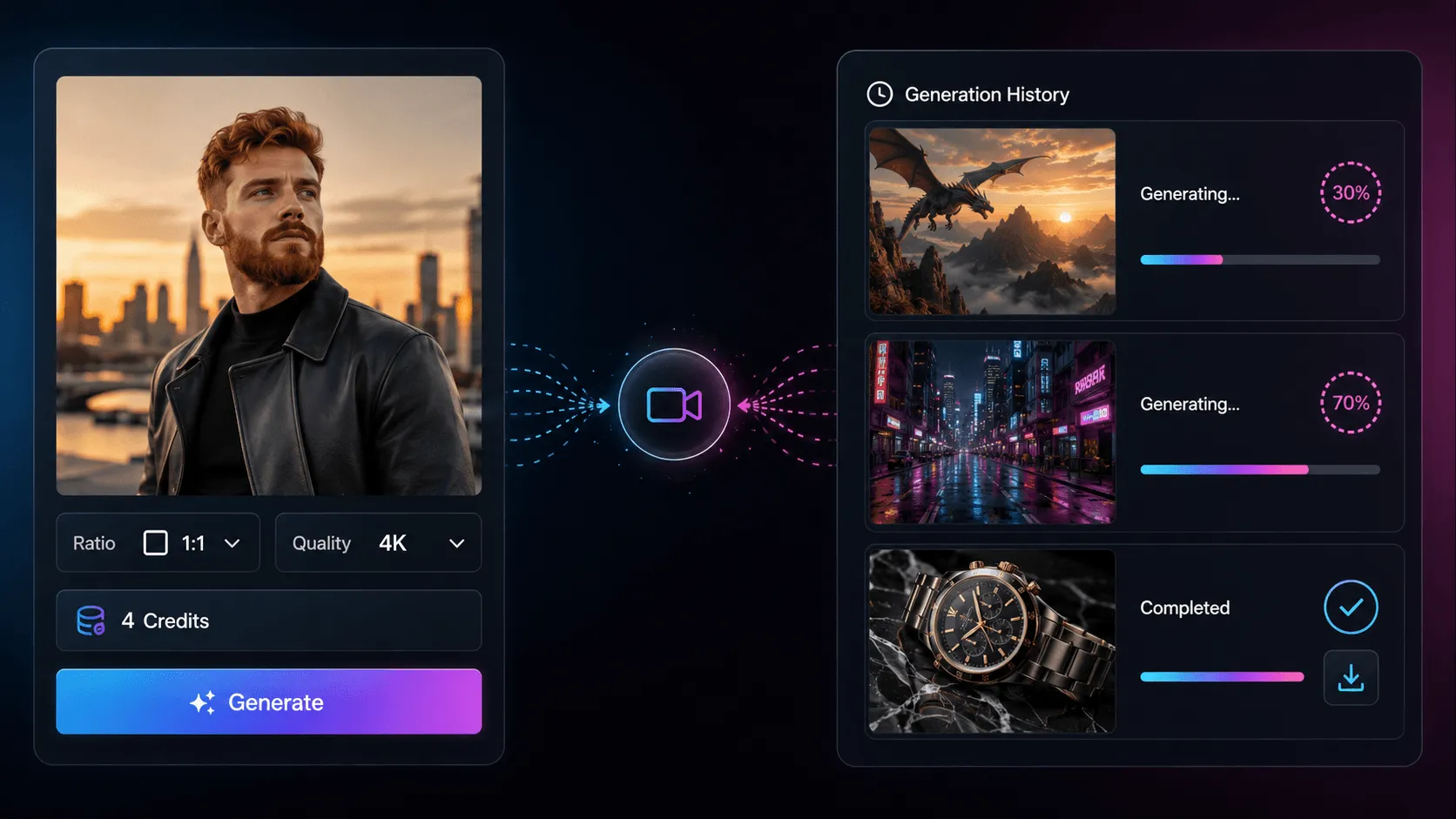
Click Generate and watch your image render in seconds. Preview the result up to 4K, switch models or refine the prompt to explore a new variation, then download the final image — ready to share or use commercially.
Generate stunning images from simple text prompts — no design skills, no complex tools, just describe what you want and create.
Access Nano Banana Pro, Seedream 4.5, Flux 2 Klein, Grok Imagine and GPT Image 2 — each model brings unique strengths for every creative vision.
Download ultra-high resolution images up to 4K, completely watermark-free, directly from your browser — no software required.
Go from text prompt to finished artwork in under 10 seconds — AI handles the creativity so you can focus on ideas.
See your AI images the moment they're ready, refine your prompts, and generate variations — all without leaving the page.
Your prompts and creations are processed securely and never used for training — everything you create stays yours.
Move from idea to image in seconds with a fast text-to-image workflow, flexible model and parameter controls, post-generation editing, and easy iteration.
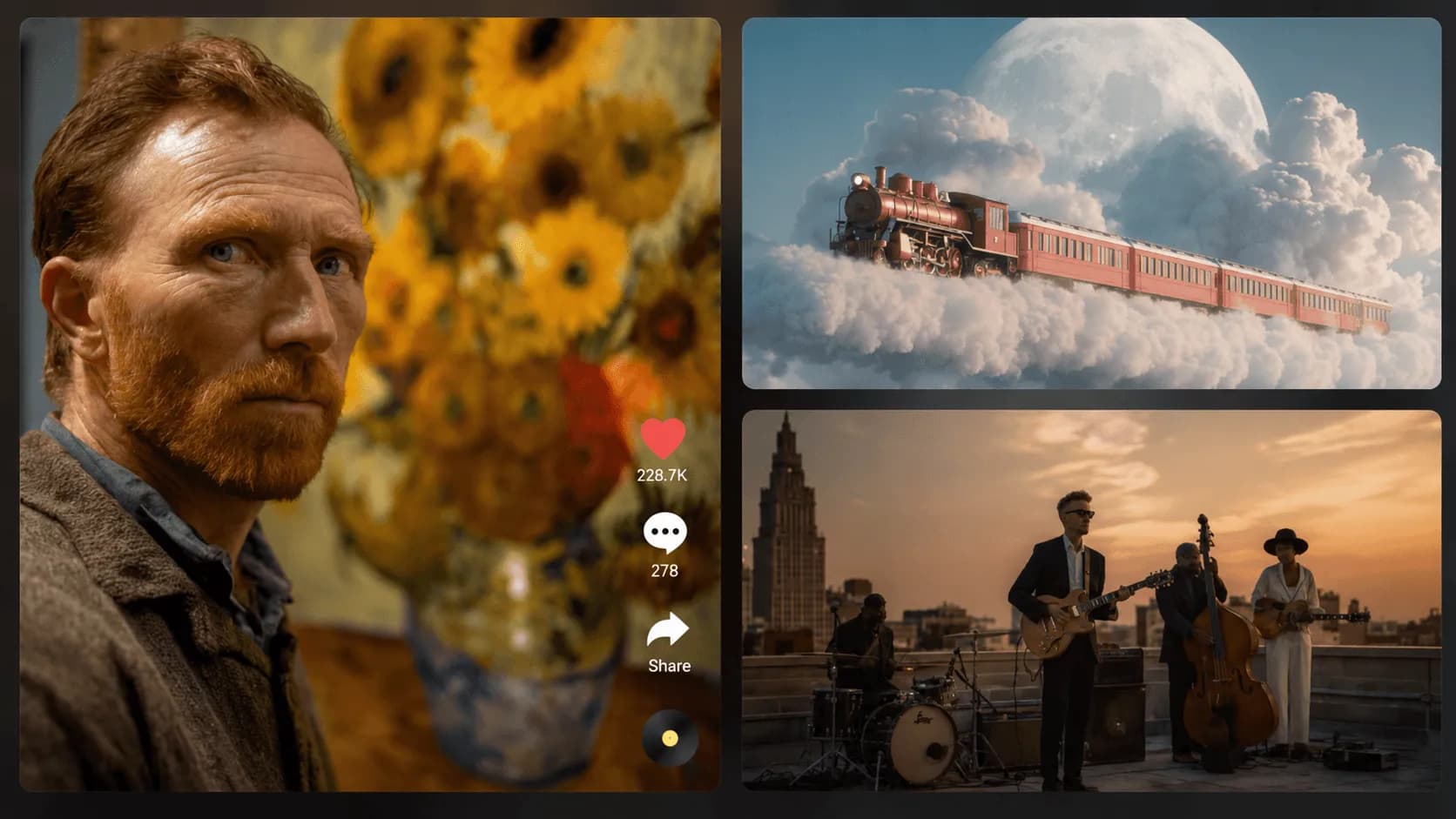
Start with a plain-language prompt and VidOne turns it into a polished image in seconds. From product concepts to anime scenes, this AI text to image generator helps creators, marketers, and teams produce original visuals quickly — natural prompt-based workflow for beginners and teams, fast generation for concepting, content production, and brainstorming, useful for both creative art and practical business visuals.
Generate Image from Text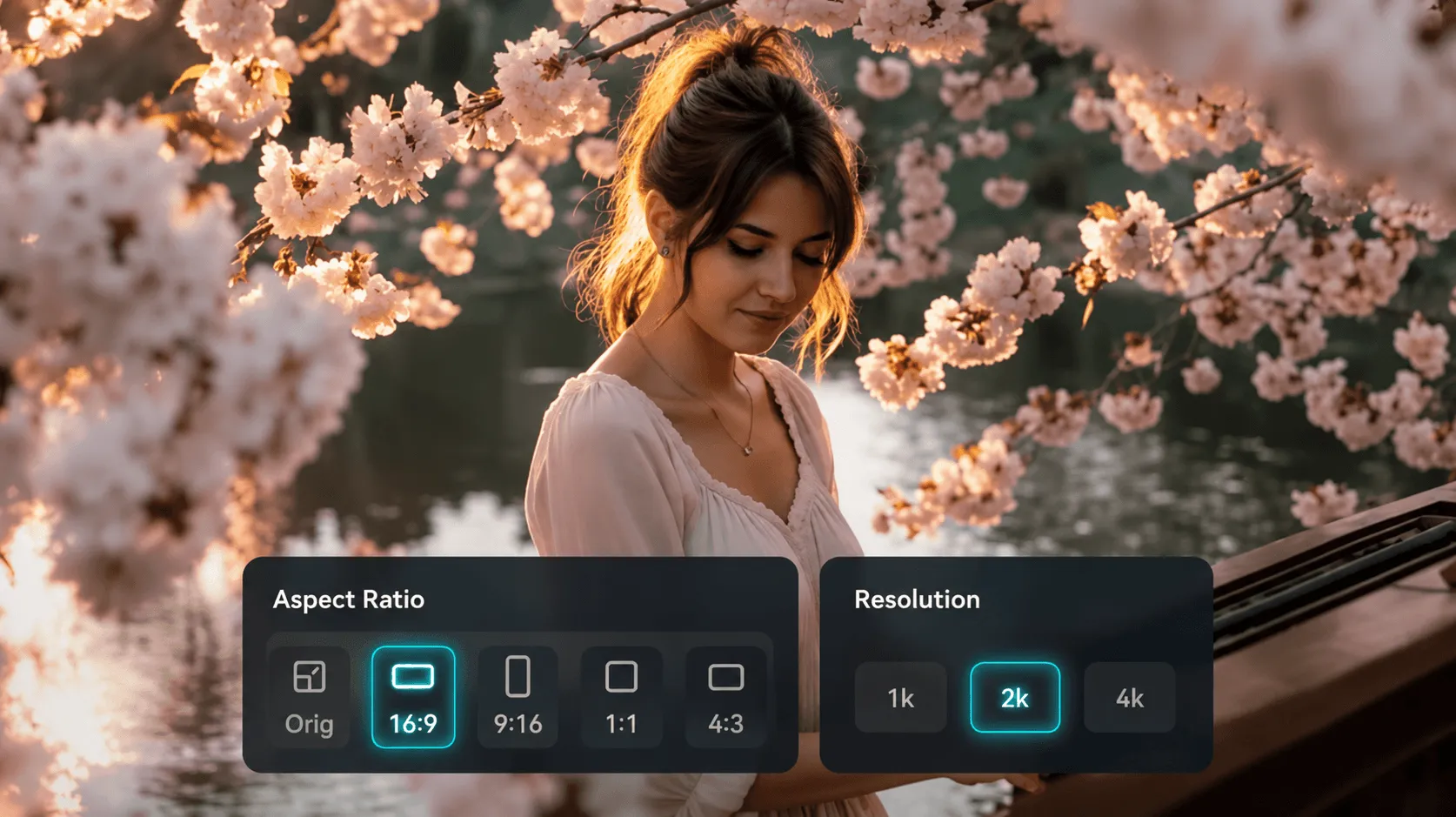
VidOne gives you flexible model and parameter controls, so you can get images that better match your actual use case. From social posts and thumbnails to product visuals and campaign creatives, it helps you improve output quality, fit the right format, and reduce trial and error. Pick from multiple AI models — Nano Banana Pro, GPT Image 2, Seedream 4.5, Flux 2 Klein, and more — and adjust resolution, aspect ratio, and number of images in one workflow.
Explore AI Image Settings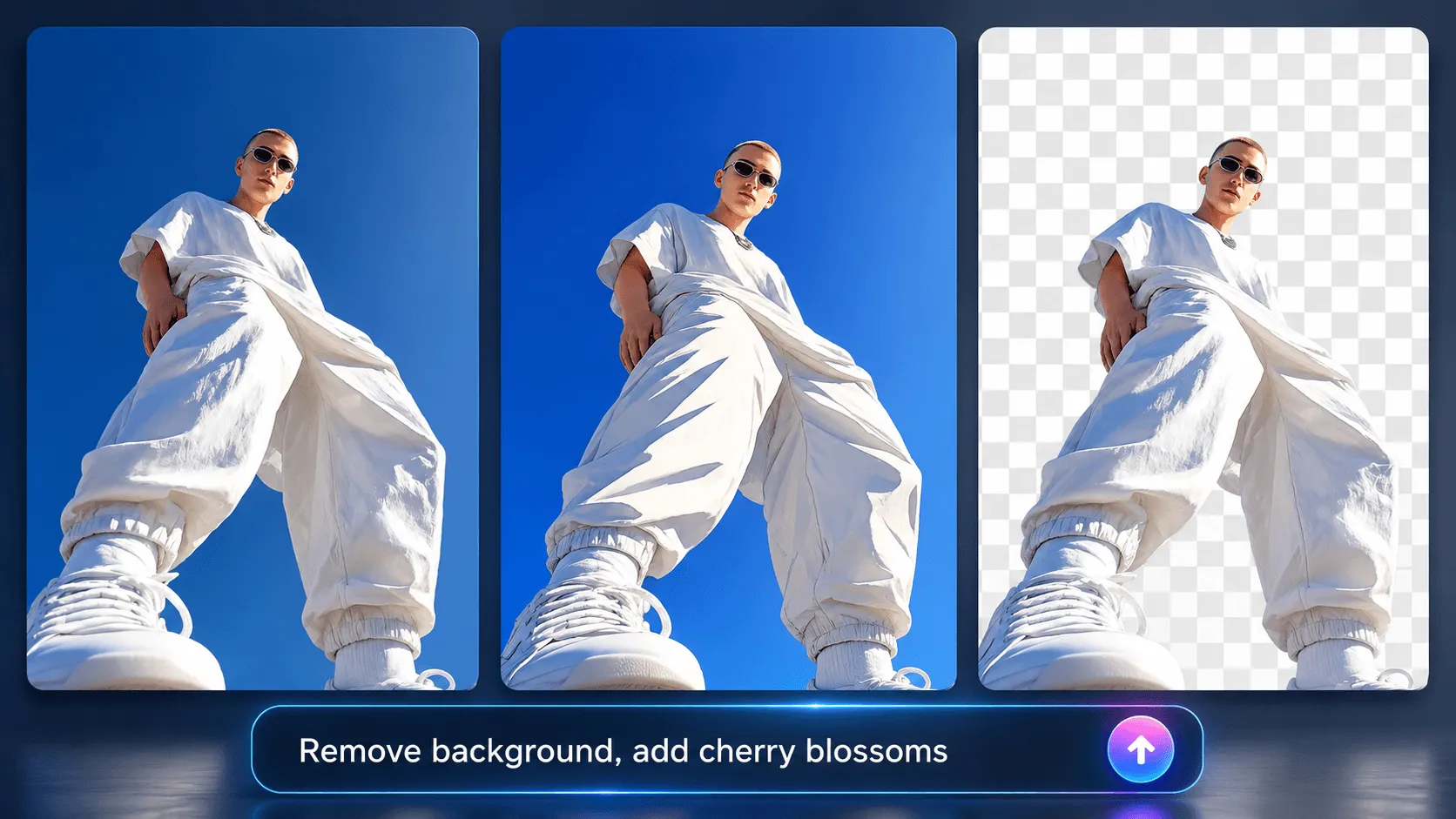
After generation, you can keep improving the result instead of starting over. Use built-in tools like AI Replace, background removal, object removal, and image enhancement to polish your visual — or take next actions like regenerate, re-edit, send to image-to-image for refinement, or animate to turn one generated image into a short video clip.
Edit Image After Generation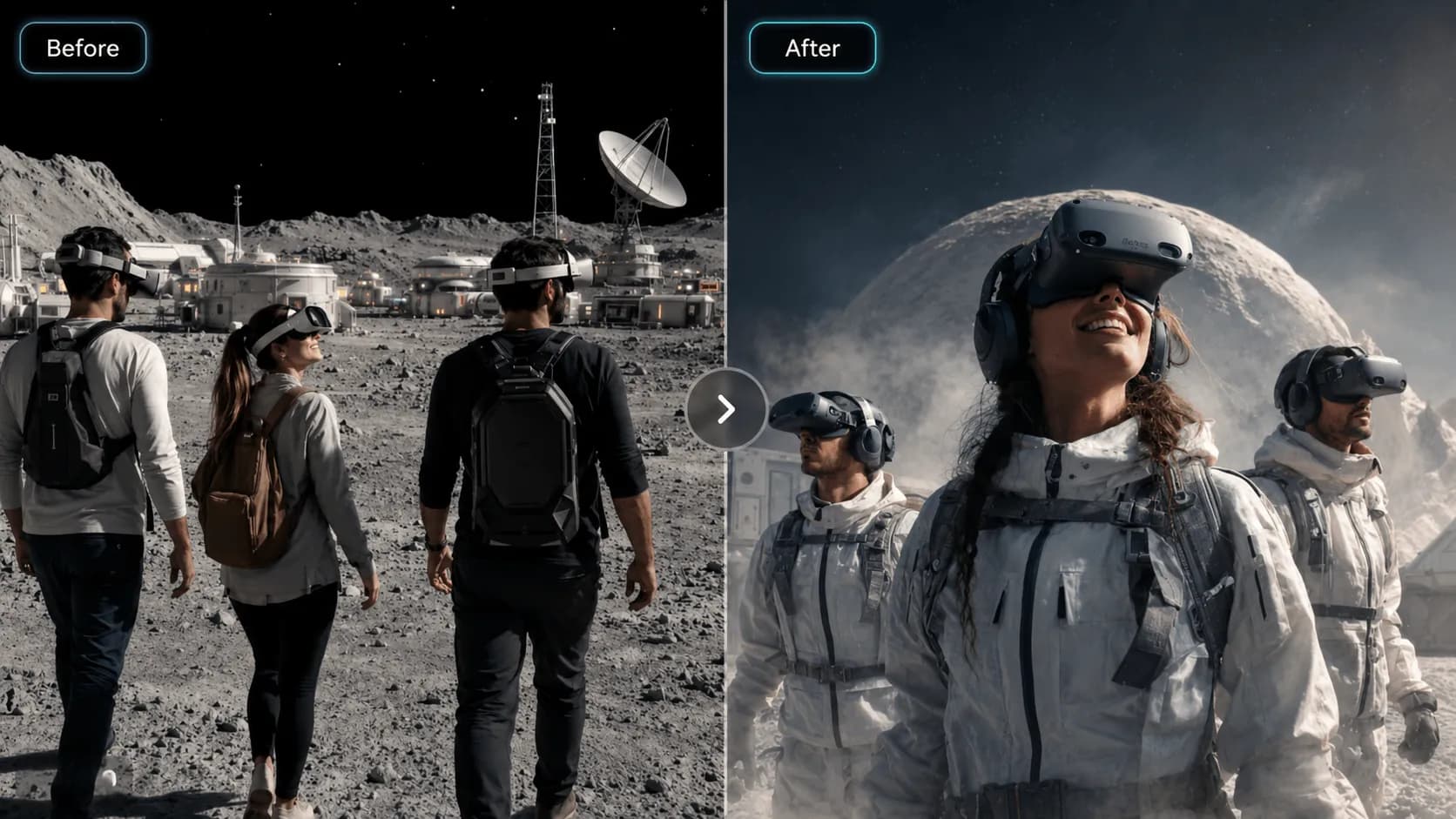
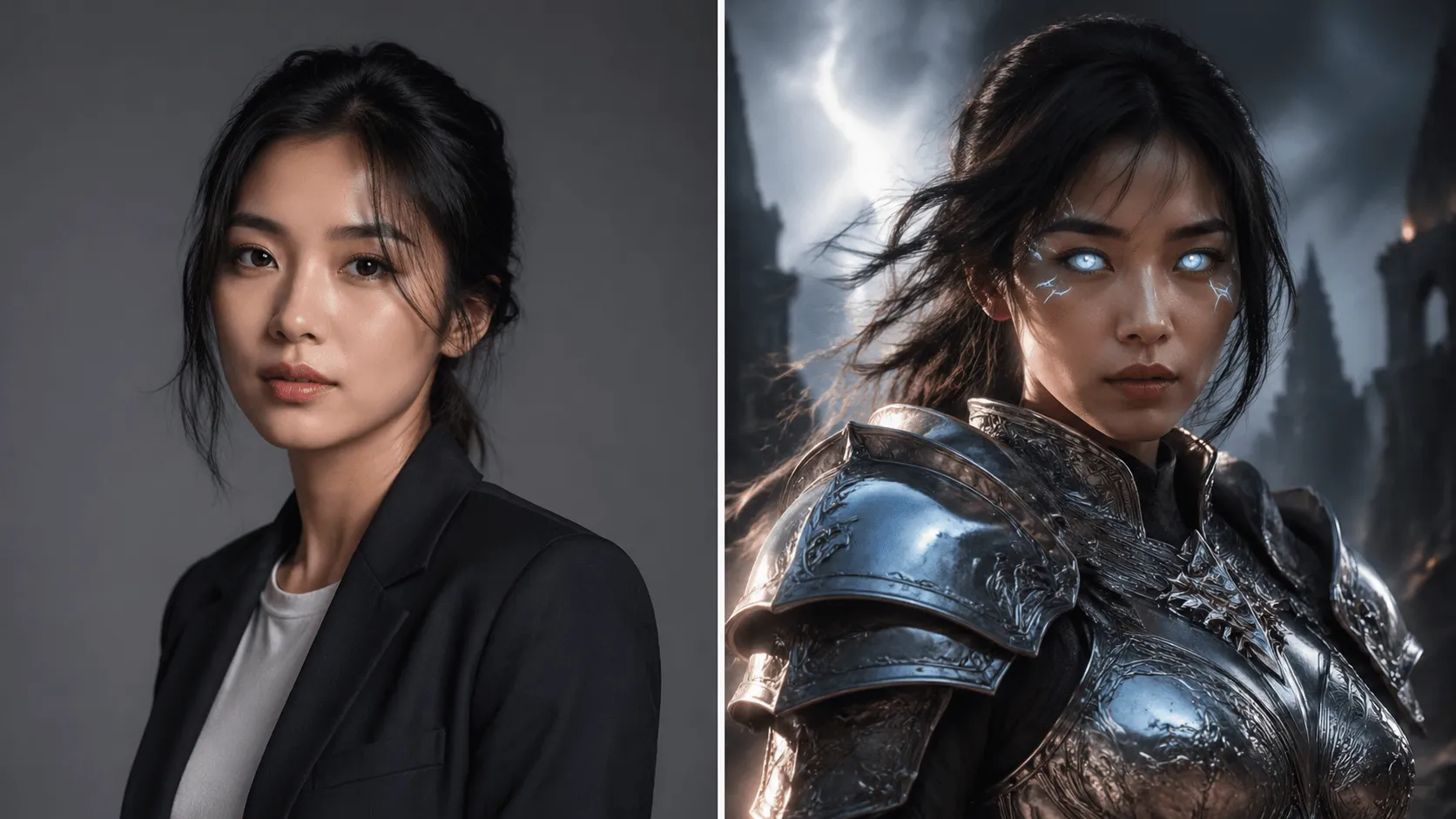
VidOne generates one image at a time, but iteration is easy. Run the same prompt again, adjust the wording, and compare different outputs to find a stronger composition, mood, or direction before deciding which result to keep, edit, or publish. Generate one result, then run the same prompt to explore a new variation, and compare different outputs before deciding which image to keep, edit, or publish.
Generate More VariationsEnhance your workflow — face swap, subtitles, effects, sound, reference-to-video, and product showcases.
 BeforeAfter
Swap faces in videos with AI precision in 60 seconds.
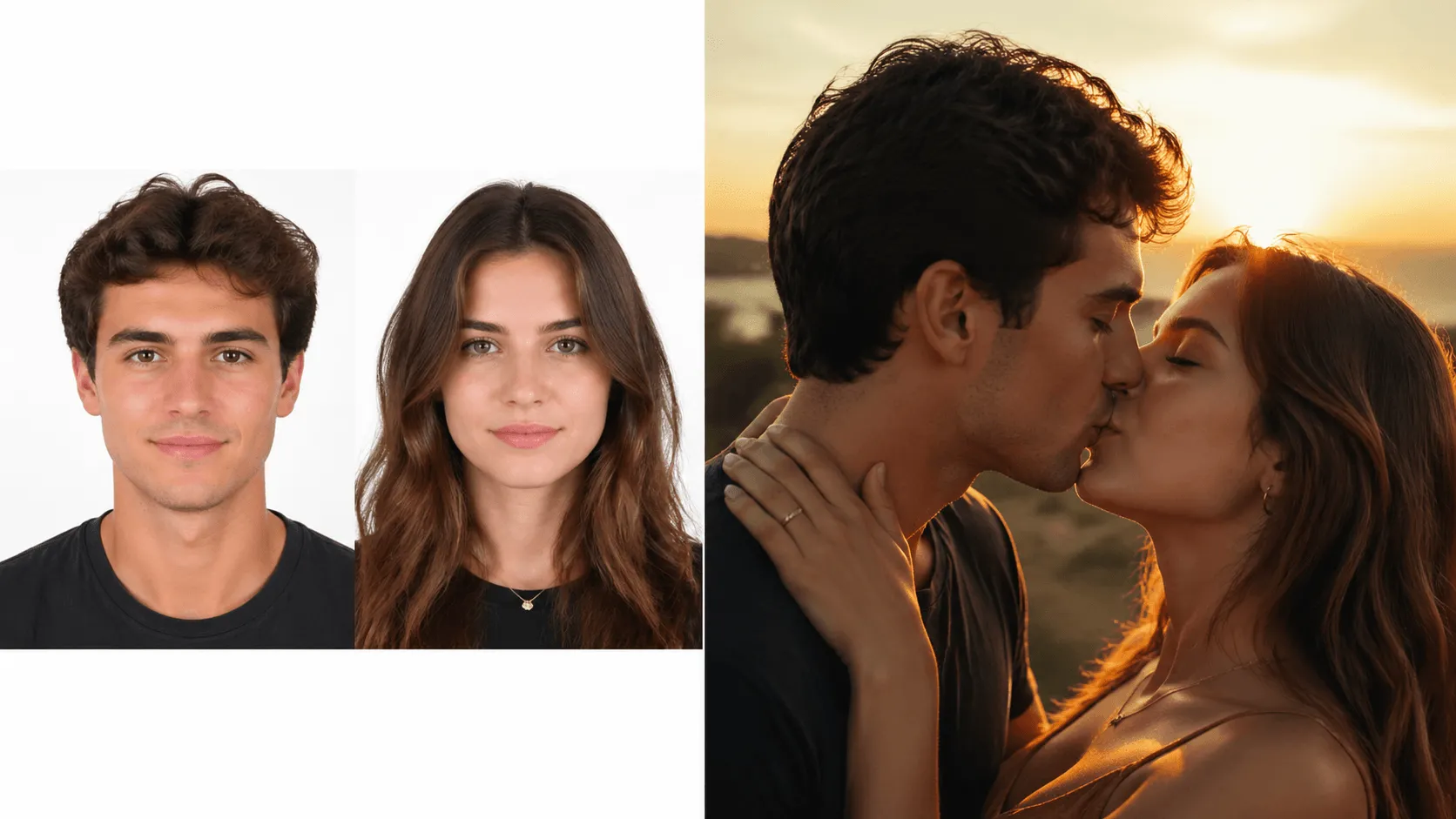 BeforeAfter
Animate two people kissing with AI.
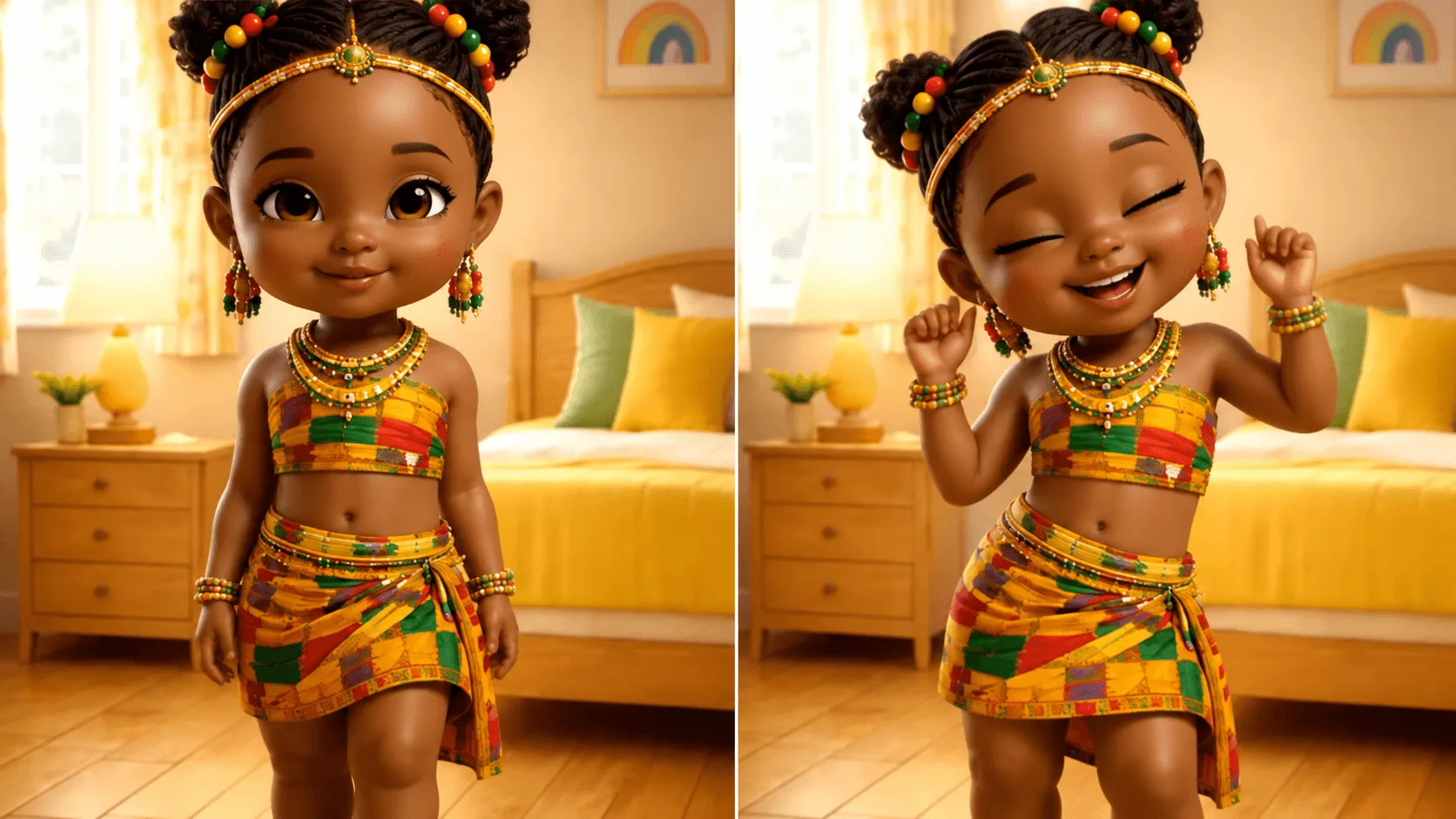 BeforeAfter
Make anyone dance to any music.
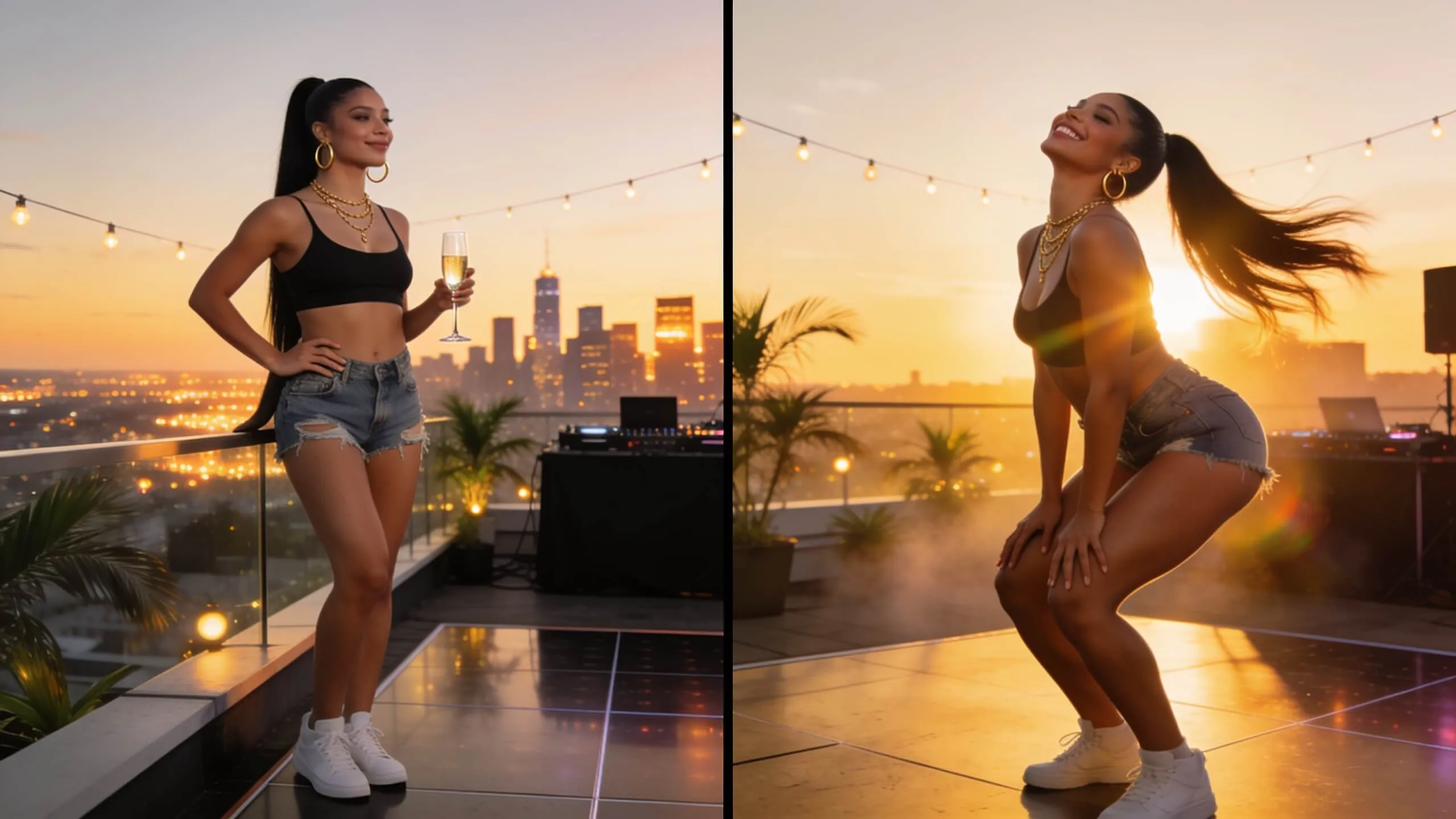 BeforeAfter
Generate fun twerking dance videos.
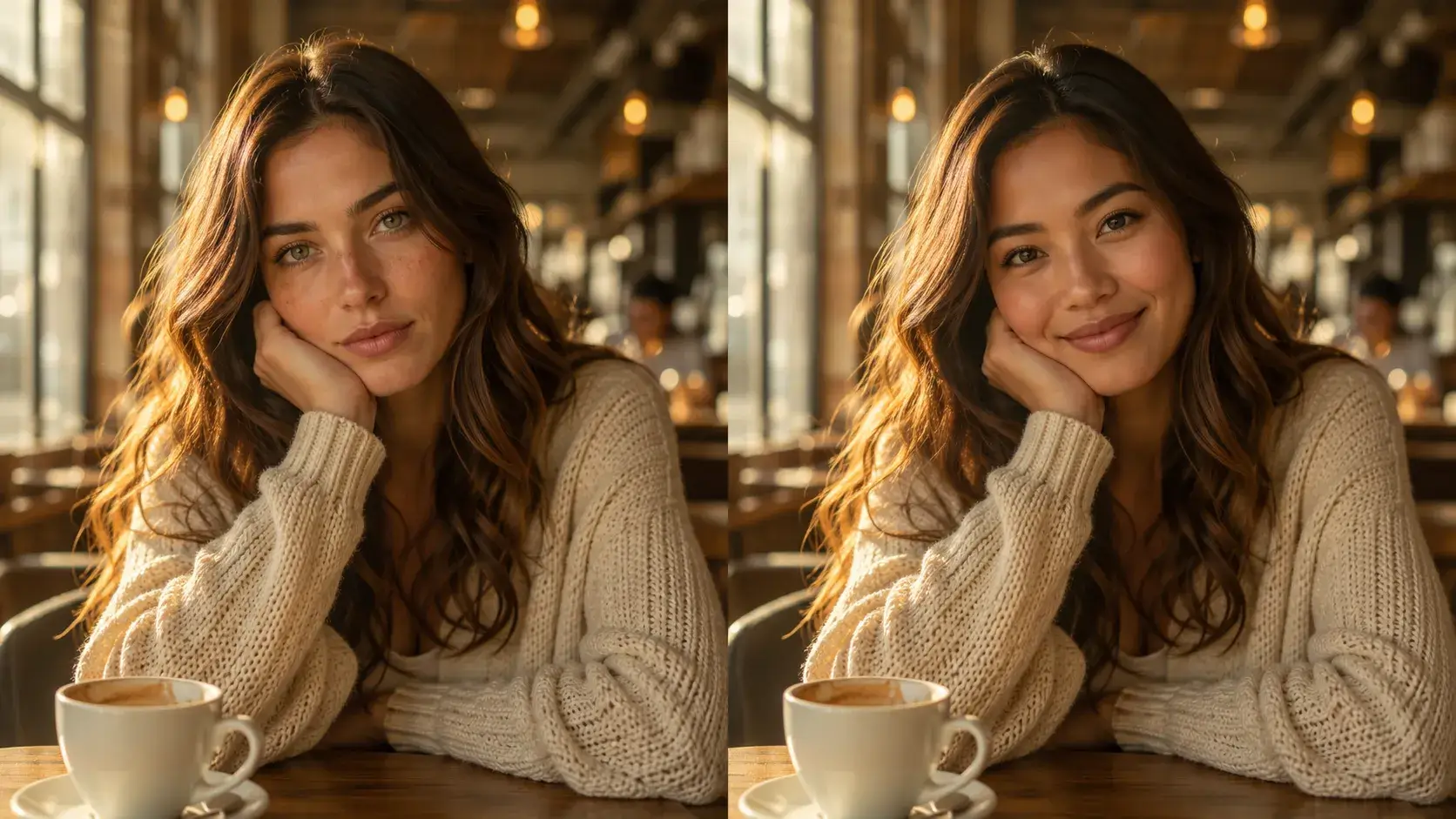 BeforeAfter
Swap faces in any photo instantly with AI-powered precision.
 BeforeAfter
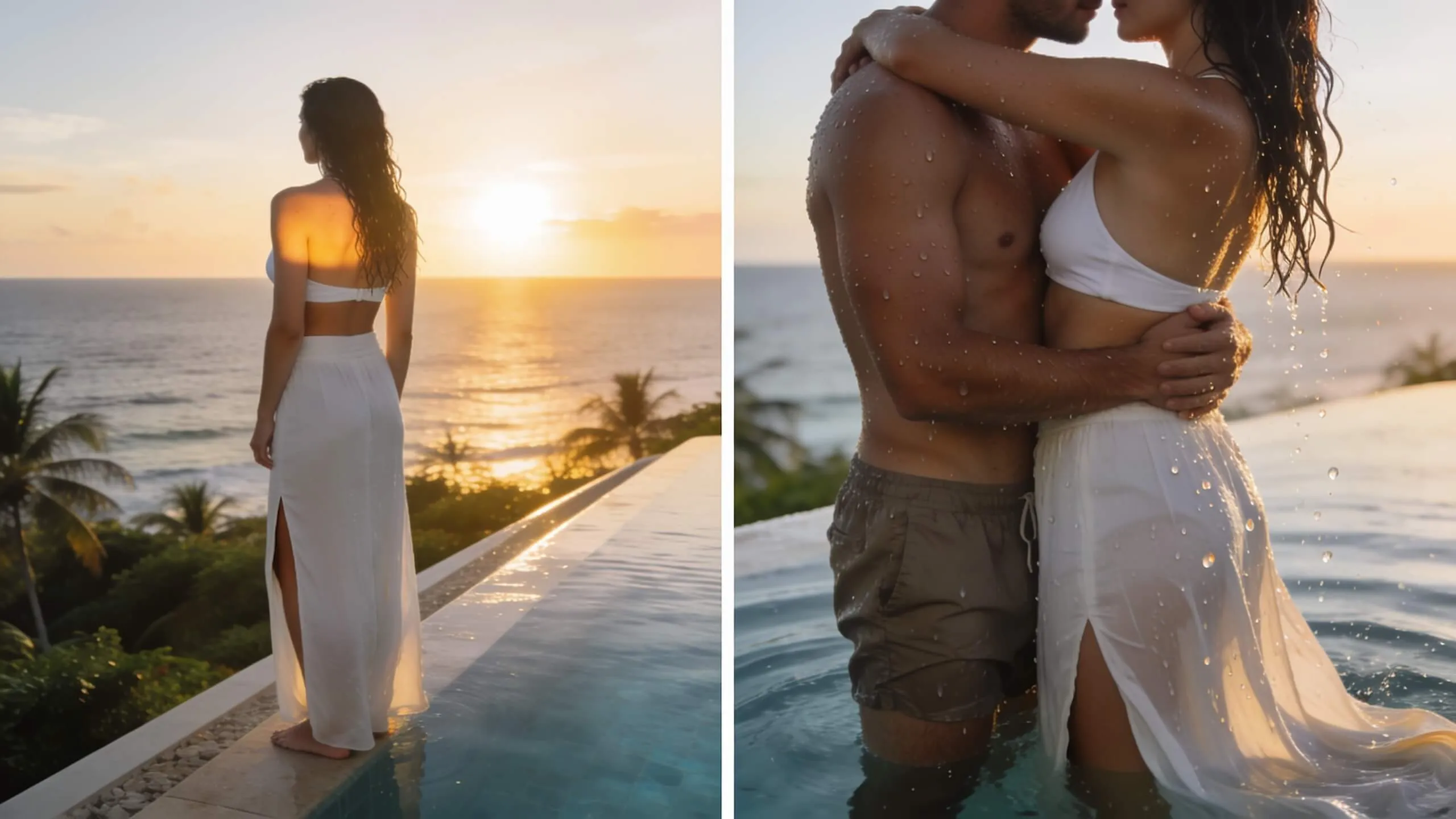
Turn a single photo into a warm hug video — bring loved ones close in one AI pass.
We offer 6 premium models: Nano Banana 2, Nano Banana Pro, Seedream 4.5, Flux 2 Klein, Grok Imagine, GPT Image 2. Each model excels in different areas — try them all to find your favorite.
Be descriptive and specific! Include the subject, style, lighting, mood, and composition. Example: 'A majestic dragon flying over a misty mountain at sunset, cinematic lighting, hyperrealistic, 8K detail, volumetric fog'. Use negative prompts to exclude unwanted elements.
We support 1:1 (square), 16:9 (landscape), 9:16 (portrait), 4:3, 3:2, and custom ratios. Output resolution goes up to 4K depending on the model and settings you choose.
Yes! Negative prompts are a powerful way to exclude unwanted elements. For example: 'no text, no watermark, no blur, no deformation' helps produce cleaner, higher-quality images.
Yes, all images you generate with VidOne are yours with full commercial rights. Use them for social media, marketing, merchandise, print, websites — no attribution required.
Still have questions? Contact our support team

Type a description and watch AI create beautiful images in seconds. 6 premium models, unlimited styles, no design skills needed.