
Multi-Reference Style Fusion
Upload multiple reference images to guide visual style — no design skills, no complex tools, just reference and generate.
 VidOne AI
Create videos with style references using AI Reference to Video. Guide your video generation with reference images for consistent style and aesthetics. AI Reference to Video is now available on VidOne. Start creating with it now!
Free to Try · No Credit Card Required
Use reference images to guide the style and composition of your AI videos
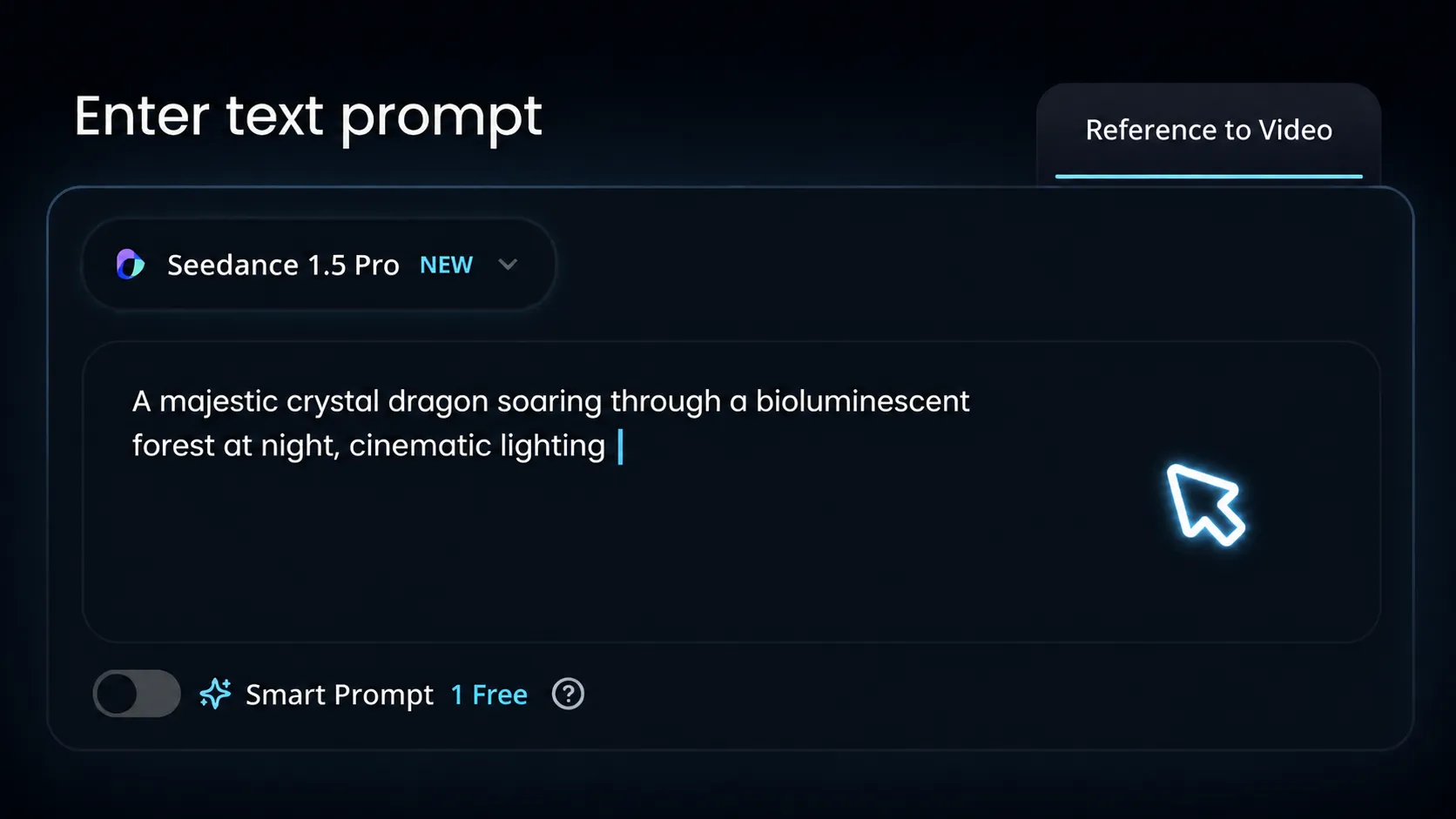
Write a prompt describing how elements should interact and move. The reference guides style while your prompt defines content.
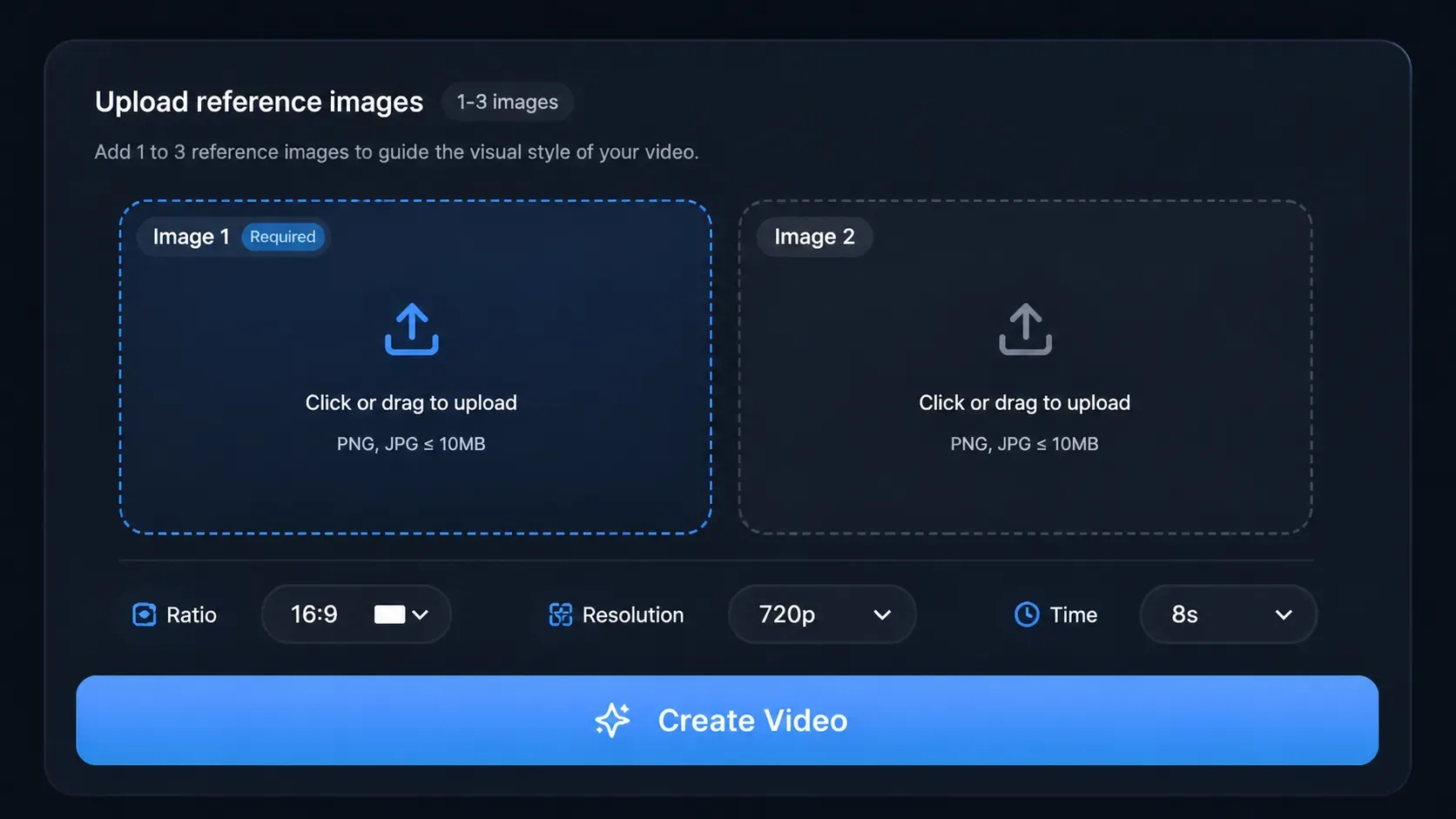
Upload 2-3 reference images that showcase the visual style, composition, or aesthetic you want your video to match.
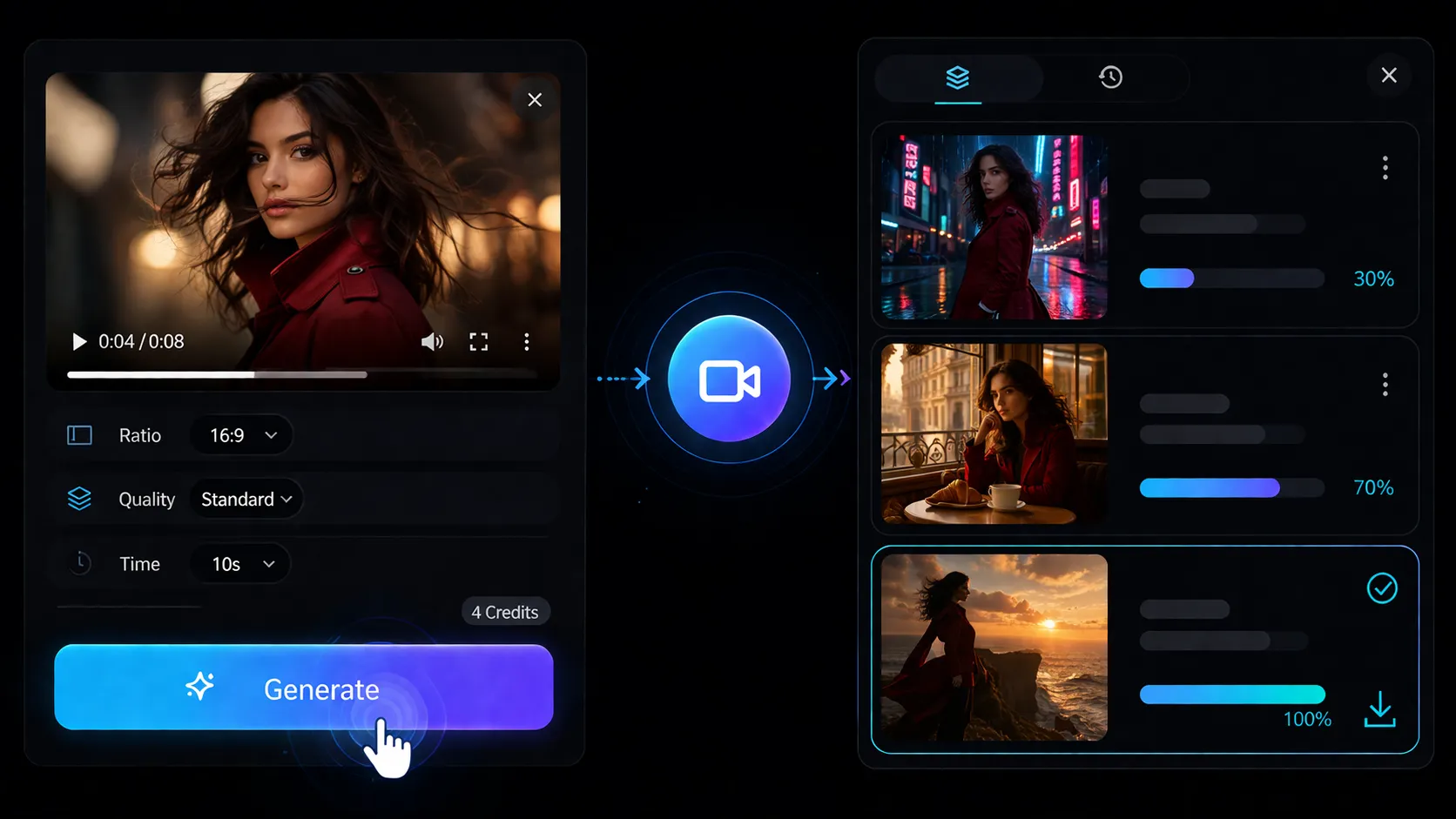
AI fuses your references with scene description to create videos that match your vision. Download watermark-free results.
Use reference images to guide the visual style and composition of your AI-generated videos for consistent, professional results.
Enhance your favorite scenes by seamlessly adding new characters and objects while keeping the environment consistent. Introduce a cute animal to a beautiful garden or add a steaming coffee cup to a cozy café table — all with a few clicks.
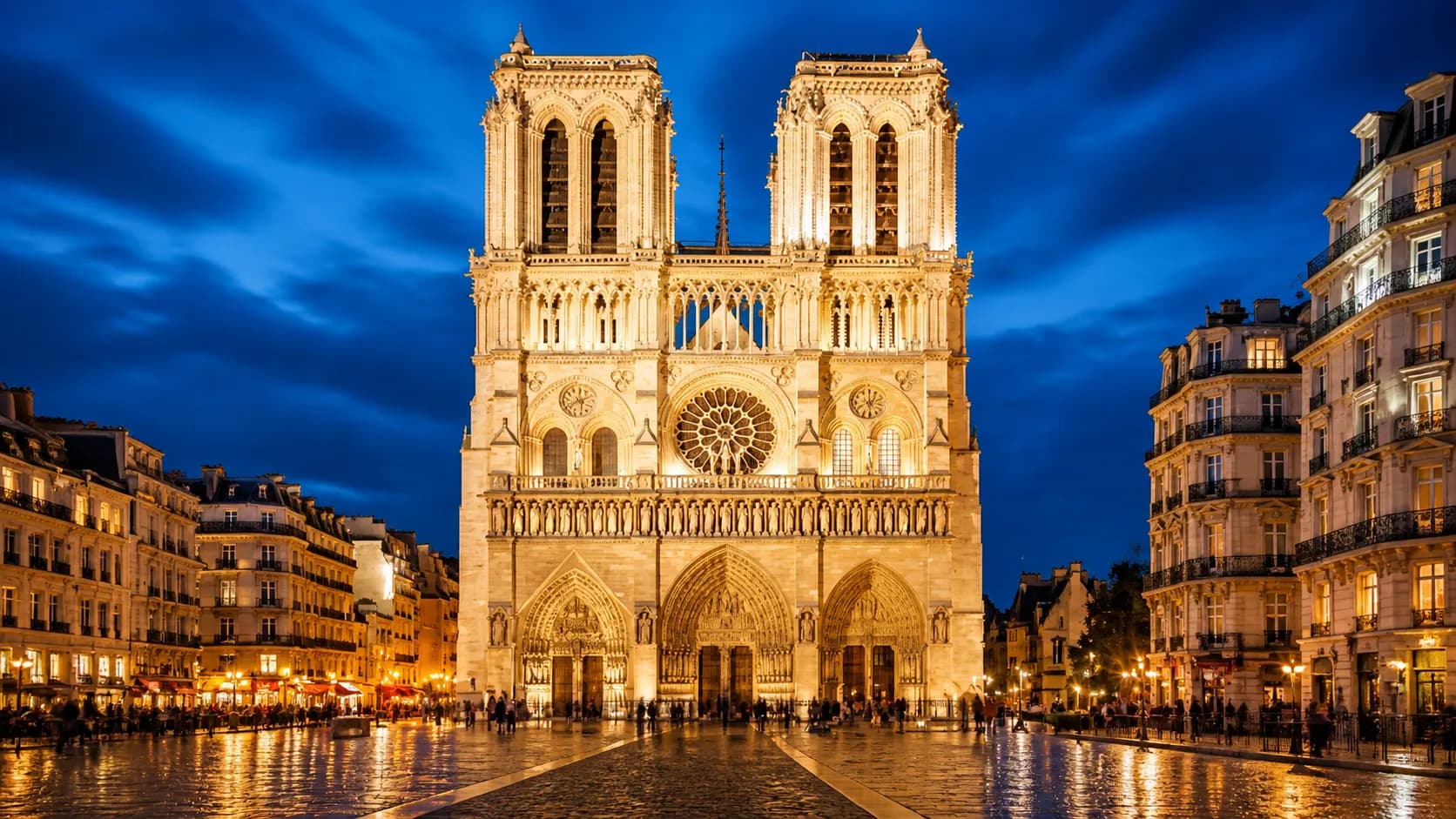
Prompt
In front of Notre-Dame Cathedral, three women are taking selfies.
Easily transform the backgrounds of generated videos while keeping the main character or object of your original image 100% intact. Want to place your character in a totally different world or showcase a product in various settings? The possibilities are endless.
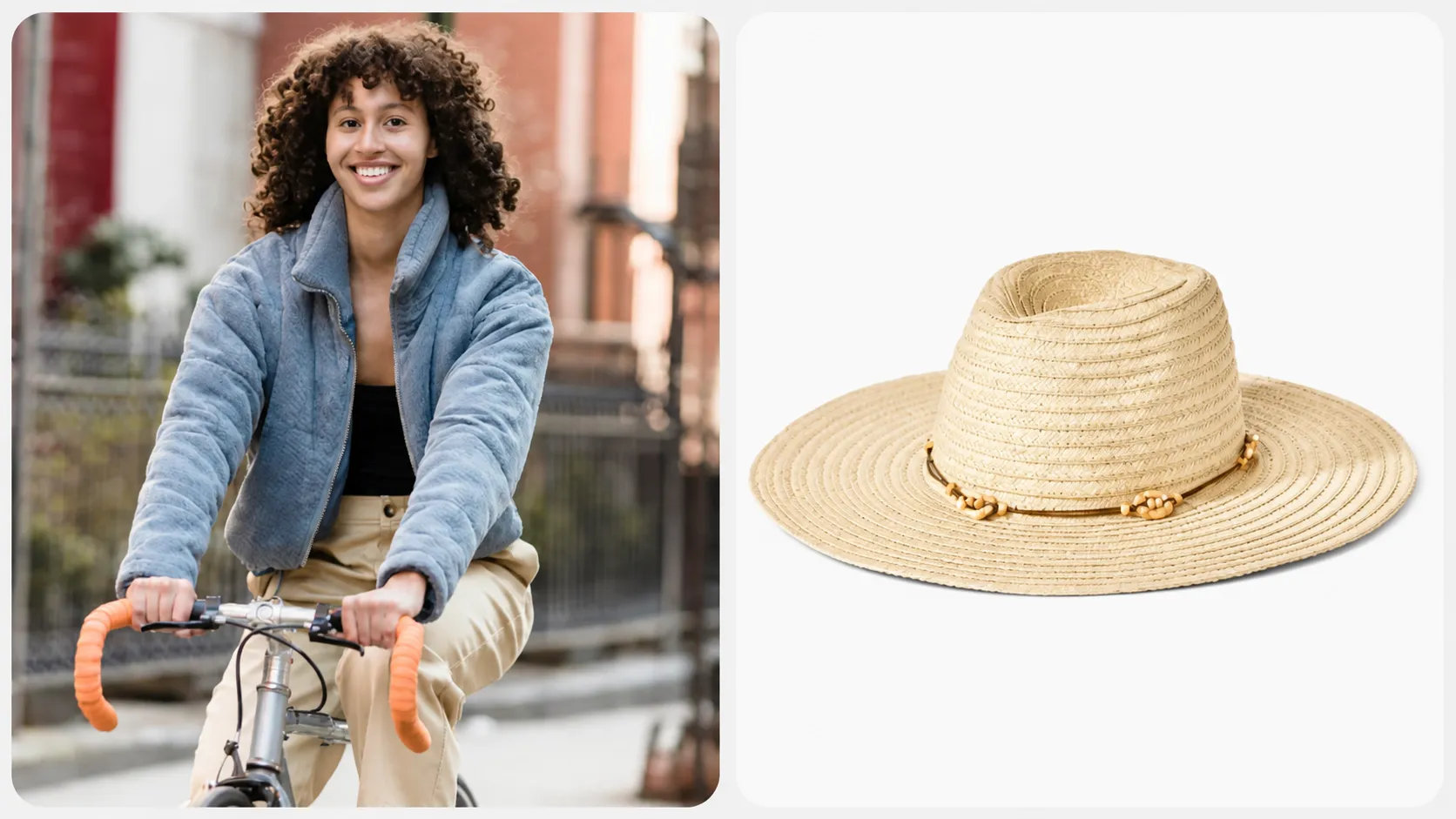
Prompt
A woman with a straw hat is cycling through the rose garden.
Our reference to video tool seamlessly turns multiple images into one smooth, fluid video. Upload your shots — like a picnic, kids playing, and a sunset — and AI stitches them into a beautiful story in seconds. Quick, easy, and effortlessly cinematic.
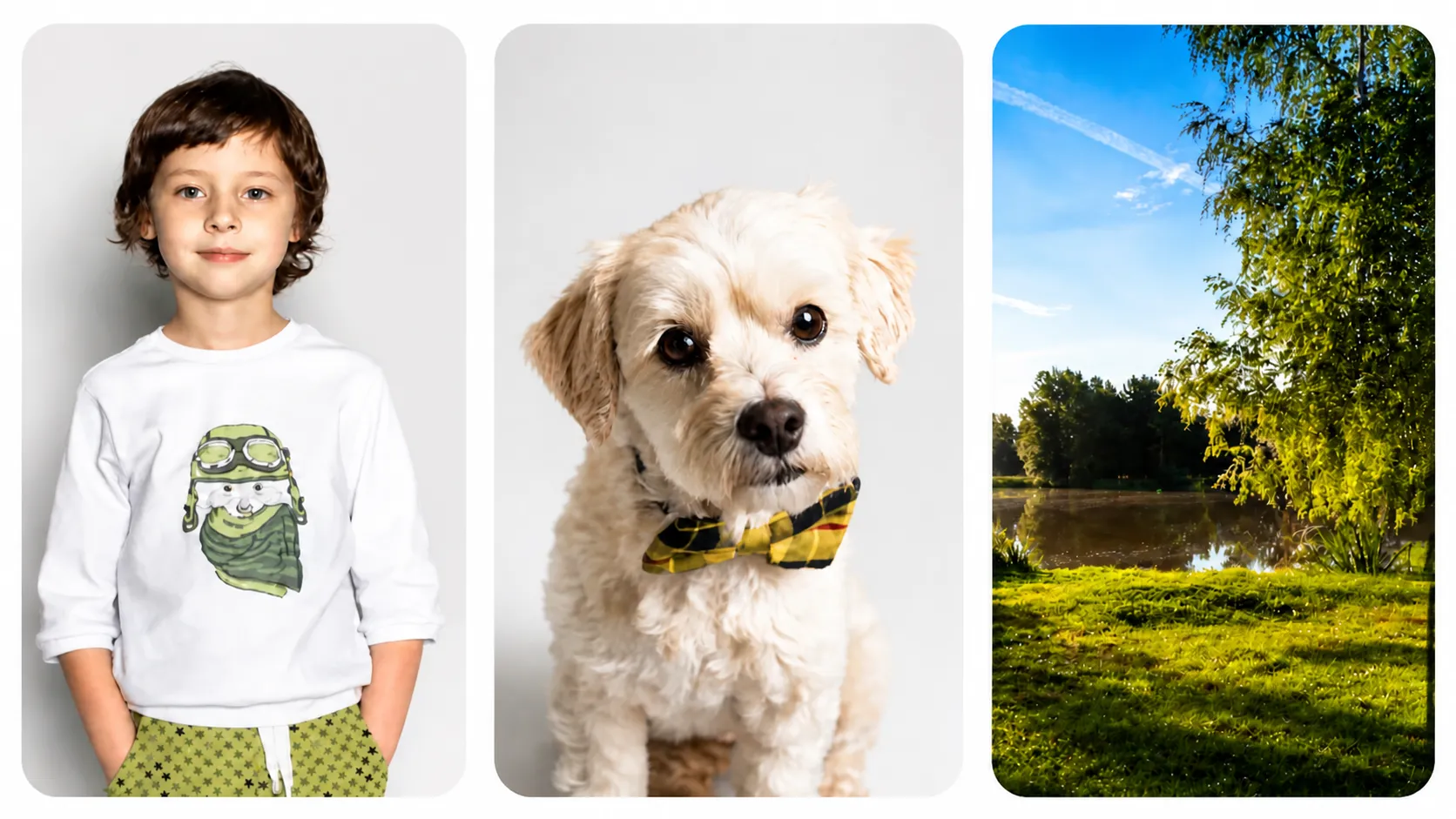
Prompt
In the park, a little boy and a puppy are having a picnic and playing on the grass by the lake.
Upload images with different subjects and objects — AI seamlessly blends them into one consistent visual environment, no manual stitching required.
Try Reference to Video Free
Upload multiple reference images to guide visual style — no design skills, no complex tools, just reference and generate.
Access Veo3.1, Sora 2, Kling 2.6 — each model brings unique style interpretation for every creative reference vision.
Download high-quality reference-styled videos, completely watermark-free, directly from your browser — no software required.
Go from reference images to finished video in under 3 minutes — AI handles style matching so you can focus on creativity.
See your reference-styled videos the moment they're ready, refine your prompts, and generate variations — all without leaving the page.
Your references and creations are processed securely and never used for training — everything you create stays yours.
Enhance your workflow — face swap, subtitles, effects, sound, reference-to-video, and product showcases.
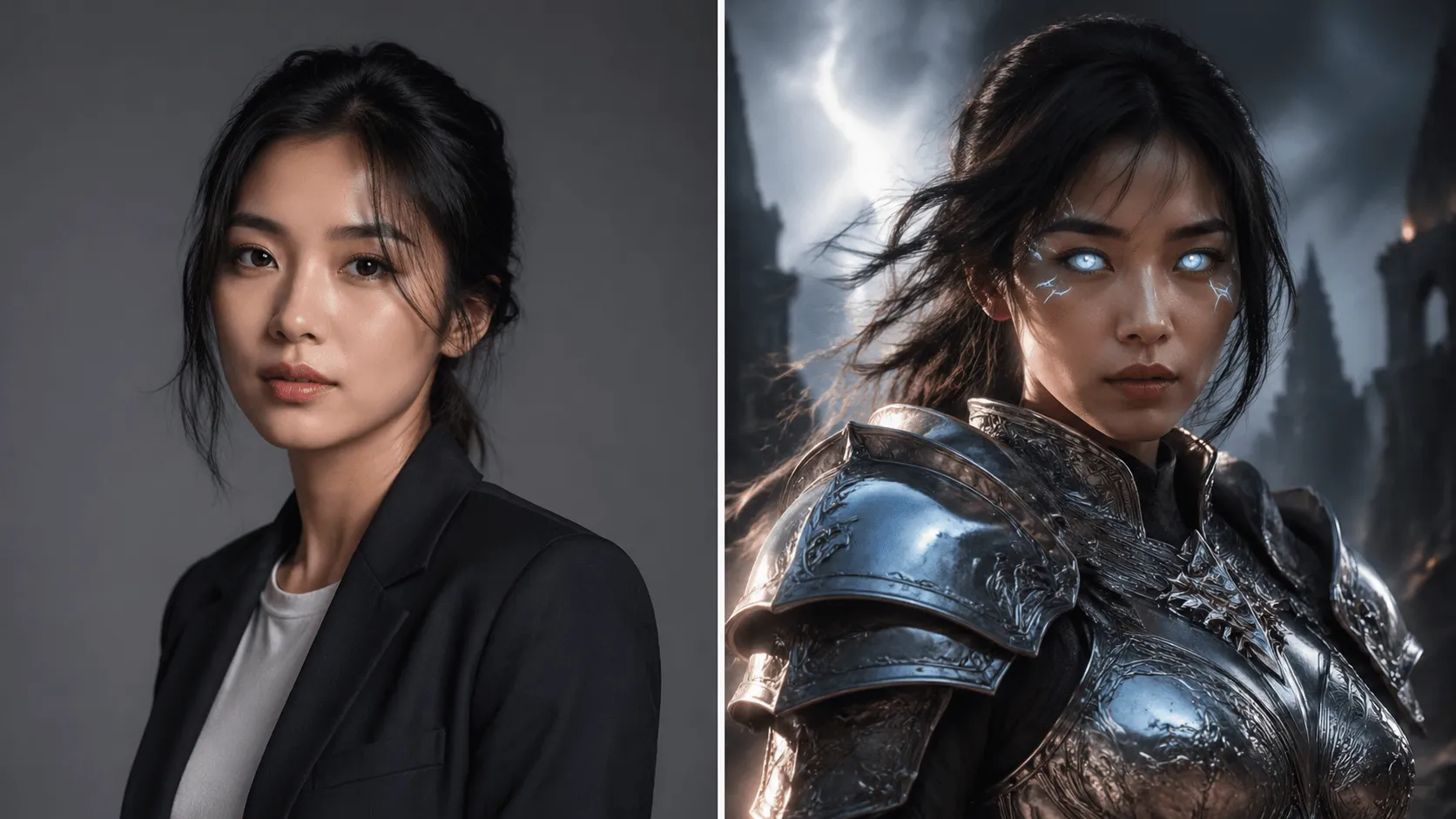 BeforeAfter
Swap faces in videos with AI precision in 60 seconds.
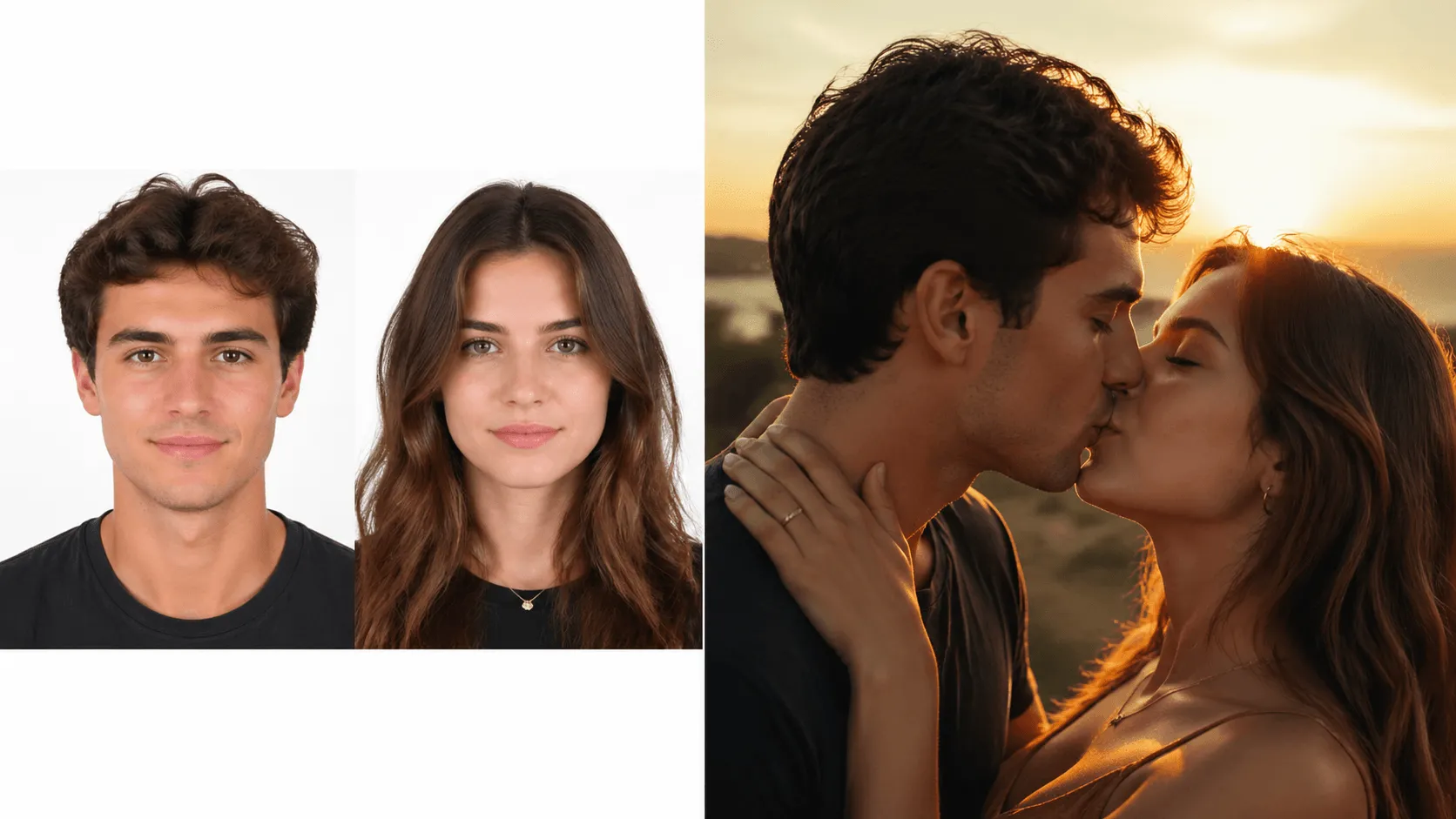 BeforeAfter
Animate two people kissing with AI.
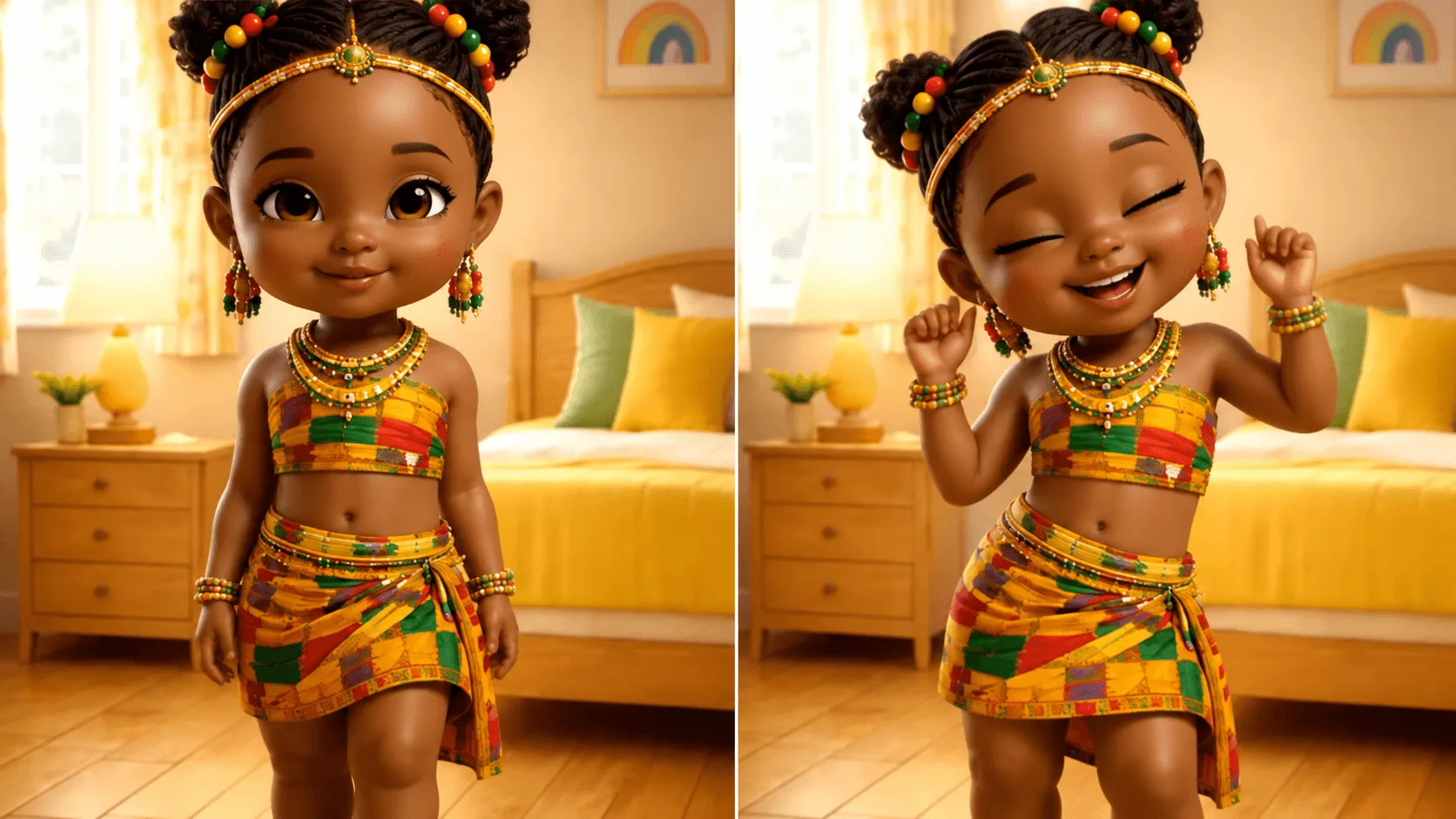 BeforeAfter
Make anyone dance to any music.
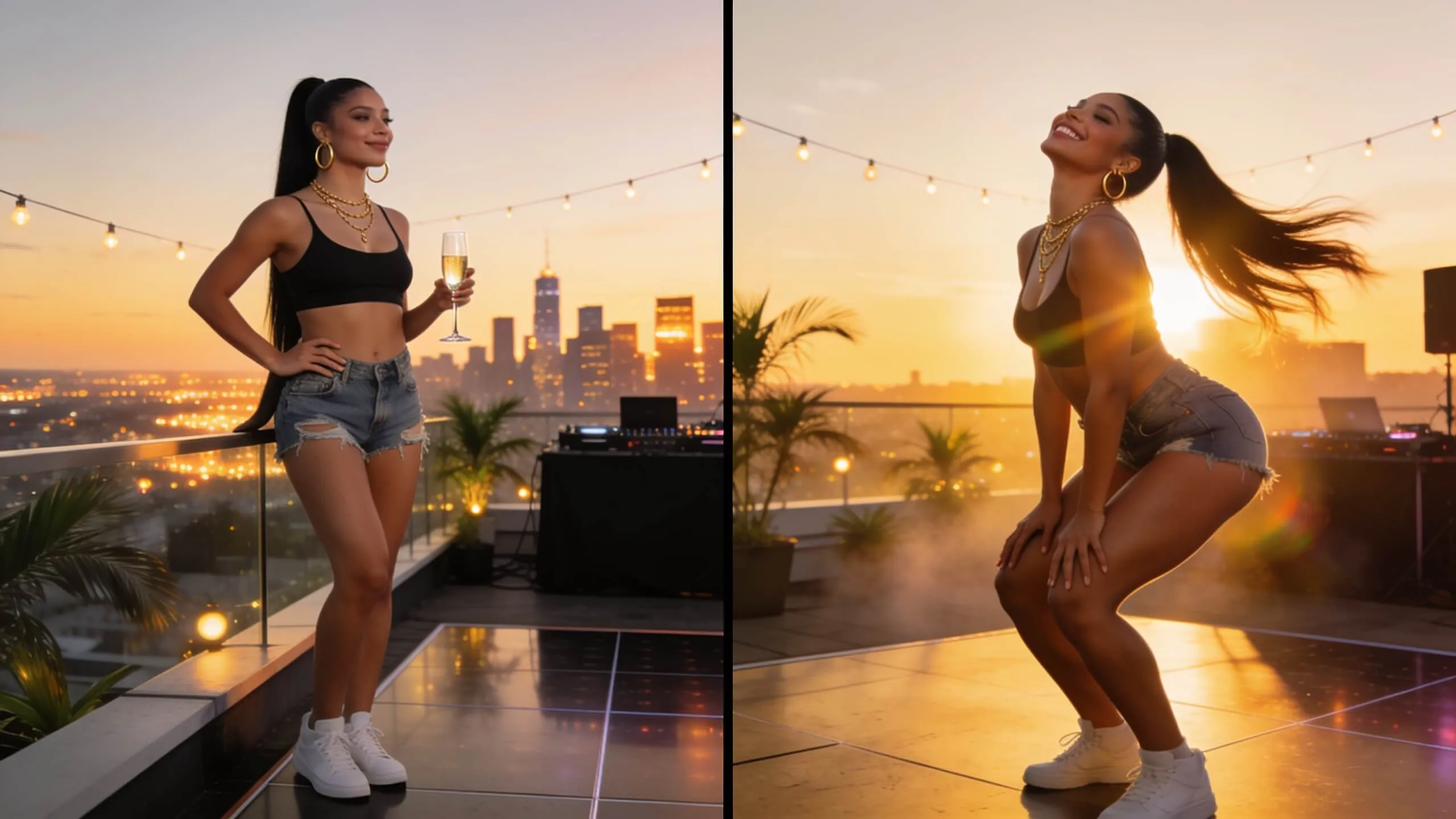 BeforeAfter
Generate fun twerking dance videos.
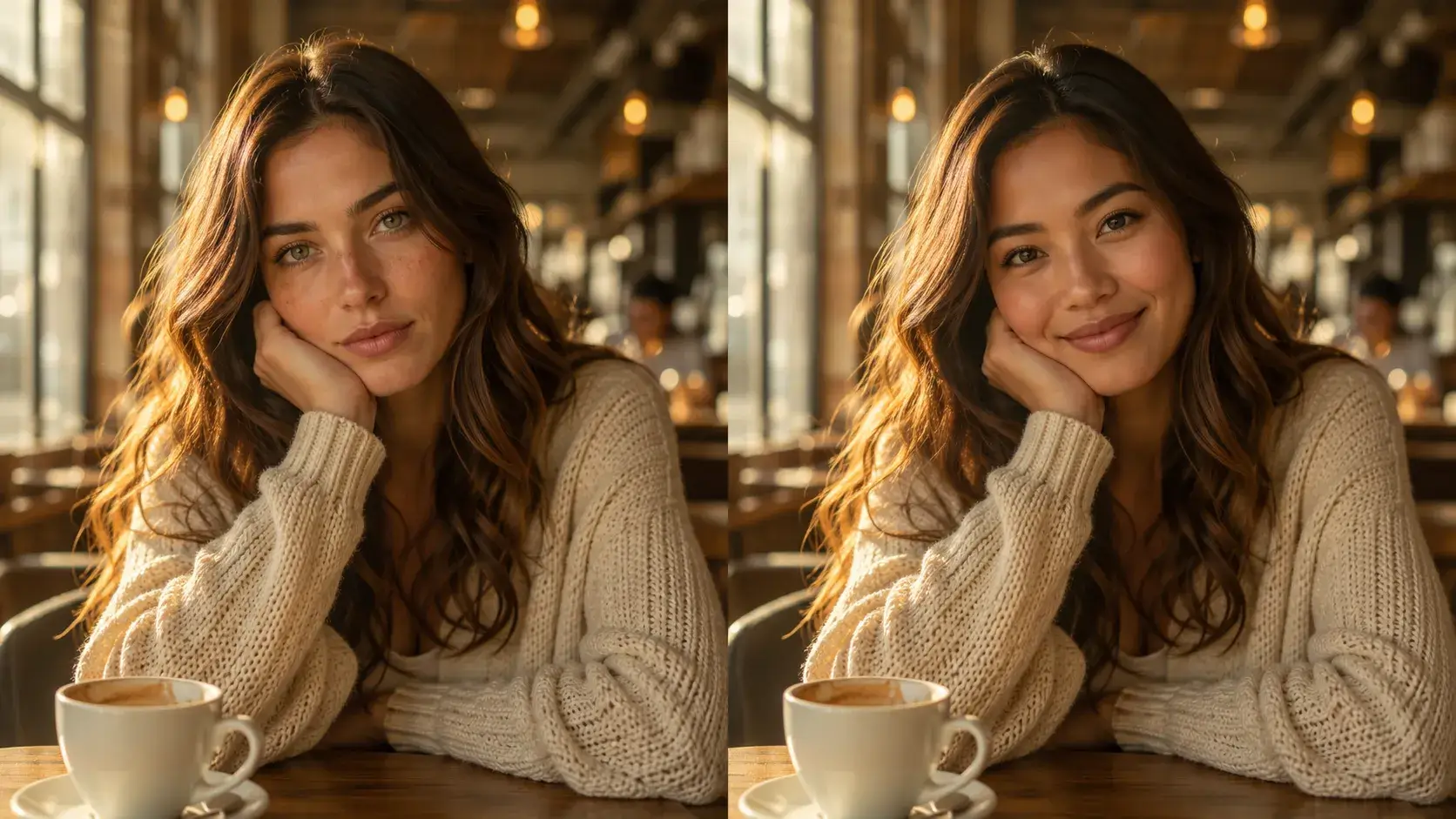 BeforeAfter
Swap faces in any photo instantly with AI-powered precision.
 BeforeAfter
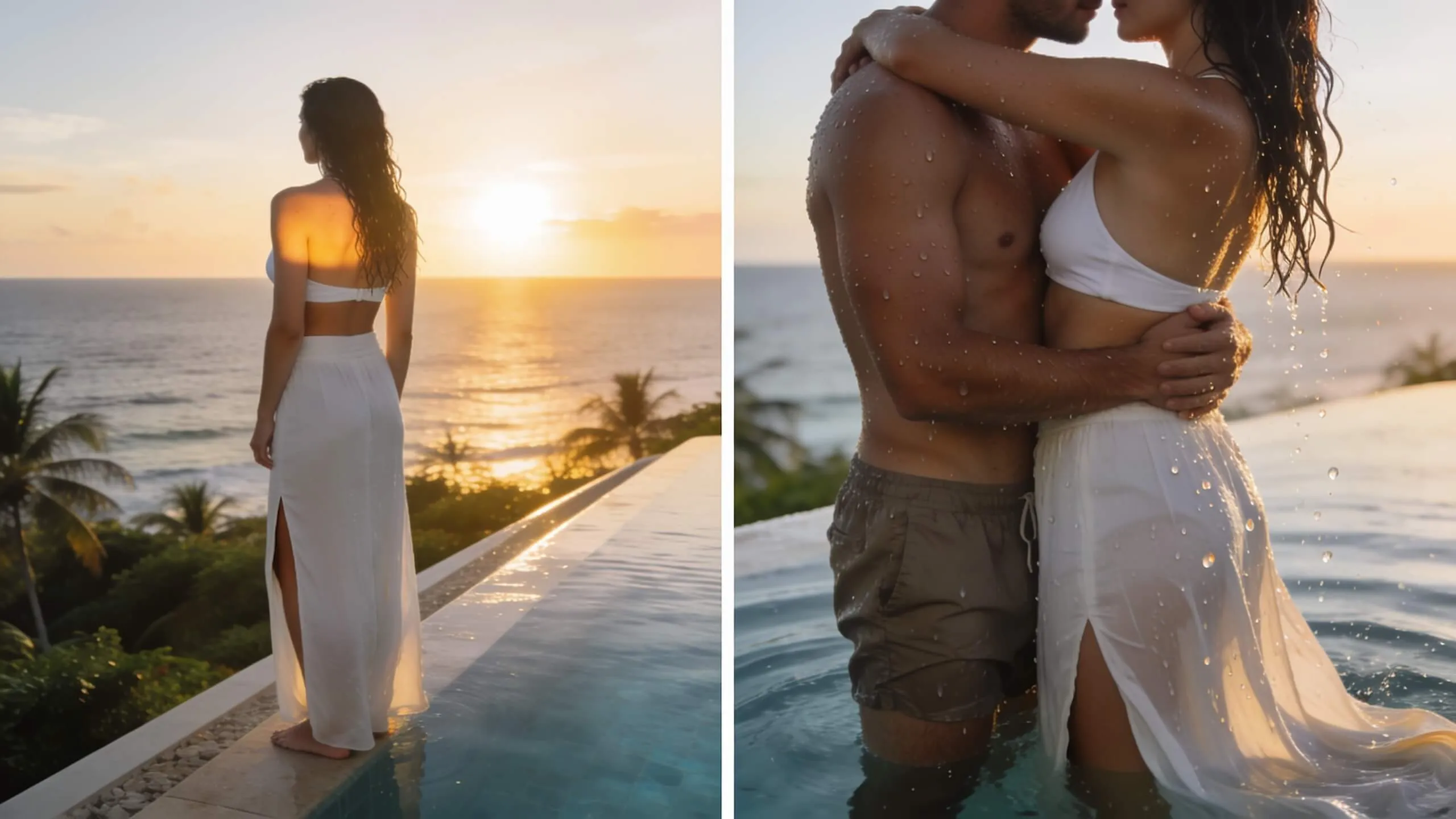
Turn a single photo into a warm hug video — bring loved ones close in one AI pass.
Reference to Video lets you upload 2-3 separate images—like a product, person, and location—and AI blends them into one cohesive video. Perfect for creating marketing content, product demos, or creative storytelling where you need multiple elements combined naturally.
Upload 2-3 images with different subjects. For example: a handbag, a model, and a beach background. The AI will intelligently merge them based on your prompt description.
Processing time varies by media complexity. You'll see real-time progress updates and can preview your composed video when it is ready.
Yes, all generated videos can be used commercially. You retain full rights. Ensure you own or have rights to all uploaded images.
Use clear, high-resolution images with good lighting. Images should have clean backgrounds or distinct subjects for best blending results. Avoid heavily filtered or blurry images.
Use detailed prompts to describe exactly how elements should interact. For example: 'Woman holding red handbag while walking on beach at sunset.' The more specific your prompt, the better the results.
Still have questions? Contact our support team

Join 10,000+ creators composing multi-element videos with AI. Start with free credits—no credit card required.