
Image-to-Video by xAI
Animate any uploaded image with xAI's Grok Imagine. Aurora-derived visual fidelity carries from the source still into smooth, cinematic motion.
 VidOne AI
xAI's image-to-video model — animate any still image with cinematic motion, stable identity, and Aurora-grade visual fidelity at 720p.
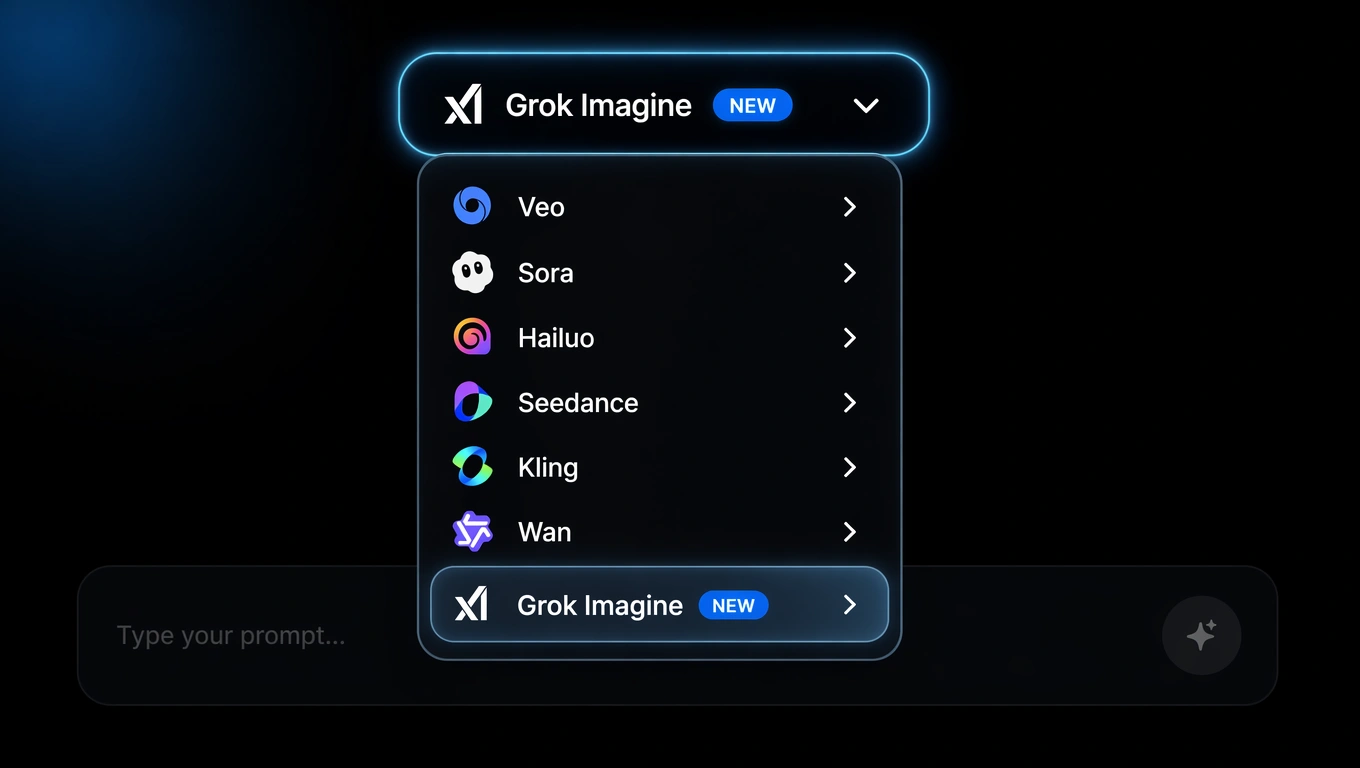
Pick Grok Imagine from the model menu and upload the reference image you want to animate. Switch between Sora 2, Veo 3.1, Kling, Seedance, Wan, and Grok in one click.
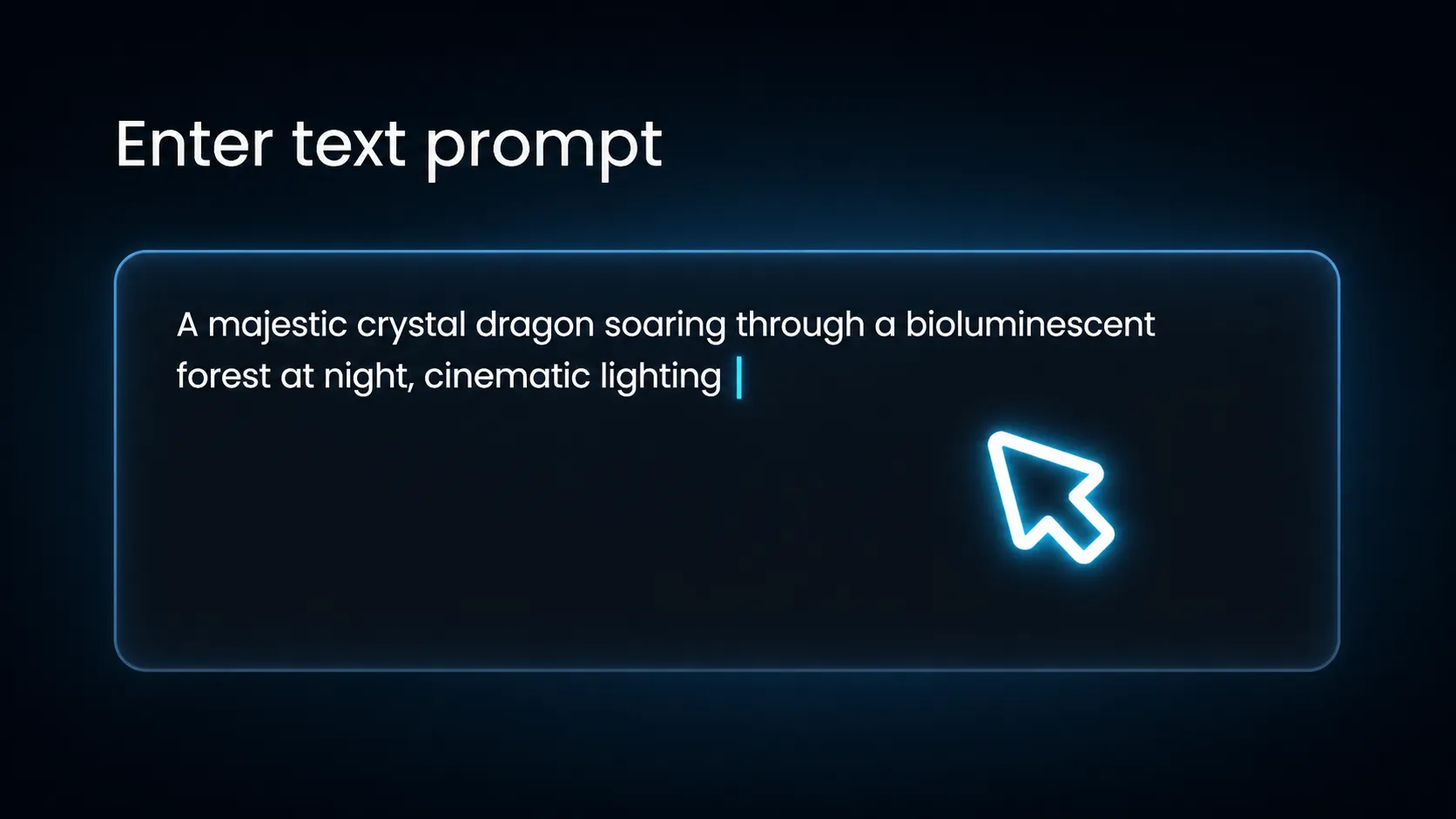
Write a motion prompt covering subject action, camera movement, lighting changes, and mood. Grok Imagine preserves the original subject identity while applying the motion you describe.
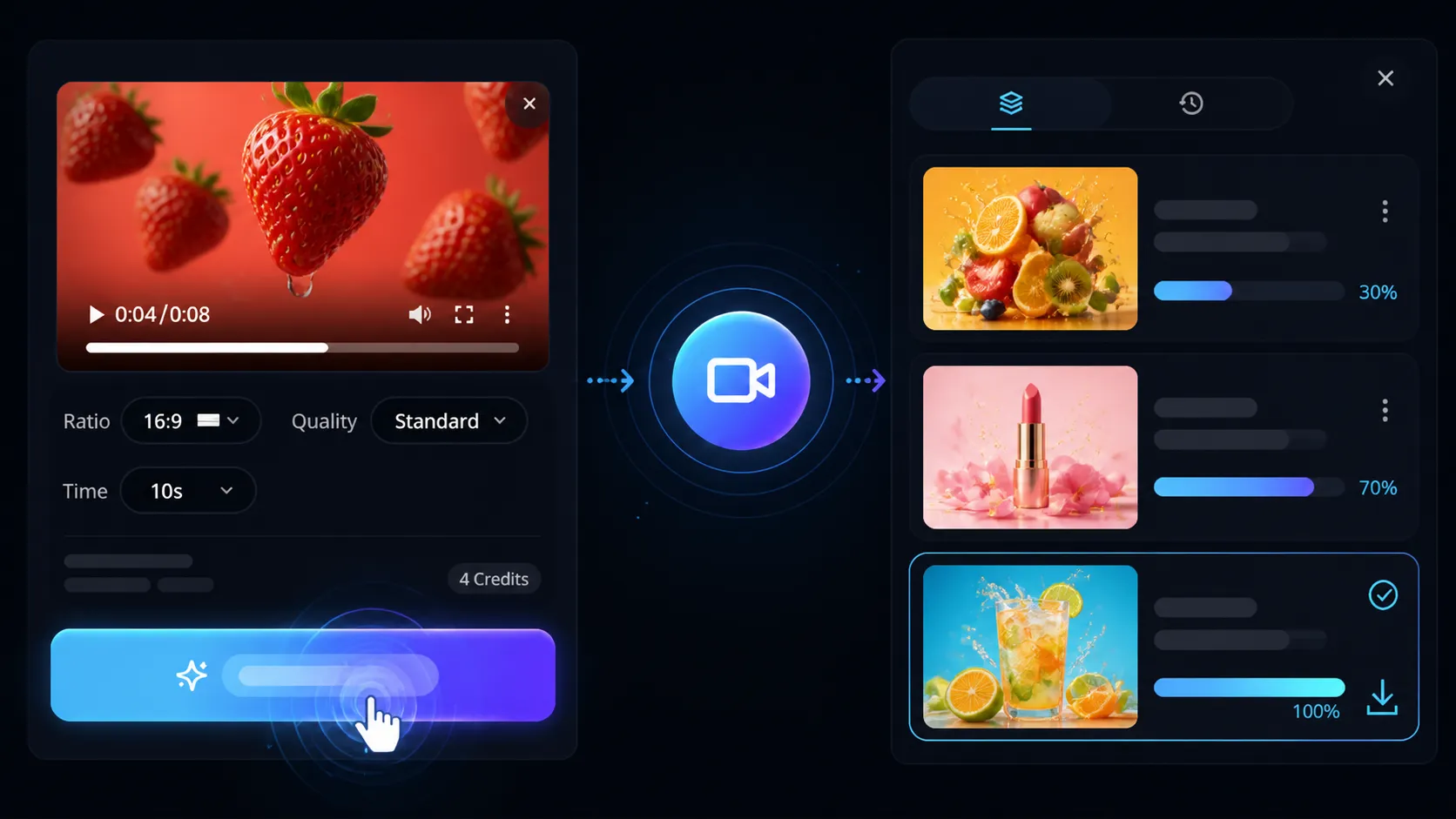
Render at 6 or 8 seconds in 480p or 720p, choose 16:9, 9:16, or 1:1, then download the MP4 — publish-ready for Reels, TikTok, Shorts, and product showcases.
Grok Imagine on VidOne turns a reference image and your motion direction into cinematic short-form video. Use it for visual hooks, product moments, character actions, atmospheric shots, and short narrative ideas that benefit from coordinated motion.
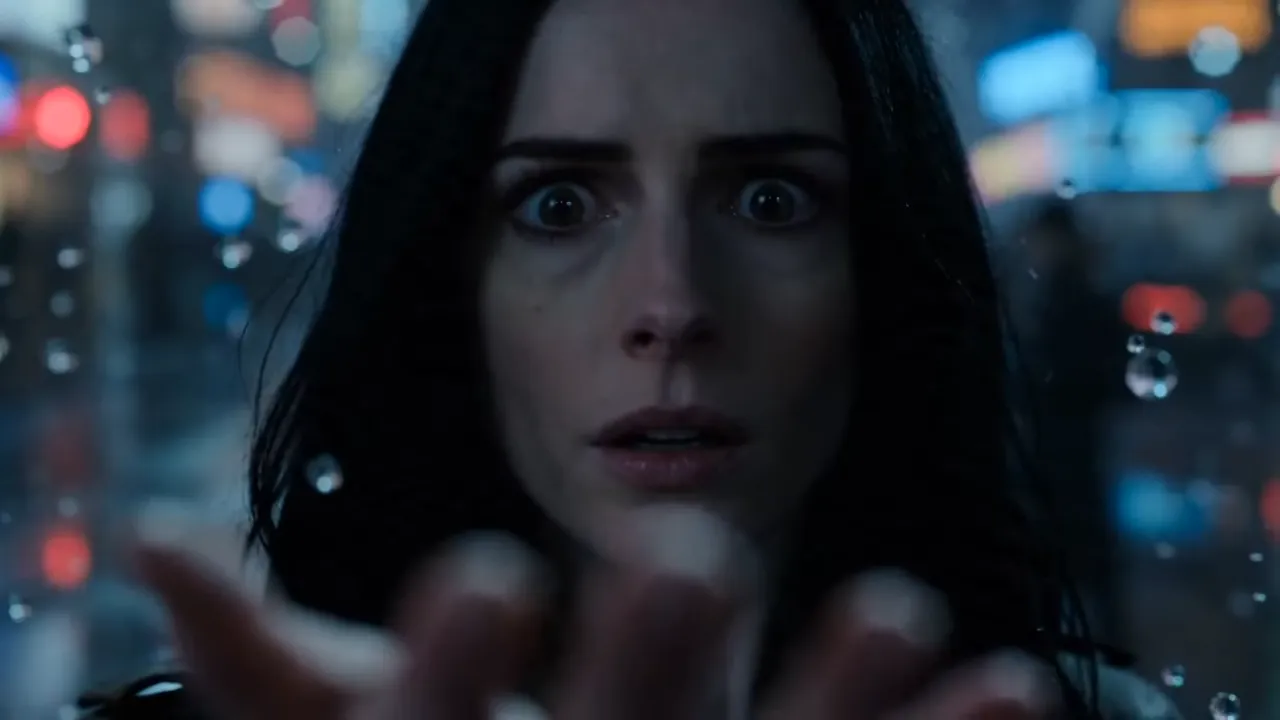
Upload a still and Grok Imagine extends it into 6 to 8 seconds of cinematic motion. Pair the source image with clear scene direction — what the subject does, how the camera moves, how the light shifts — so the generation reads as a continuous shot rather than a panning still.
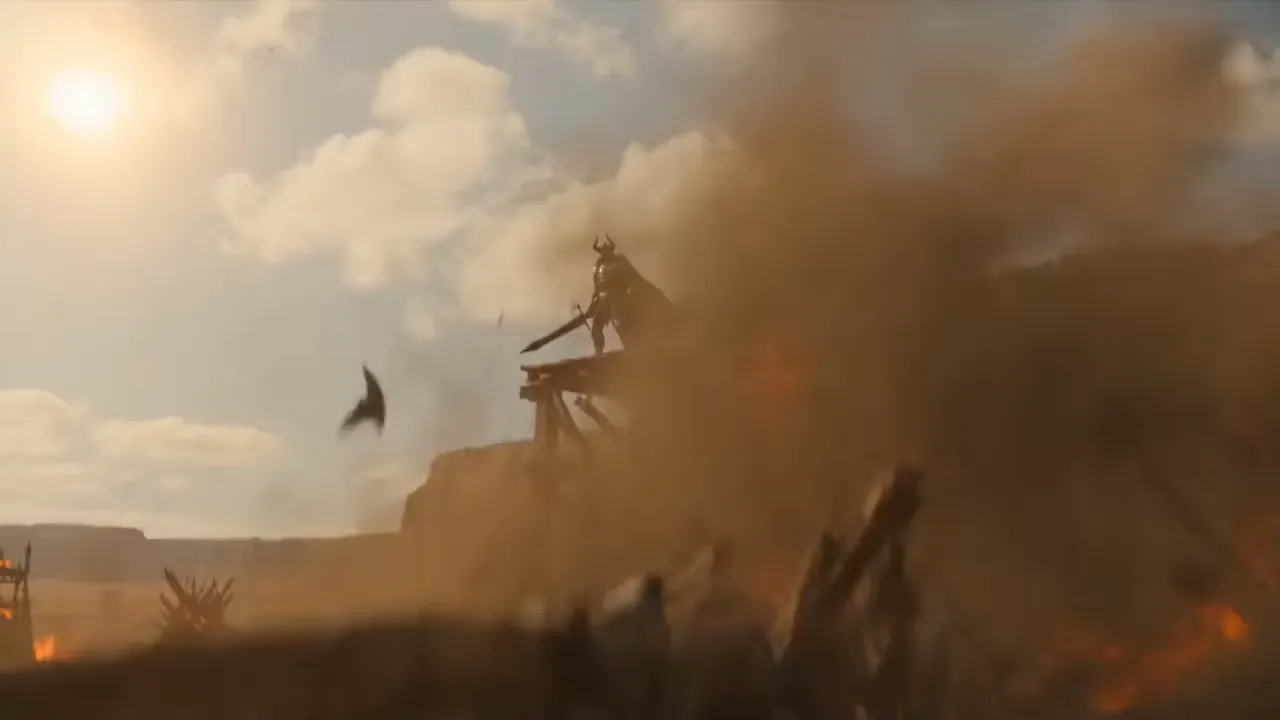
Guide the generation with concrete cinematic language. Describe a slow push-in, tracking shot, overhead reveal, handheld movement, character turn, environmental change, or transition between visual beats. Clear direction helps Grok Imagine interpret not just what belongs in the frame, but how the scene should unfold over time.
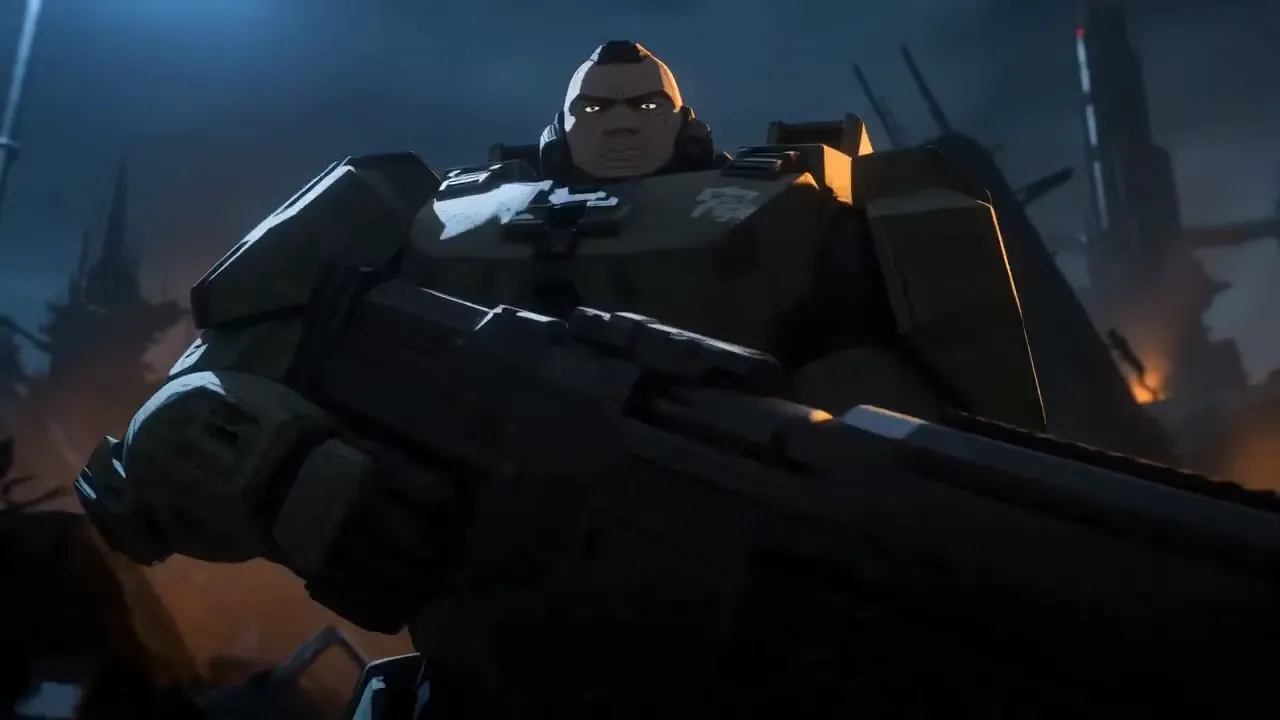
Grok Imagine preserves the identity, outfit, props, and brand elements of the source image while introducing natural motion. Ideal for on-model creative, character animation, and product reveals where the subject must not drift, morph, or change style between frames.
Grok Imagine supports both fast creative exploration and structured production. Choose the output around what the audience needs to see, what action you want them to take, and how the asset will connect to the rest of your content.
Create product concepts, lifestyle settings, promotional visuals, and moving ad hooks without starting every idea with a full shoot. Generate a strong still, refine the framing, and animate it into a reveal or product moment. Marketers and ecommerce teams can use the workflow to test more creative directions before selecting what deserves further production.
Try Grok Imagine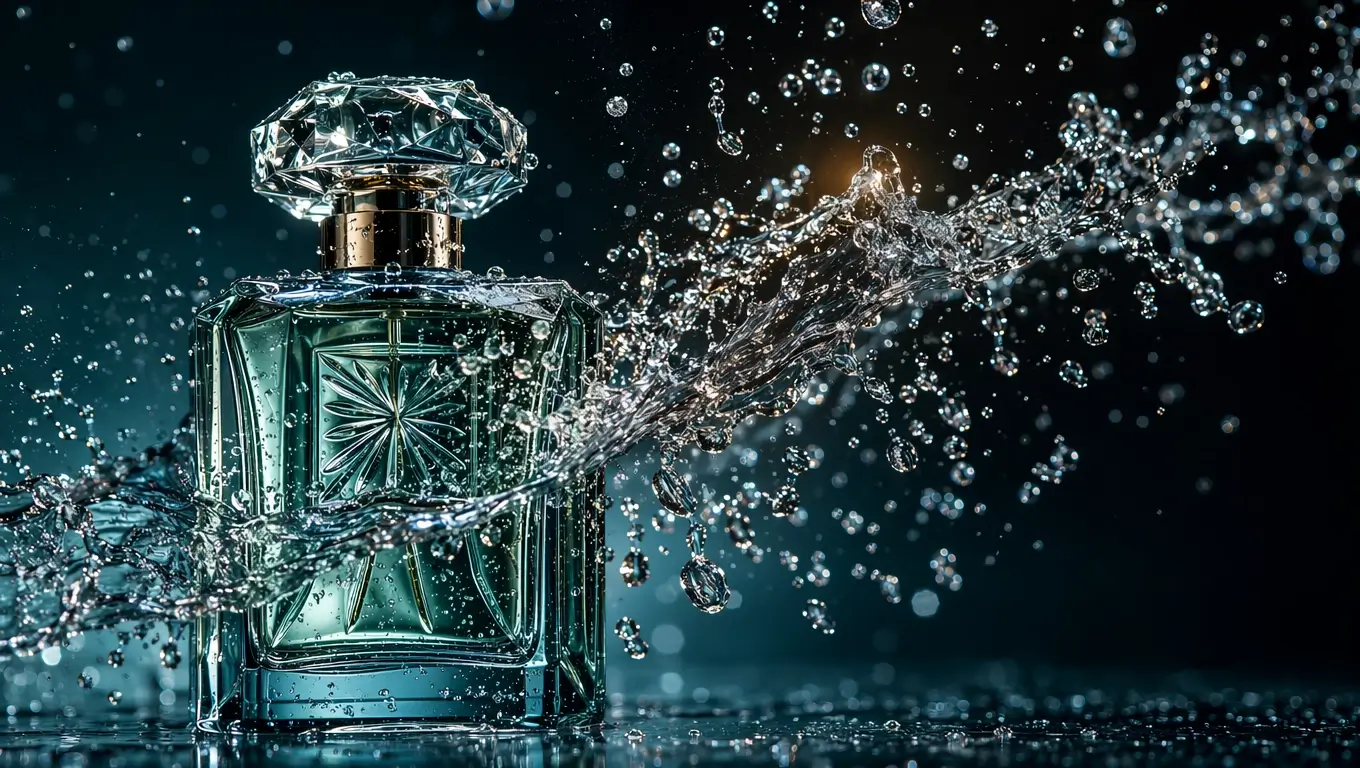
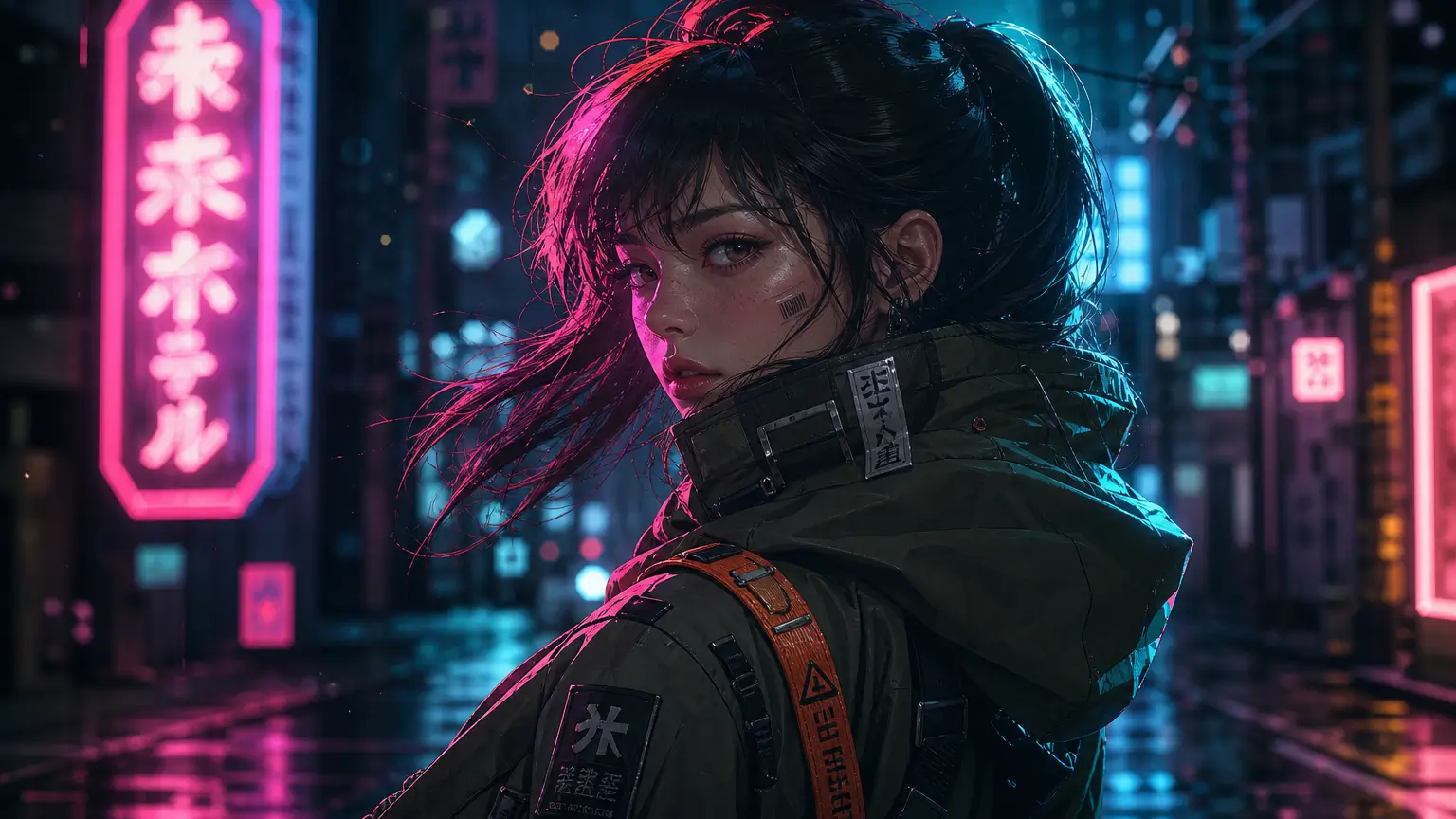
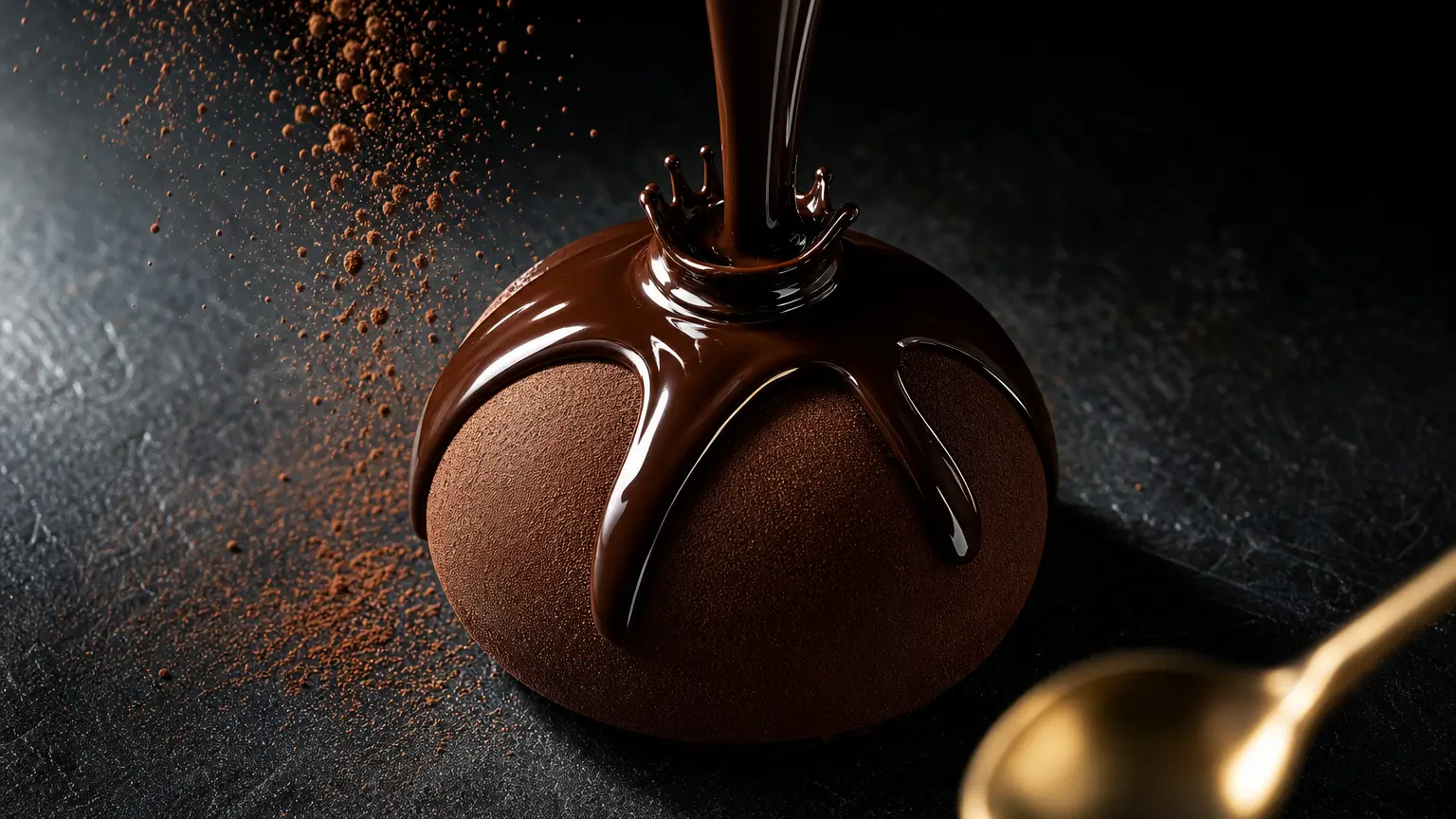
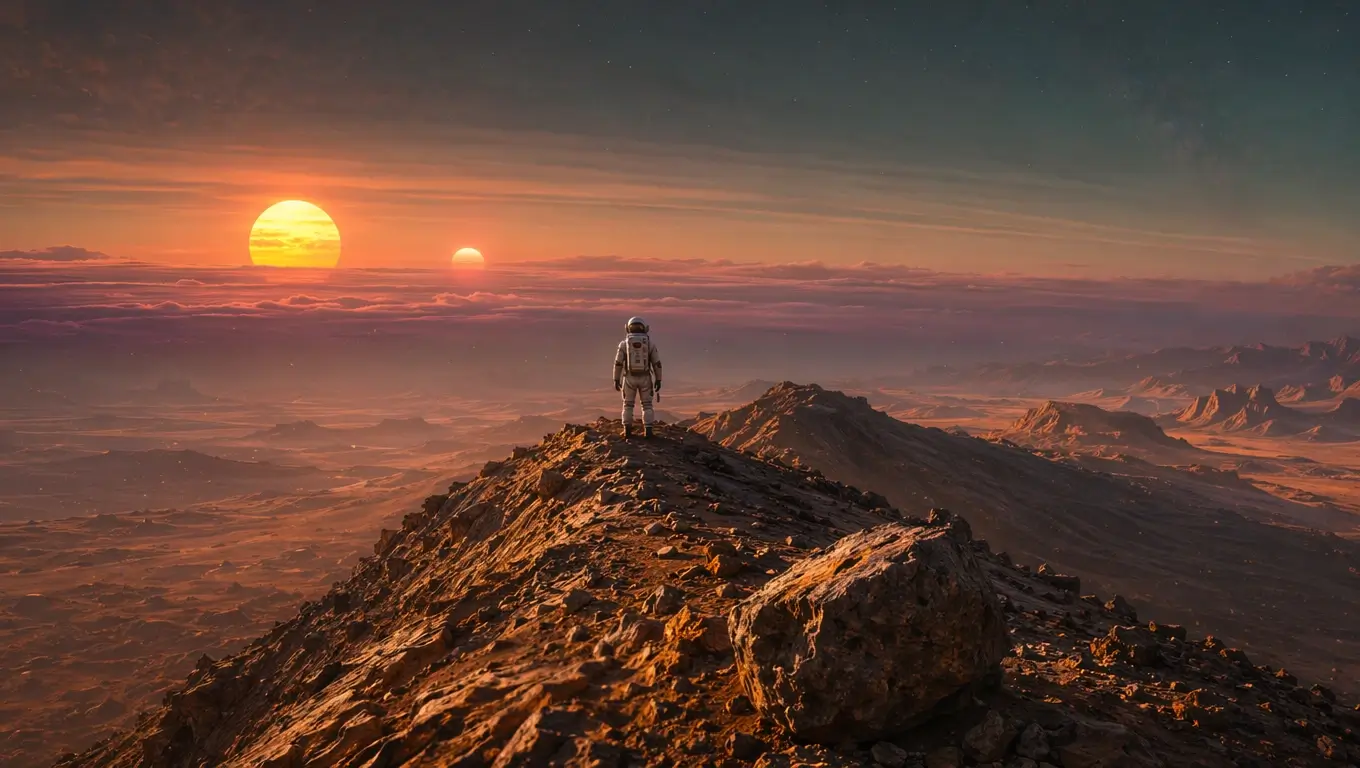
xAI's image-to-video engine pairs Aurora visual quality with prompt-controlled motion — purpose-built for creators animating photos, product shots, and characters.
Animate any uploaded image with xAI's Grok Imagine. Aurora-derived visual fidelity carries from the source still into smooth, cinematic motion.
Faces, products, and brand elements stay on-model across the entire clip. No identity drift, no stylistic regression between frames.
Direct camera moves and subject action with natural language. Grok Imagine turns pans, dollies, and gestures into coherent motion.
Choose 6 or 8 second renders to fit social hooks, product loops, character beats, and short-form storytelling without padding.
Render in 16:9, 9:16, or 1:1 at 480p or 720p — ready for YouTube, Reels, TikTok, Shorts, and square ad placements.
Comprehensive moderation and safety filters keep generated motion responsible while preserving creative freedom for legitimate work.
Video and image generation in one platform — Veo, Sora, Kling, Seedance, Wan, Grok and more.

Animate your generated images with Google Veo 3.1.
Google

Portrait and character animation at studio quality.
Kuaishou

Alibaba's long-context model — multi-shot scenes.
Alibaba
Pair your Grok-Imagine stills with Sora 2 for cinematic video.
OpenAI

Use Grok-Imagine output as a reference image in Seedance 2.0.
BytePlus
Google's flagship photoreal image model.
Google
BytePlus's stylized image generator.
BytePlus

OpenAI's text-to-image flagship.
OpenAIGrok Imagine is xAI's image-to-video model. You upload a reference image, describe the motion you want, and Grok Imagine generates a short cinematic clip while preserving the original subject identity, lighting, and material detail.
Grok Imagine renders at 6 or 8 seconds in 480p or 720p. You can choose 16:9, 9:16, or 1:1 aspect ratios so the same source image can be exported for landscape, vertical, and square placements.
Grok Imagine is image-to-video — every render starts from a reference image you upload. For pure text-to-video on VidOne, use Sora 2, Veo 3.1, Kling, Seedance, or Wan 2.6 from the same model menu.
Grok Imagine is tuned to keep faces, outfits, products, and brand elements stable across the full clip. It's a strong choice for on-model creative, character animation, and product reveals where the subject cannot drift.
Be specific about camera direction (pan, dolly, zoom) and subject action (head turn, walk forward, gesture). Concise, concrete prompts tend to produce more controlled motion than abstract or stylistic descriptions.
Commercial usage rights depend on your subscription plan through VidOne. Check the pricing page for details on commercial licensing and usage terms.
Still have questions? Contact our support team

Upload any still and let xAI's Grok Imagine extend it into cinematic motion. Stable identity, controlled camera, ready for Reels, TikTok, and Shorts.