
Image to Video AI
Bring your images to life with AI Image to Video. Transform static photos into dynamic, animated videos with natural motion. AI Image to Video is now available on VidOne. Start creating with it now!
Free to Try · No Credit Card Required
How to Use Image to Video AI in 3 Simple Steps
Our Image to Video AI generator is easy to use, allowing you to create high-quality videos in just 3 steps.
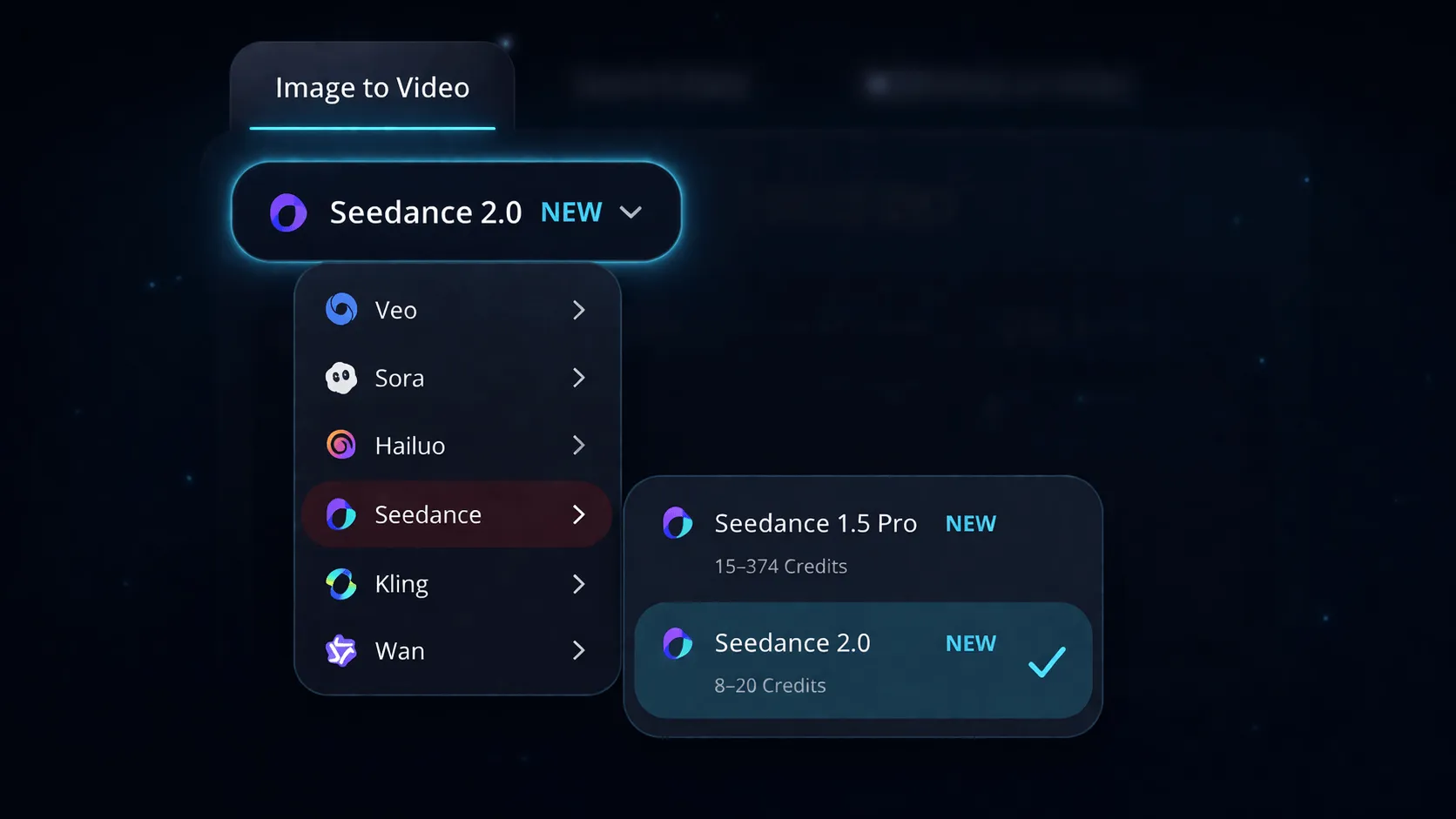
Select an AI Model
Switch to the Image to Video tab and pick from Veo 3.1, Sora 2, Kling 2.6, Seedance 2.0, Wan 2.6, and more. Each model has its own animation style — select the version that fits your scene.
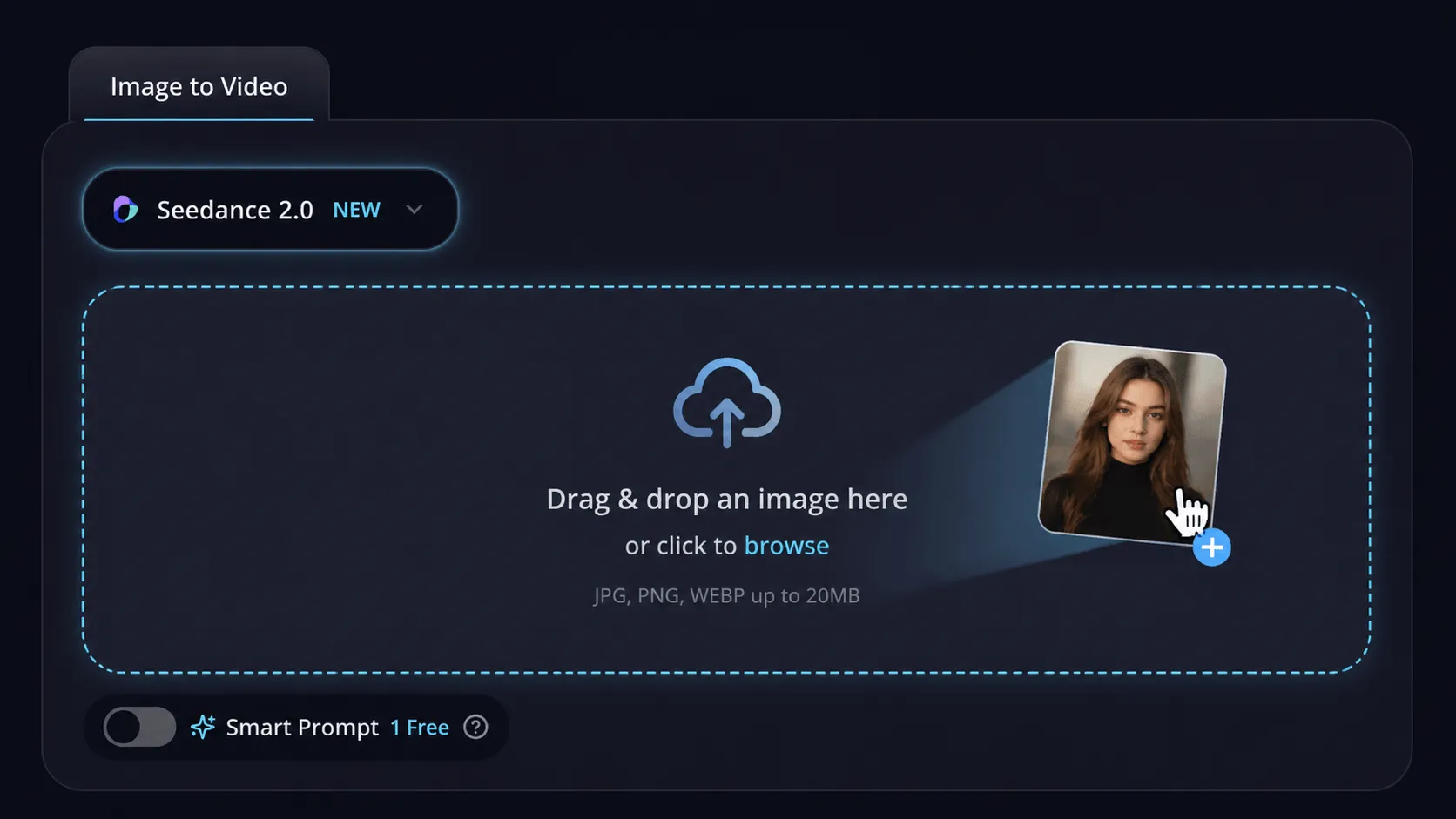
Upload Your Image
Drag and drop any photo into the upload zone, or click to browse. Enable Smart Prompt and the AI will automatically write a motion description for your image.
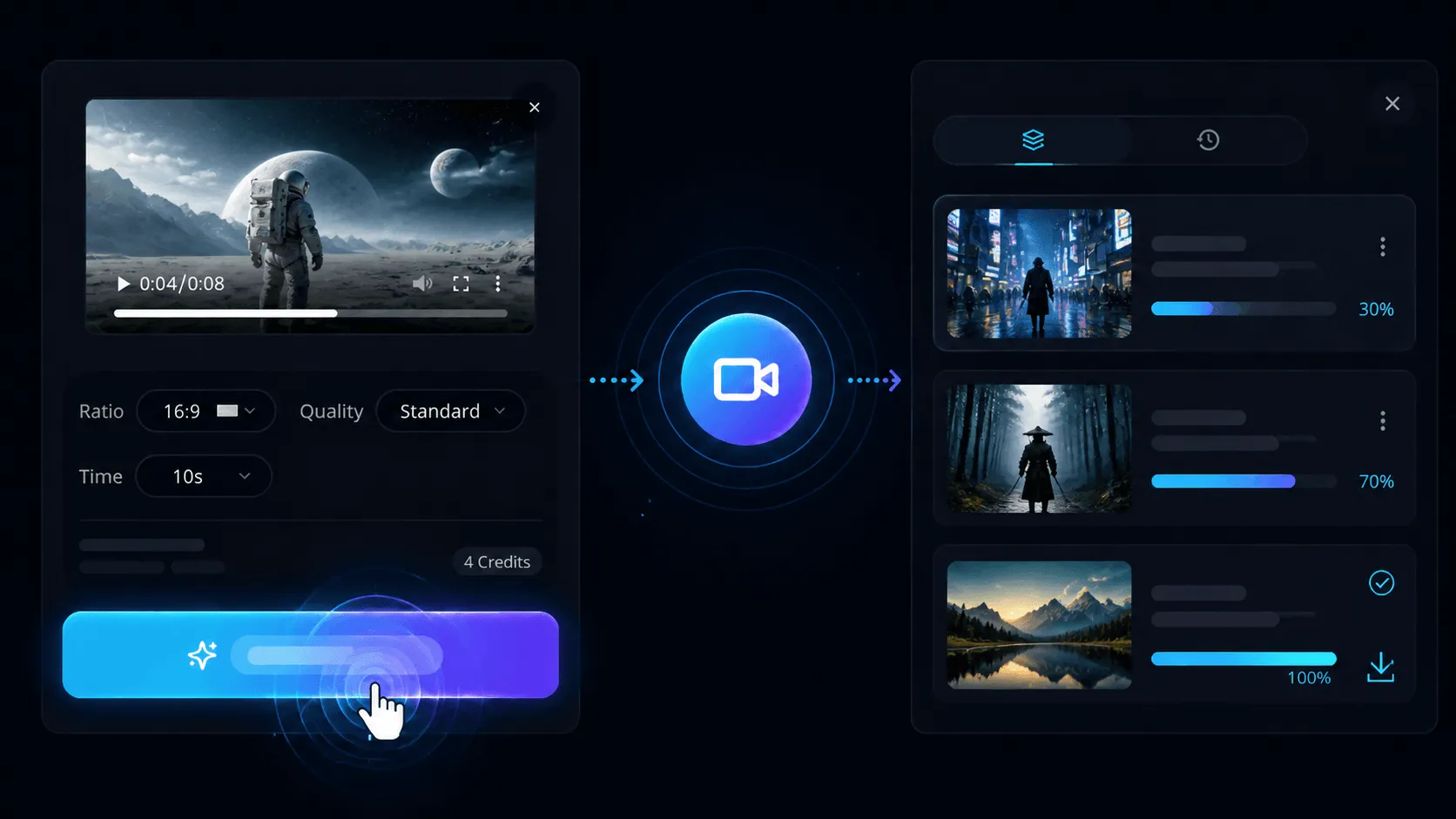
Generate & Download
Click Generate and watch your video render in real time. Once complete, preview the result and hit the download button to save your MP4 — ready to share anywhere.
Why Creators Prefer Our Image to Video AI?

All-in-One Image to Video
Generate an image and animate it in a single workflow — no tool-switching, no friction, just upload and go.

Powered by Multiple AI Models
Access Veo 3.1, Sora 2, Kling 2.6, and more — each model delivers a distinct animation style to fit any creative vision.

Watermark-Free Output
Export 1080p videos up to 10 seconds long, fully watermark-free, directly from your browser — no software required.

Lightning-Fast Generation
Go from static photo to finished video in under a minute — AI handles motion planning so you can focus on creating.

Instant In-Browser Preview
Watch your AI video the moment it's ready, refine your prompt, and regenerate — all without leaving the page.

Privacy-First Design
Your uploads are processed securely and never used for model training — everything you create stays yours.
All-in-One Image to Video
Generate an image and animate it in a single workflow — no tool-switching, no friction, just upload and go.
Powered by Multiple AI Models
Access Veo 3.1, Sora 2, Kling 2.6, and more — each model delivers a distinct animation style to fit any creative vision.
Watermark-Free Output
Export 1080p videos up to 10 seconds long, fully watermark-free, directly from your browser — no software required.
Convert Any Image to Video with AI — Free Online
Turn your photos into cinematic AI videos with our free image to video generator. Explore powerful features that bring your visuals to life.
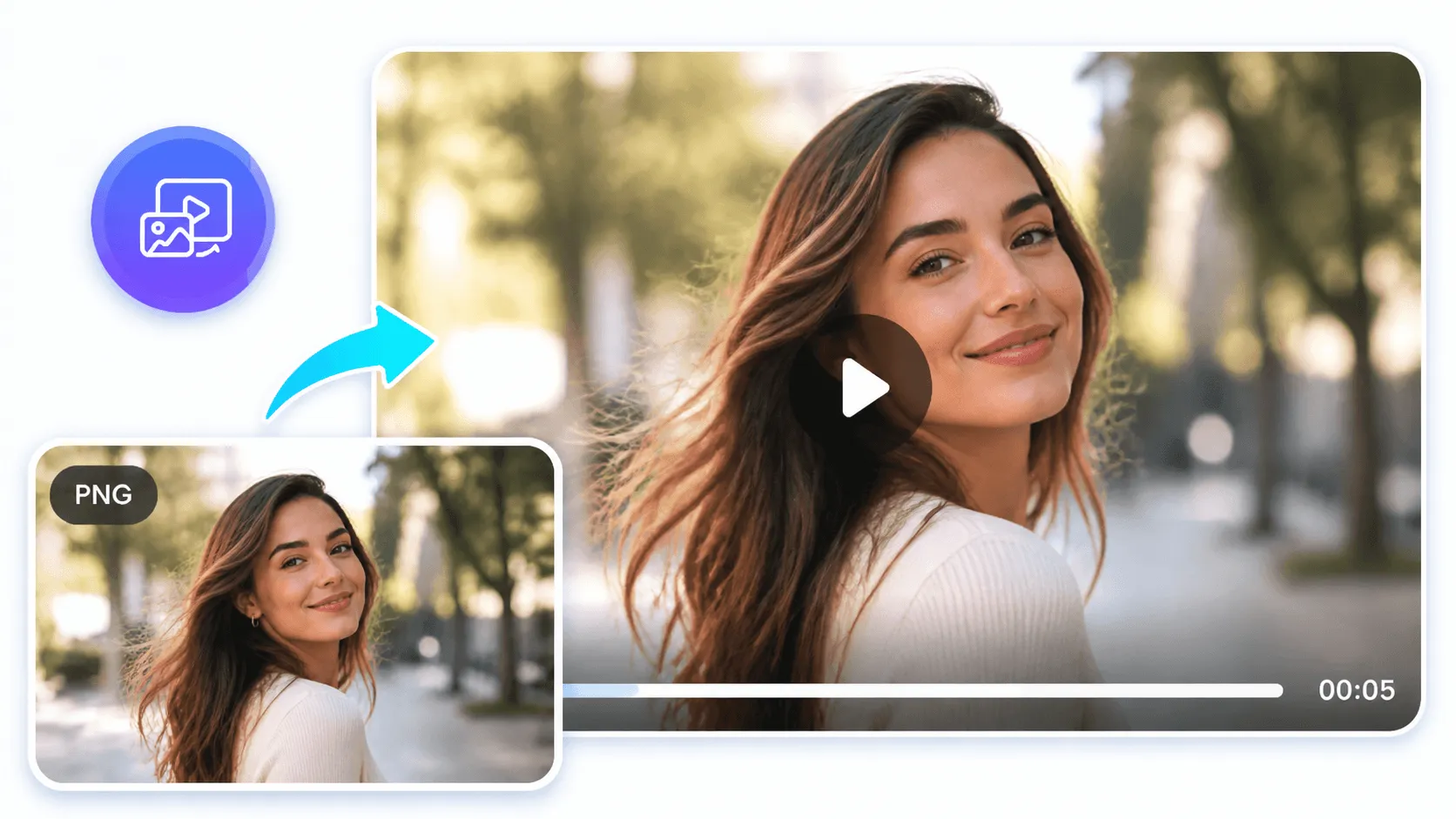
Seamless Image to Video with Top AI Models
Enjoy a seamless image to video AI experience with access to Veo 3.1, Sora 2, Kling 2.6, Seedance 2.0, Wan 2.6, and more — all in one free generator. Each model brings a unique animation style, so you always find the motion that fits your image.
Try Our Image to Video AI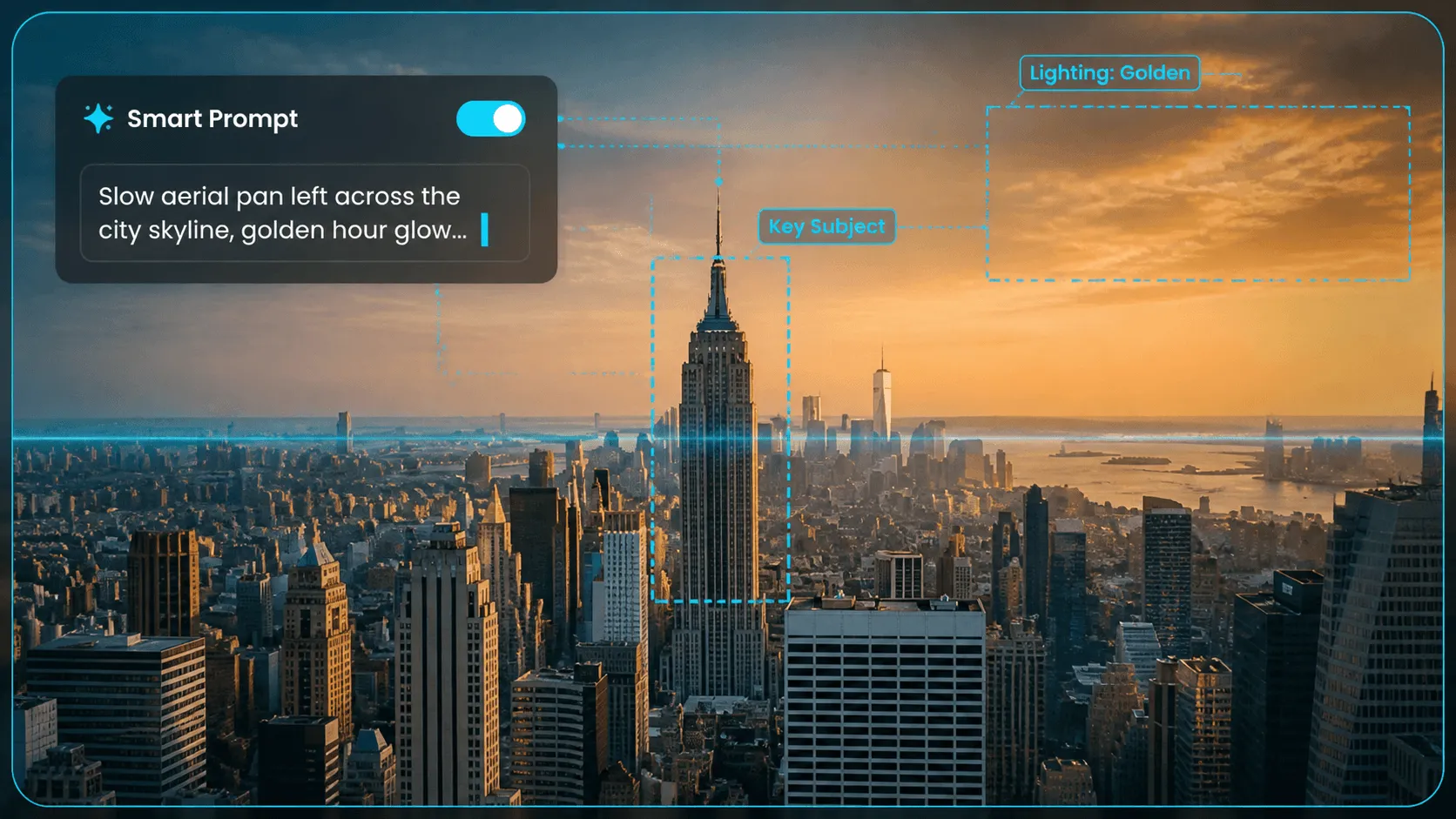
AI-Driven Motion Analysis
Powered by advanced AI, our image to video generator automatically analyzes your photo and adds dynamic camera motion — or lets you enable Smart Prompt to get a cinematic description written for you. Smooth pan, gentle zoom, flowing hair — all in one click.
Try Our Image to Video AI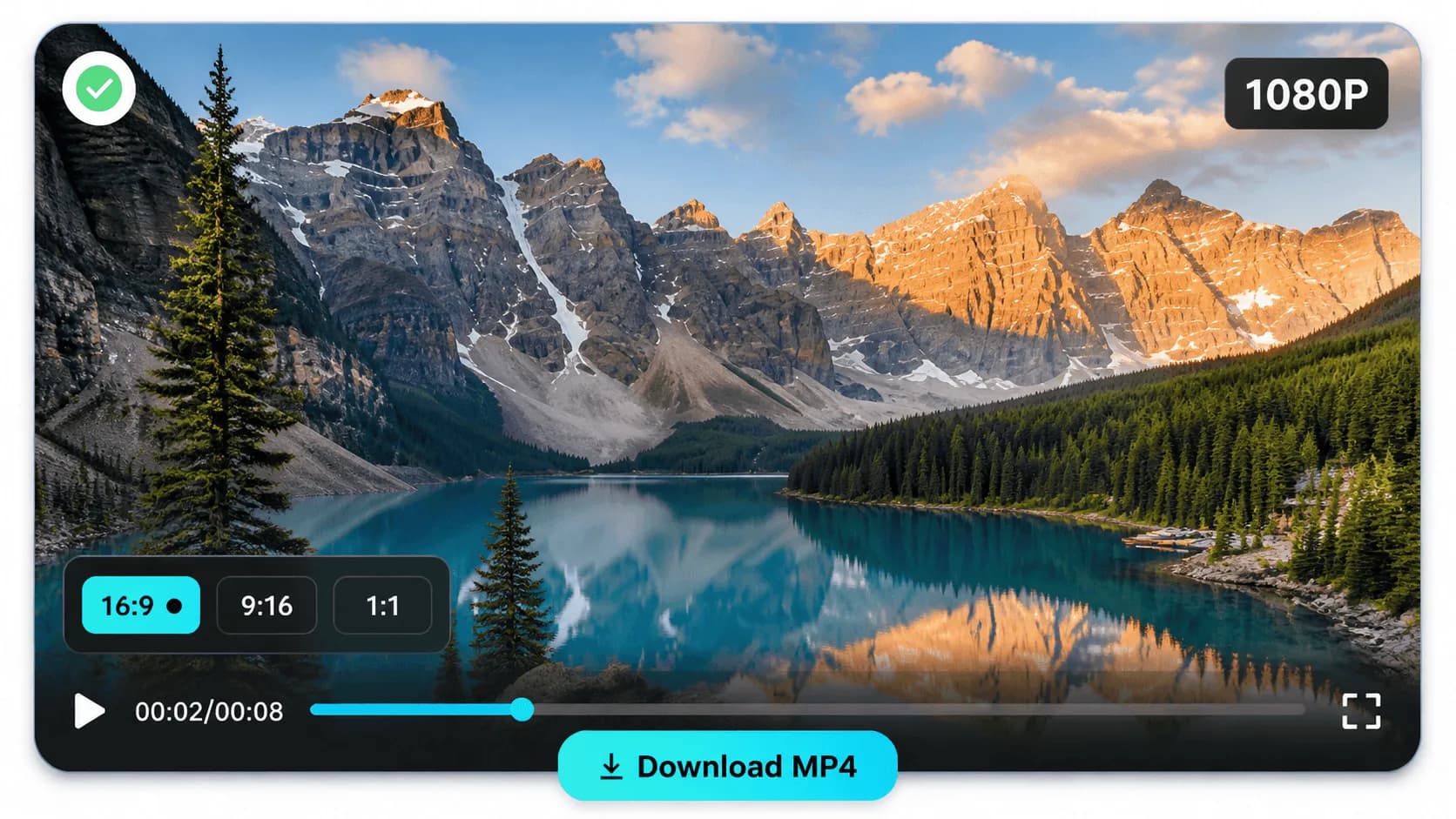
Flexible Quality & Instant MP4 Download
Set your aspect ratio (16:9, 9:16, 1:1), duration, and quality before generating. When your image to video is ready, preview it directly in the browser and download your MP4 in one click — sized perfectly for TikTok, Instagram Reels, YouTube Shorts, and more.
Try Our Image to Video AIYour Free Image to Video AI, Built for Every Use Case
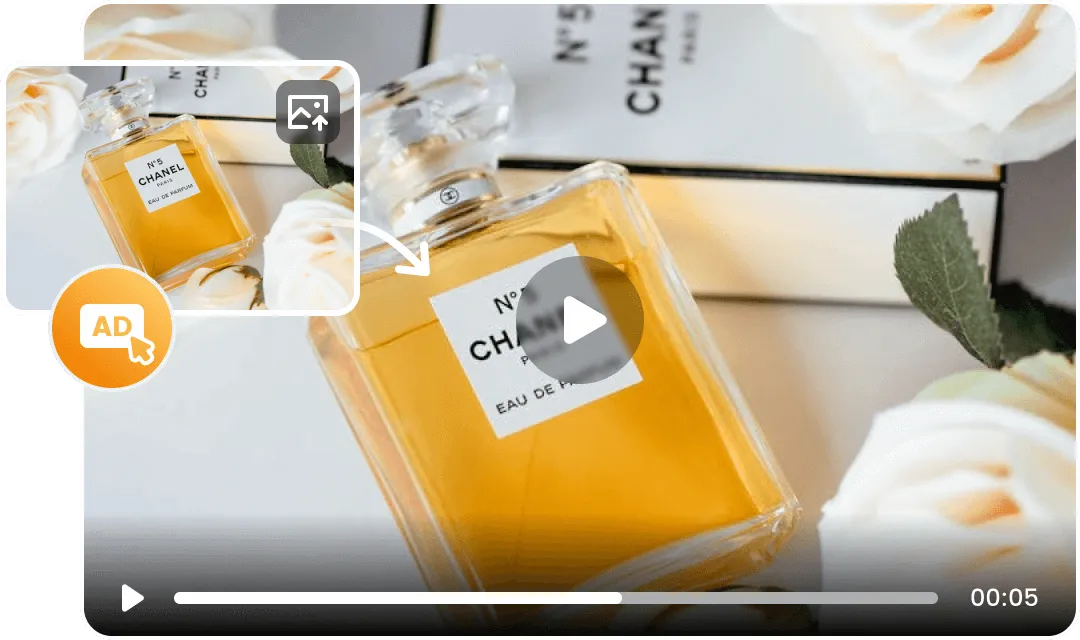
Marketing & Advertising
Give every campaign visual a life of its own. Our image to video AI converts product photos and brand imagery into motion-rich video ads — ideal for social feeds, display placements, and content that earns a second look.
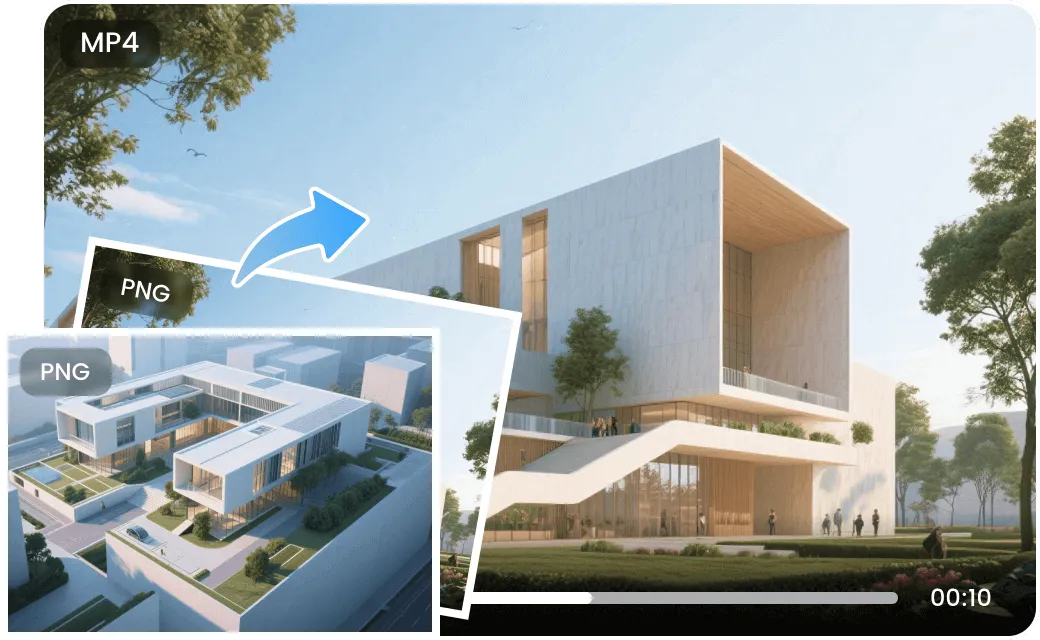
E-Commerce & Retail
Let shoppers see your products move. Transform catalog photos into dynamic video listings that drive clicks and sales — no production budget, no video crew, just upload and generate.
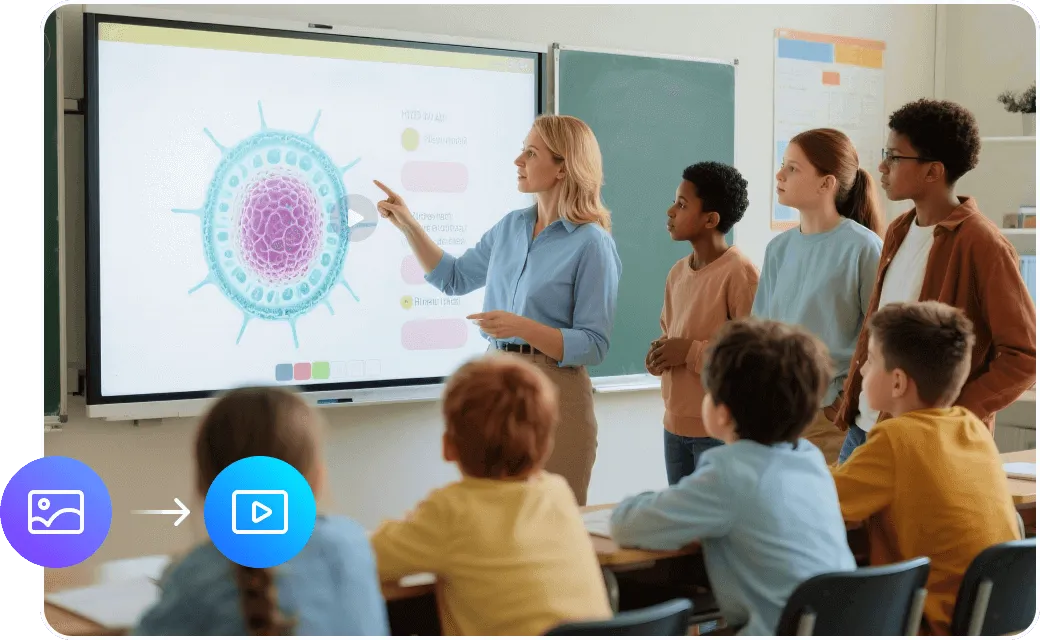
Social Media Creators
Every photo is a video waiting to happen. Generate scroll-stopping clips for TikTok, Instagram Reels, and YouTube Shorts in minutes. Enable Smart Prompt — the AI writes the motion description so you don't have to.
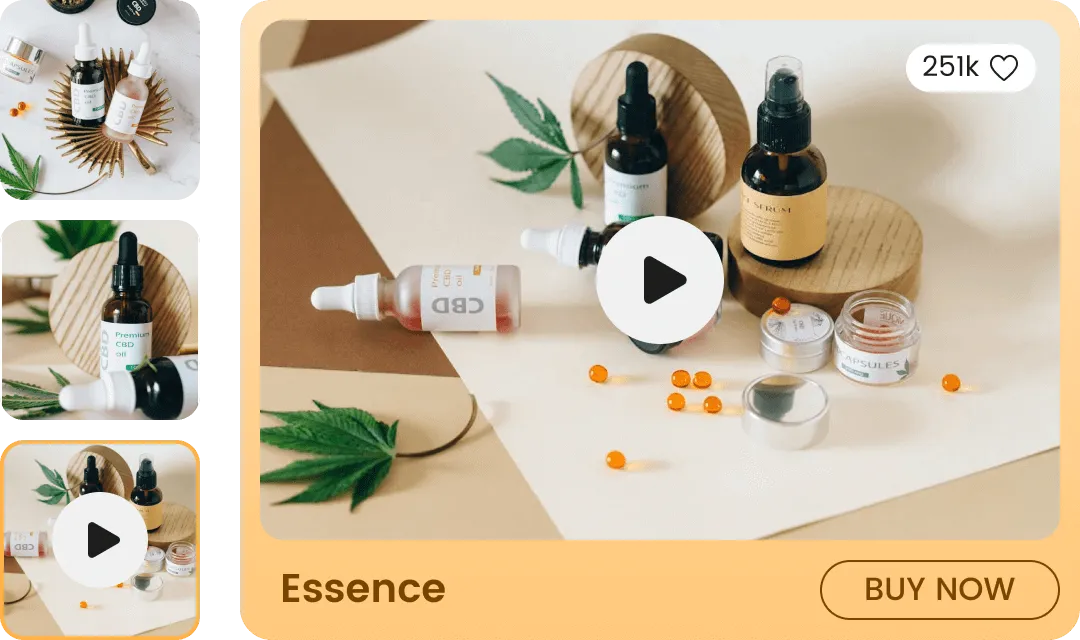
Real Estate
Make every listing unforgettable. Add cinematic camera pans and smooth zoom effects to property photos — giving buyers an immersive first look without a single second of on-site filming.
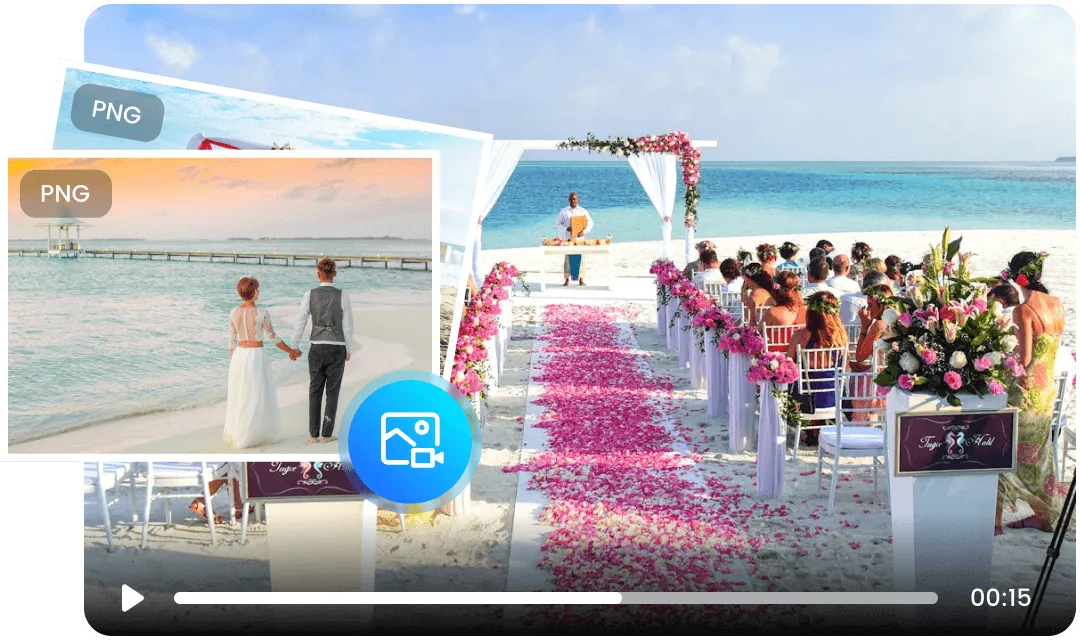
Events & Weddings
Your best moments deserve more than a still frame. Add gentle motion and cinematic mood to portraits, ceremony shots, and group photos — a beautiful keepsake to relive and share with everyone who was there.
Discover the Best AI Video Tools
Enhance your workflow — face swap, subtitles, effects, sound, reference-to-video, and product showcases.
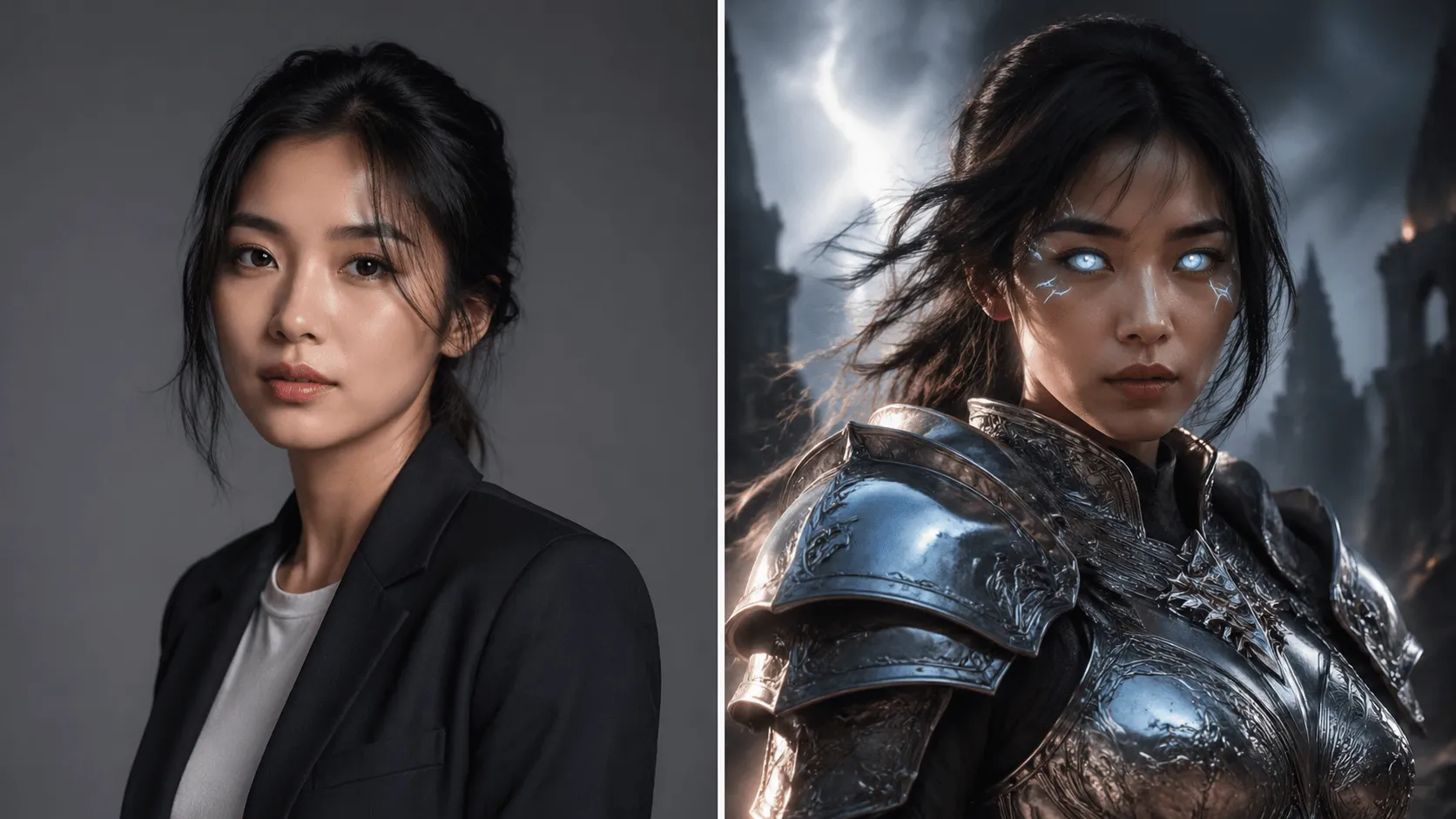 BeforeAfter
AI Video Face Swap
Swap faces in videos with AI precision in 60 seconds.
 BeforeAfter
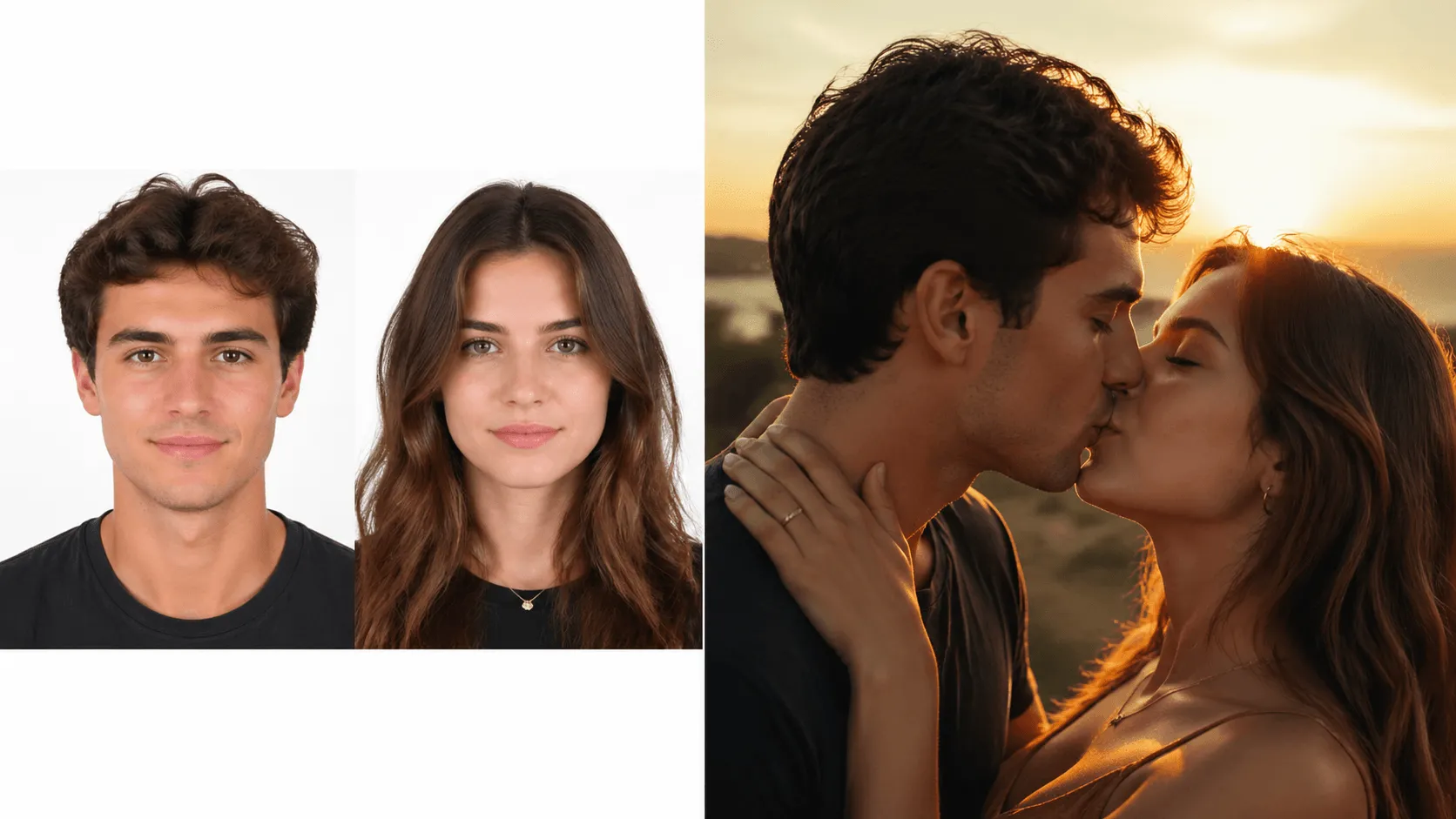
AI Kissing Generator
Animate two people kissing with AI.
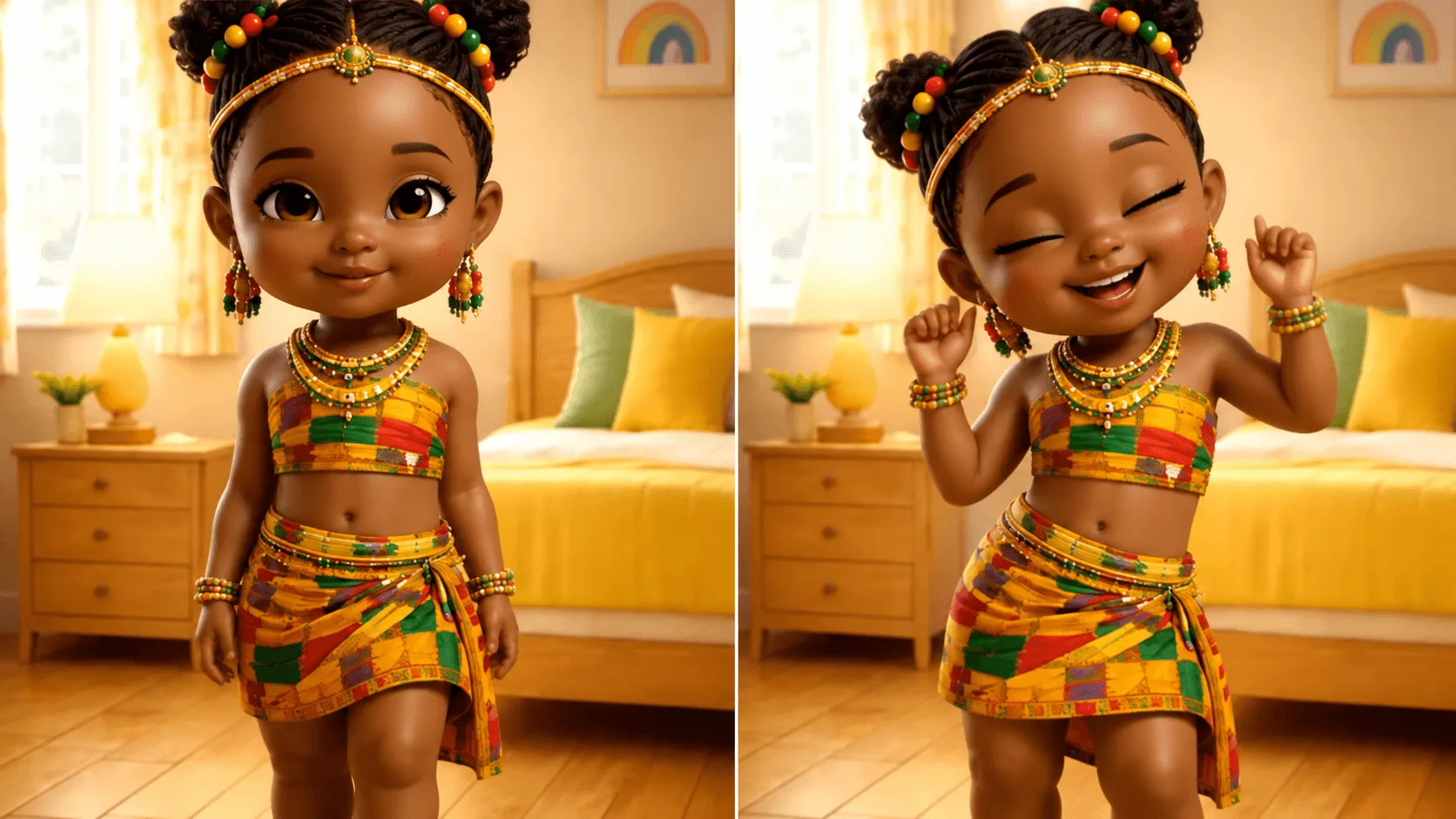 BeforeAfter
AI Dancing Generator
Make anyone dance to any music.
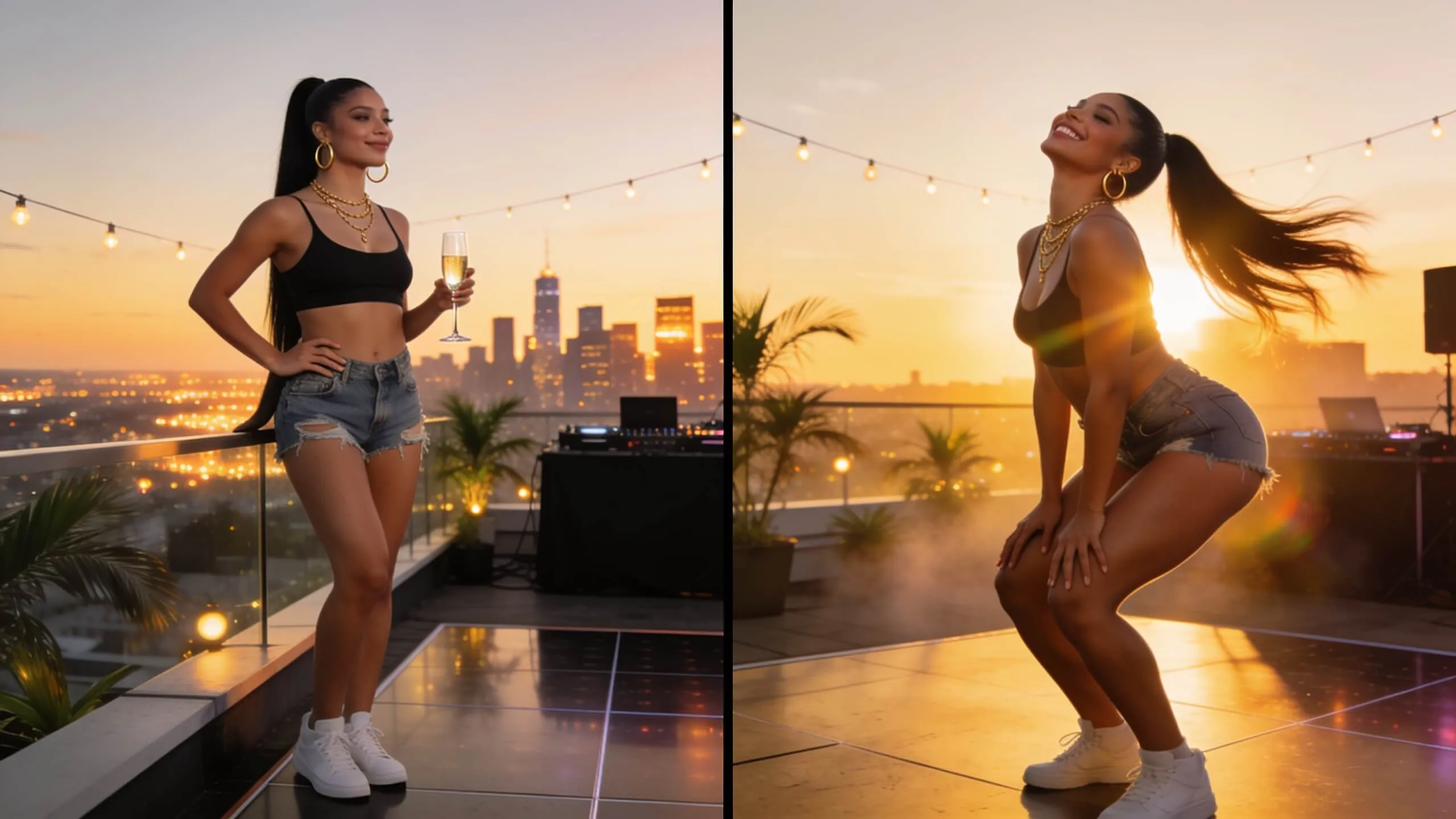 BeforeAfter
AI Twerking Generator
Generate fun twerking dance videos.
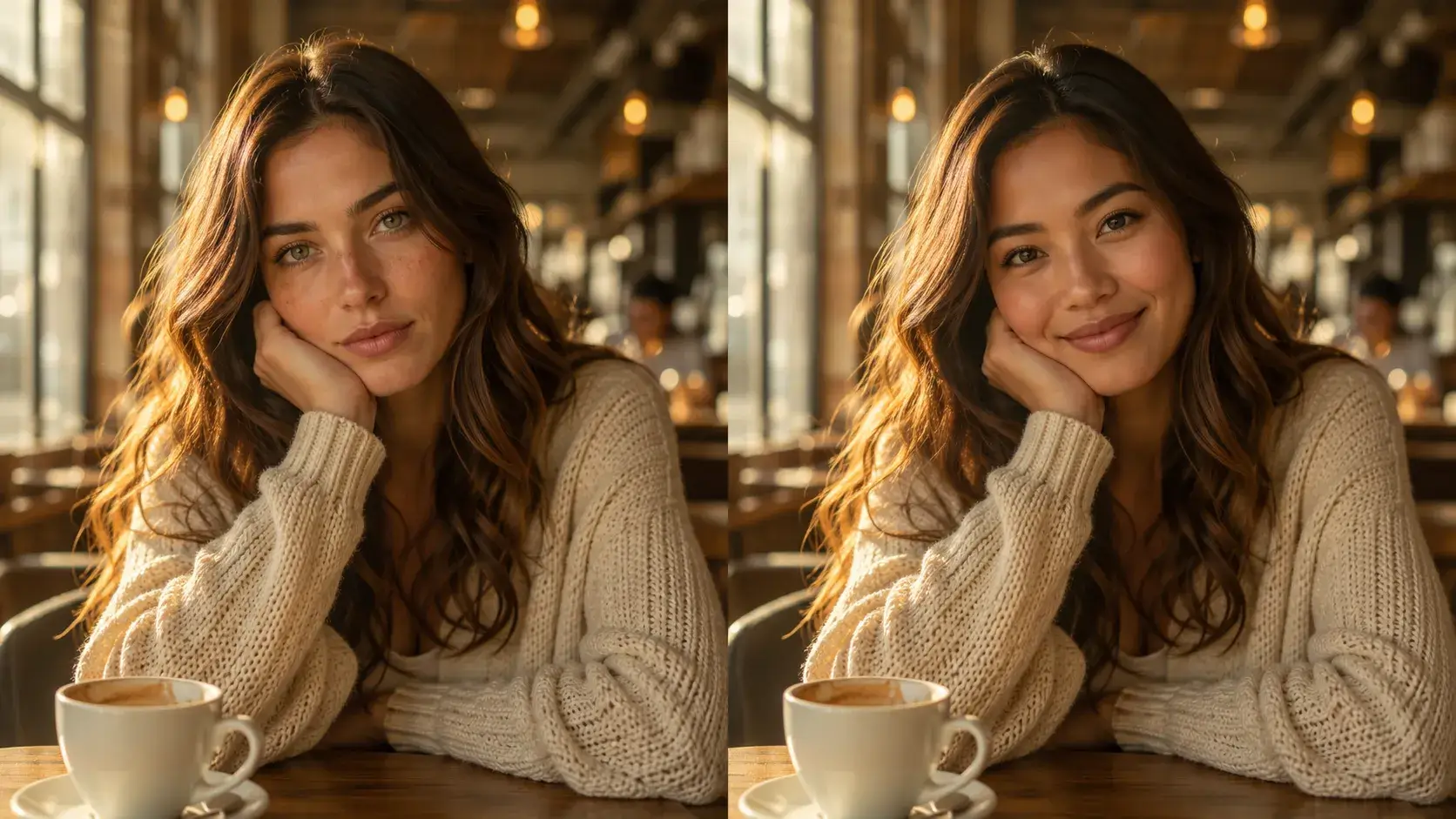 BeforeAfter
AI Image Face Swap
Swap faces in any photo instantly with AI-powered precision.
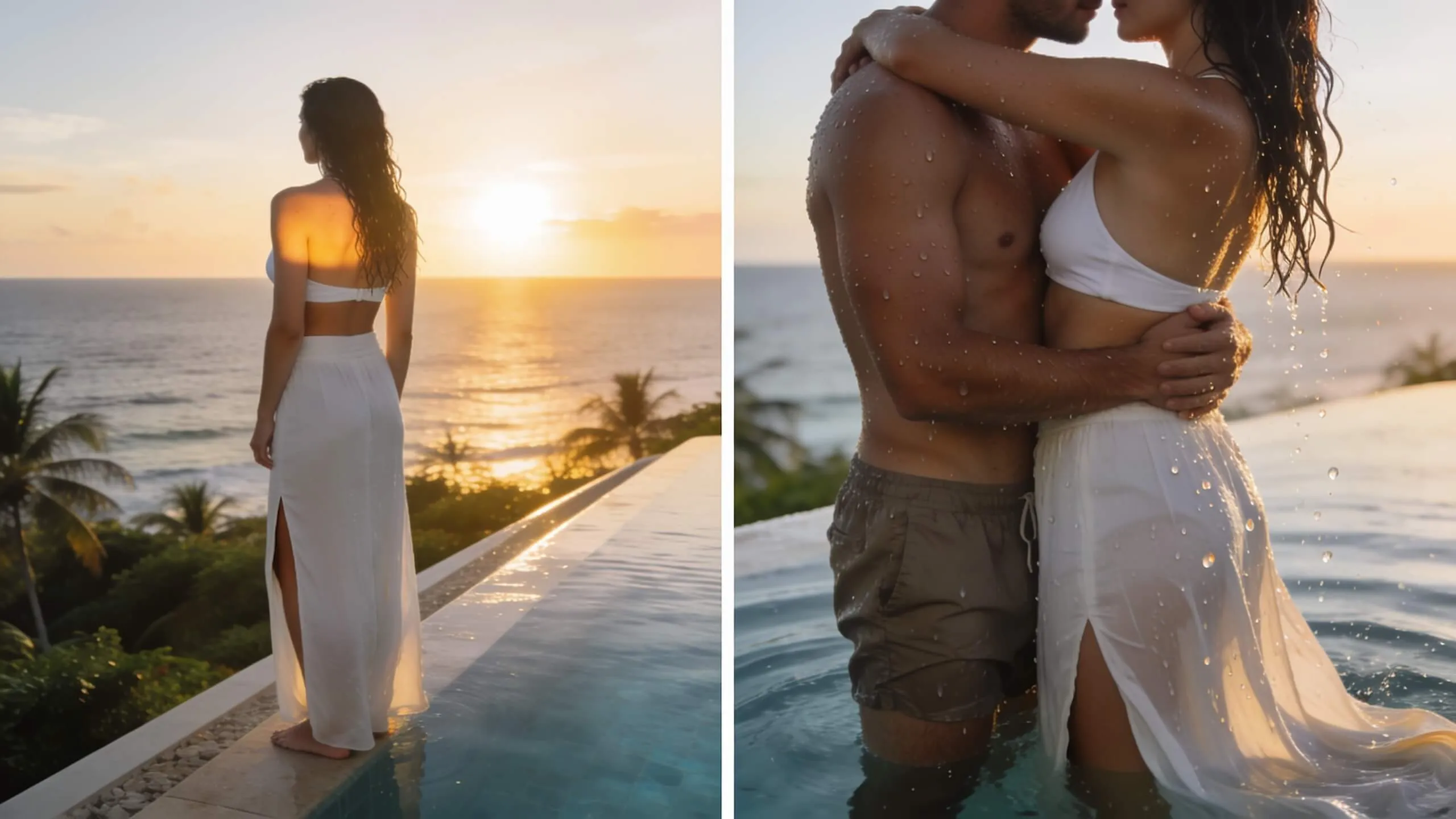 BeforeAfter
AI Hug Generator
Turn a single photo into a warm hug video — bring loved ones close in one AI pass.
FAQs About Image to Video AI
How does AI Image to Video work?
Upload a JPG or PNG photo (up to 10MB), select your preferred AI model (Veo 3.1, Sora 2, Kling 2.6, Seedance 2.0, Wan 2.6, and more), then type a motion prompt or enable Smart Prompt to auto-generate one. Hit Generate and your animated video is ready in minutes — no software, no editing experience required.
Is VidOne image to video AI free? Are there any watermarks?
Yes — new users receive free credits with no credit card required. All generated videos are completely watermark-free, whether you're on a free or paid plan. For ongoing creation, flexible credit packs and monthly subscriptions are available at competitive rates.
Do I need to download or install anything?
No. VidOne is fully web-based — open it in any modern browser on desktop or mobile, upload your image, and start generating immediately. No software installation, no plugins, and no app download required.
What types of images work best with image to video AI?
Our image to video AI handles virtually any image type — portraits, landscapes, product shots, food photography, animals, artwork, and more. Best results come from high-resolution images (1024×1024 or larger) with clear subjects and good lighting. Images with distinct foreground elements, interesting compositions, and depth produce the most dramatic and engaging animations.
Which AI model should I choose for my image to video project?
Each model excels in different areas: Veo 3.1 (Google) for photorealistic cinema with native audio, Seedance 2.0 (BytePlus) for the fastest generation and multi-shot narratives, Kling 2.6 (Kuaishou) for studio-quality portrait and character animation, Sora 2 (OpenAI) for cinematic photorealism, Wan 2.6 (Alibaba) for long-context multi-shot scenes. Enable Smart Prompt for model-specific optimization.
How long does it take to generate a video from an image?
Generation speed varies by AI model and quality settings. Seedance 2.0 delivers results in 60–90 seconds (fastest), Veo 3.1 and Kling 2.6 complete in 2–3 minutes (premium quality). HD 1080p rendering adds 30–60 seconds. Our intelligent queue system ensures efficient processing during peak hours.
Can I control the animation style and camera movement?
Yes. Use detailed prompts to direct your animation. Specify camera movements ('slow zoom in', 'dolly left', 'crane shot'), subject actions ('smile and wave', 'turn head slowly'), environmental effects ('gentle breeze', 'falling leaves', 'bokeh blur'), and emotional tone ('mysterious atmosphere', 'joyful mood'). More specific prompts yield better results. Advanced users can leverage model-specific features like Kling 2.6's portrait controls or Veo 3.1's cinematic camera language.
Can I generate image to video with sound or music?
Yes. Veo 3.1 supports native audio generation — it automatically synthesizes ambient sound, environmental effects, and background audio synchronized to your video. For other models, audio is not embedded at generation time; you can add music or voiceover in any standard video editor after downloading your MP4.
Do I own the rights to my generated videos? Can I use them commercially?
Yes, you retain full commercial rights to all videos created from your uploaded images. Use them freely for marketing campaigns, client projects, social media content, advertisements, presentations, or any commercial purpose. We recommend adding an AI disclosure for transparency (e.g., 'Created with AI'). Ensure you own rights to the source images you upload.
How does the credit system work? What quality and format options are available?
Credits vary by model, resolution, and duration. Standard models (Seedance 2.0, Kling 2.6, Wan 2.6): 480p/4s costs 4 credits, 720p/4s costs 6 credits, 1080p/4s costs 14 credits. Premium models (Veo 3.1, Sora 2): pricing reflects higher quality output — check the cost indicator before each generation. All outputs are watermark-free MP4. Aspect ratio options: 16:9 (YouTube), 9:16 (TikTok/Reels), 1:1 (Instagram). Credits never expire.
Still have questions? Contact our support team

Ready to Animate Your Images? Start Creating Now
Join 10,000+ creators using premium AI models. No editing experience required—upload and watch images come alive.