
Gemini-Powered by Google
Generate and edit images with Google's production Gemini image model. Strong instruction following, broad concept coverage, and reliable output for brand-grade work.
 VidOne AI
Google's Gemini-powered image model — generate, edit, and iterate with multi-turn prompt control, stable character identity, and natural-language retouching.
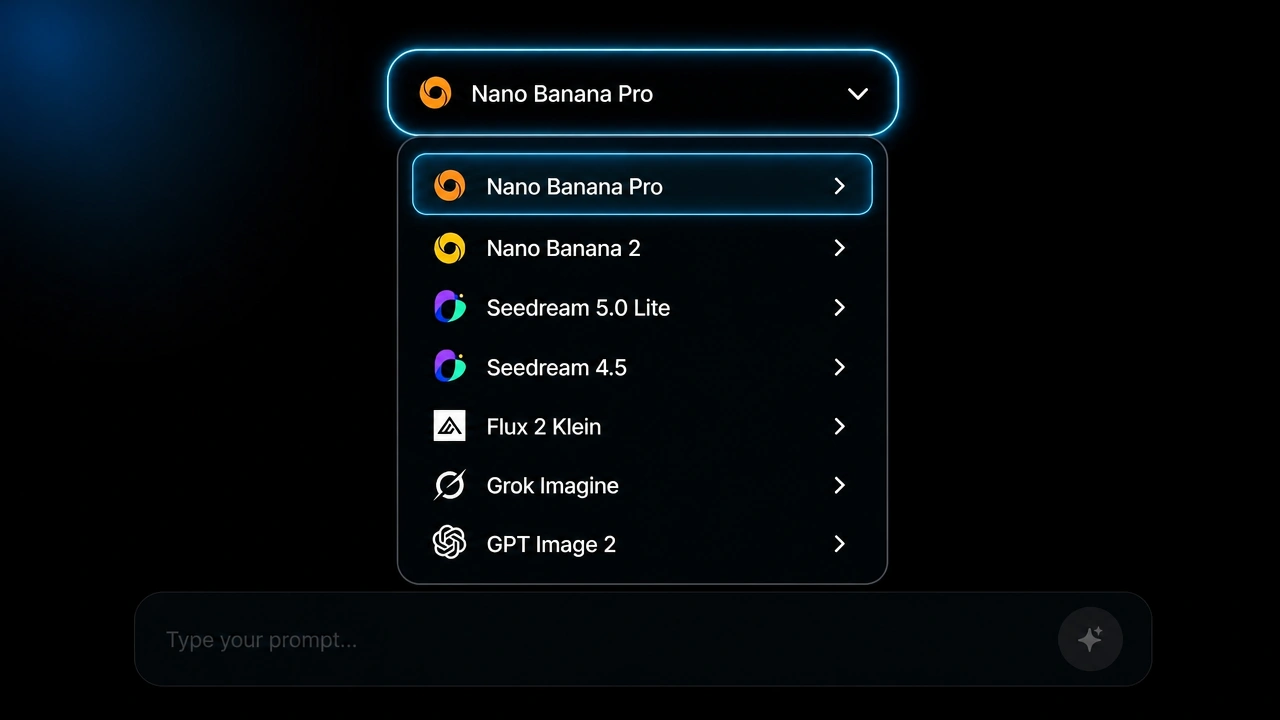
Pick Nano Banana Pro from the image model menu. Generate from a text prompt or upload a reference image to edit. Switch between Google, BytePlus, Black Forest Labs, and OpenAI image models without leaving the page.
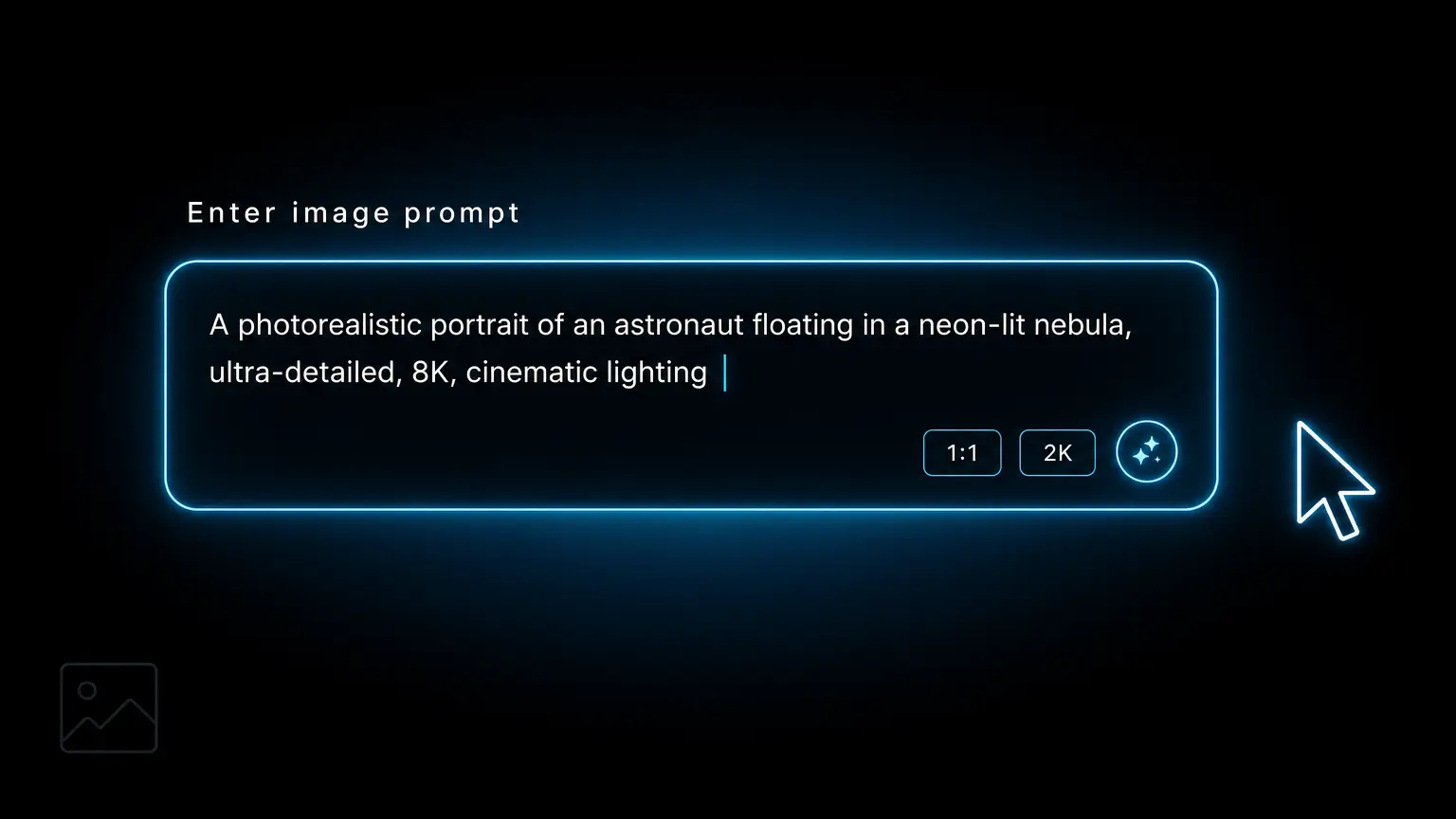
Write a prompt for a new image, or upload a reference and describe the change — adjust the background, swap a colour, add an object, retouch a subject. Nano Banana Pro understands natural-language edits.
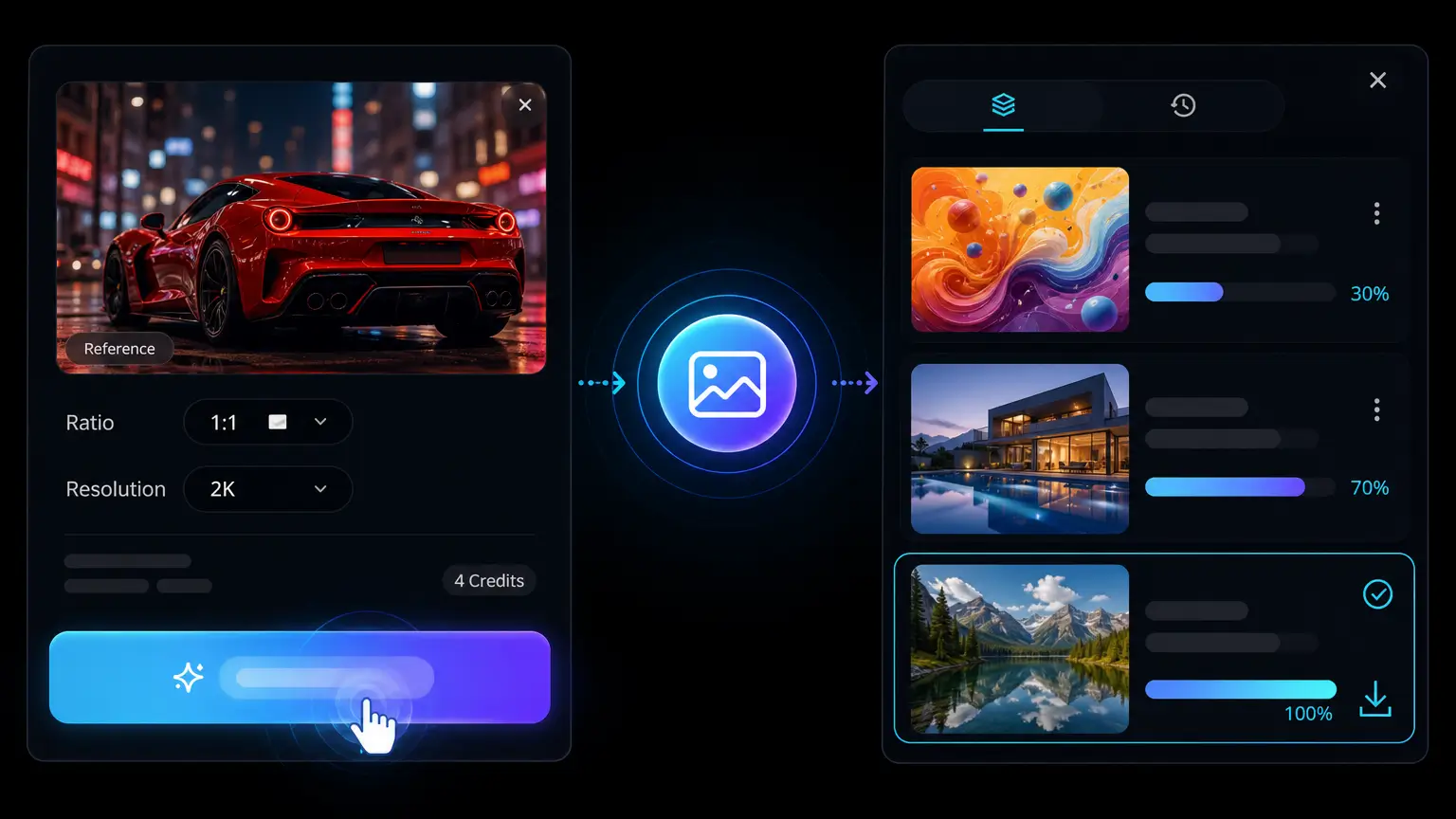
Render the image, then keep iterating with follow-up edits in the same session. The result stays on-brand across turns because Nano Banana Pro preserves the original identity, lighting, and composition.
Nano Banana Pro is easiest to understand when framed around real tasks: generate a draft, revise a visual, render readable text, change style, or combine references into one polished image.

Nano Banana Pro on VidOne is not limited to one task. Generate an image from a prompt, then keep refining the same visual through natural-language edits — without restarting in another tool. A strong fit for creators, marketers, and design teams who need one practical place for visual drafting and revision.
Beyond style and quality, Nano Banana Pro earns a spot on the toolbelt for very practical moves — editing a scene without restarting, reframing one visual into many formats, and producing images that actually carry a message.
You rarely want a brand-new image — you want THIS image with one thing fixed. Describe the change in a sentence: turn noon into golden hour, swap a wide shot for a close-up, soften the rim light, move the focal point. Nano Banana Pro applies the edit while everything else stays locked, so iteration stops feeling like rolling the dice every round.
Try Nano Banana Pro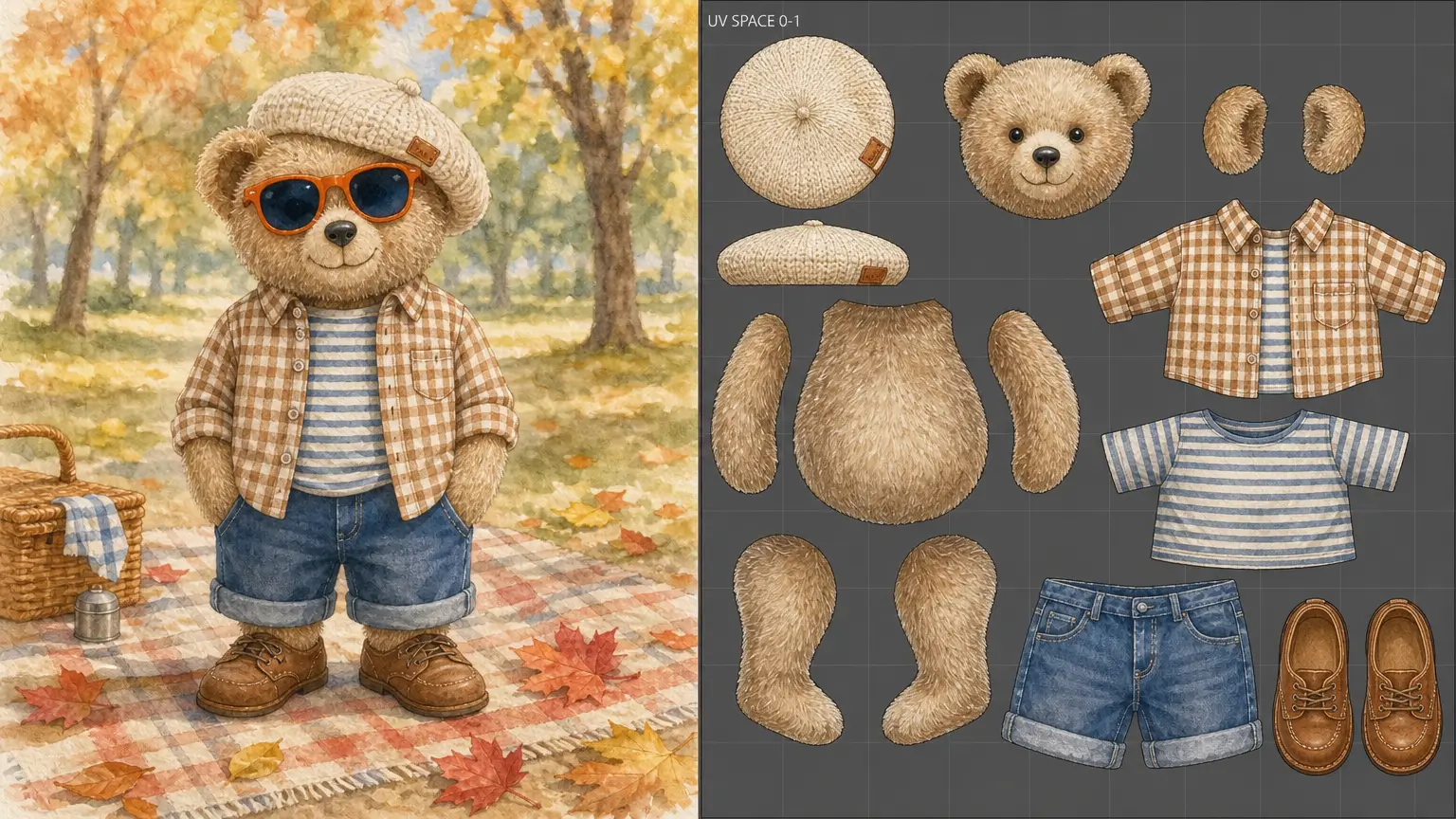
A hero visual has to live in a dozen places — 1:1 tiles, 9:16 stories, 16:9 banners, narrow ecommerce cards, slide covers, thumbnails. Nano Banana Pro reframes the same idea across each ratio with the subject, palette and atmosphere intact, turning one brief into a full delivery set instead of one square render plus a dozen Photoshop crops.
Open Nano Banana Pro
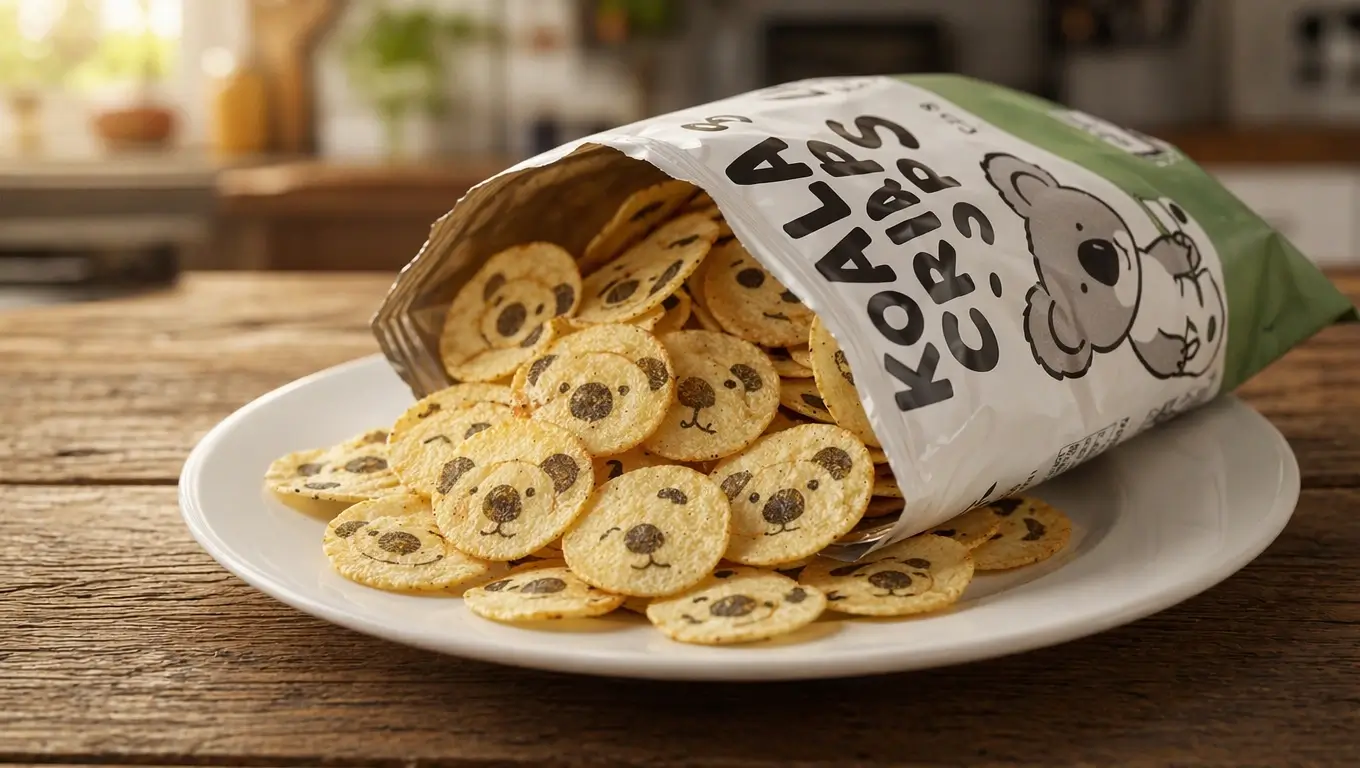
Generative image isn't only for atmospheric mood pieces. Nano Banana Pro is equally at home on infographics, packaging mockups, instructional posters, storyboard frames and presentation diagrams — anywhere the picture has to deliver a message, not just a vibe. Useful for product comms, learning content and structured creative work.
Create with Nano Banana ProGoogle's Gemini-powered image model — built for multi-turn editing, stable identity, and on-brand iteration without re-prompting from scratch.
Generate and edit images with Google's production Gemini image model. Strong instruction following, broad concept coverage, and reliable output for brand-grade work.
Apply edits one at a time in natural language — adjust colour, swap backgrounds, add or remove objects, retouch subjects — without losing the rest of the composition.
Reuse the same character, model, mascot, or product across scenes. Faces, wardrobes, and brand elements stay recognisable between renders.
Natural skin, fabric, food, glass, metal, and environmental lighting. Edits look like real photography rather than composited collage.
Upload a reference and describe the change. Nano Banana Pro keeps the parts you want and edits the parts you describe — no masking, no manual selection.
Comprehensive moderation and safety filters across both generation and editing keep output responsible while preserving creative freedom for legitimate work.
Compare Nano Banana Pro with Flux 2, GPT Image 2, Seedream and more across accuracy, text rendering, consistency, editing, speed and pricing.
| Features | CurrentNano Banana Pro | Nano Banana 2 | Nano Banana | GPT Image 2 | Seedream 5.0 Lite |
|---|---|---|---|---|---|
| Generation Speed | Pro-tier | Flash-fast | Very fast | Variable | Fast |
| Visual Quality | Highest fidelity | Balanced high | Good | Strong | Strong |
| Real-World Knowledge | Search + Thinking | Search + Thinking | Limited | Workflow-based | Online search |
| In-Image Text | Best-in-class | Strong | Basic | Improved | Strong bilingual |
| Subject Consistency | 5 people / 14 refs | 14 refs | Limited | Mixed | Strong |
| Editing Control | Studio-grade | Good | Simple edits | Good | Precise control |
| Resolution | Up to 4K | 0.5K–4K | 1K tiers | Up to 4K | 2K/4K varies |
| Best Fit | Pro assets | Speed + scale | Quick edits | Chat workflows | Trend visuals |
* Model availability and supported settings can change by provider. Review the live generator before submitting.
Video and image generation in one platform — Veo, Sora, Kling, Seedance, Wan, Grok and more.

Latest Google release — sharper prompts, smoother motion.
Google

Portrait and character animation at studio quality.
Kuaishou

Alibaba's long-context model — multi-shot scenes.
Alibaba
OpenAI's flagship model — cinematic, photorealistic video generation.
OpenAI

BytePlus next-generation video model — higher fidelity, richer motion, longer clips.
BytePlus
BytePlus advanced image model — stunning 4K quality with natural detail.
BytePlus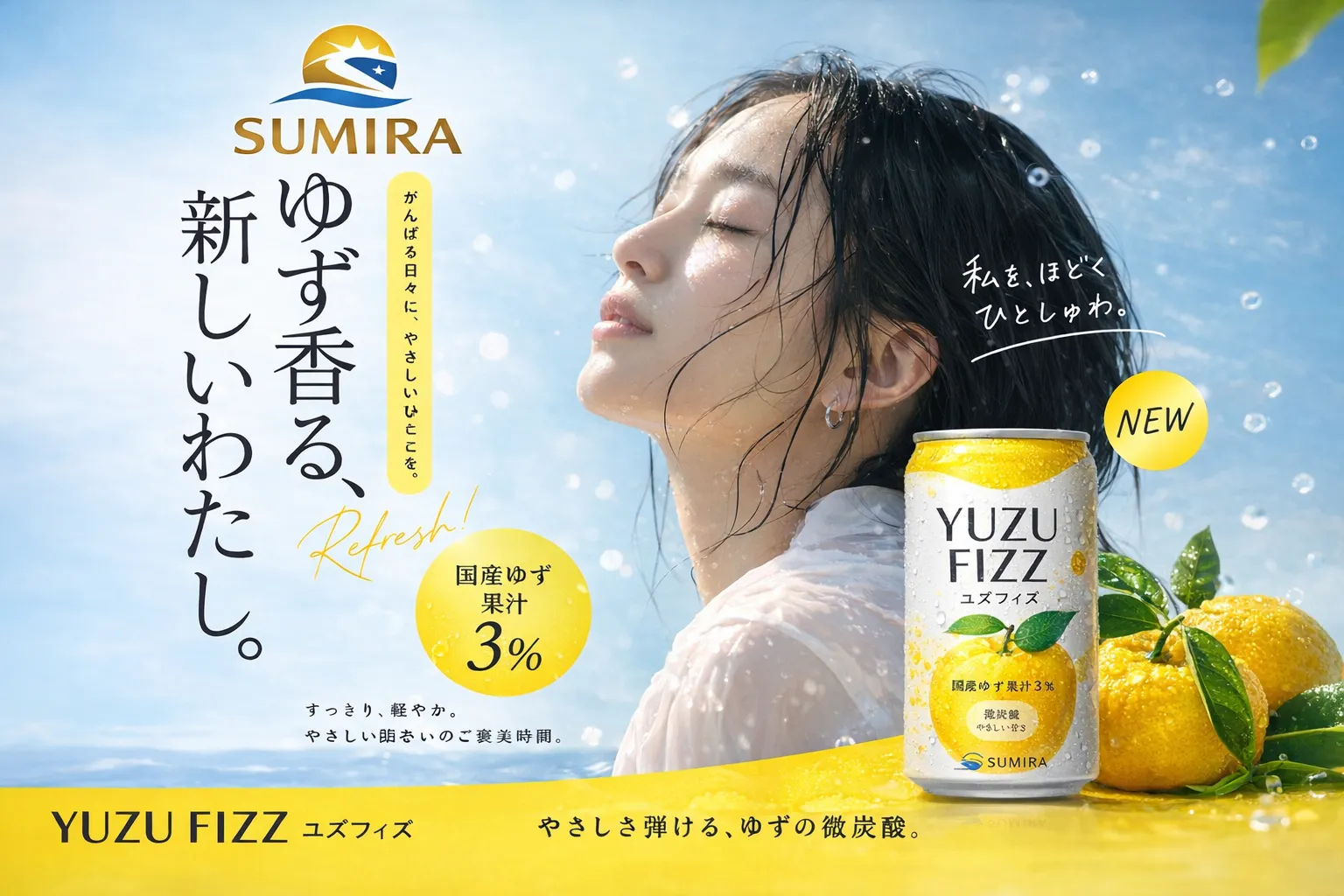

OpenAI's most capable image model — precise instructions, stunning results.
OpenAINano Banana Pro is Google's next-gen image generation and editing model, powered by Gemini 3.0 Pro. The same model also appears under internal names such as Nano Banana 2, GemPix 2 and Gemini 3.0 Pro Image. Compared with the earlier Nano Banana, it delivers higher-resolution outputs, tighter prompt accuracy and noticeably more stable character identity — built for marketing, design and social-media workflows where the same subject has to appear consistently across many frames.
Backed by Gemini 3.0 Pro, Nano Banana Pro upgrades the original Nano Banana on four axes: higher-resolution outputs, stronger character and subject consistency across renders, more legible in-image text (including multilingual), and broader world knowledge for accurate scene composition. The result is faster, more reliable, production-quality imagery from a single prompt.
GemPix 2 is the internal Google codename used during development for the same model that ships publicly as Nano Banana 2 / Nano Banana Pro. It's the rendering component responsible for physically grounded output — lighting, reflections, material response and photographic consistency — so any reference to GemPix 2 points to the same underlying Google model you can use on VidOne AI.
Yes — you can use Nano Banana Pro (Nano Banana 2) for free on VidOne AI. Every user gets access to its complete feature set, including up to 4K-resolution generation and editing, at no charge while you try the model out.
Most Nano Banana Pro generations on VidOne AI complete in roughly 10–15 seconds. Actual time scales with output resolution and prompt complexity — denser scenes, multiple reference images or 4K outputs can take slightly longer.
Still have questions? Contact our support team

Generate, edit, and iterate with Google's Gemini-powered image model. Multi-turn editing, stable identity, photoreal output — all in the same VidOne workflow.